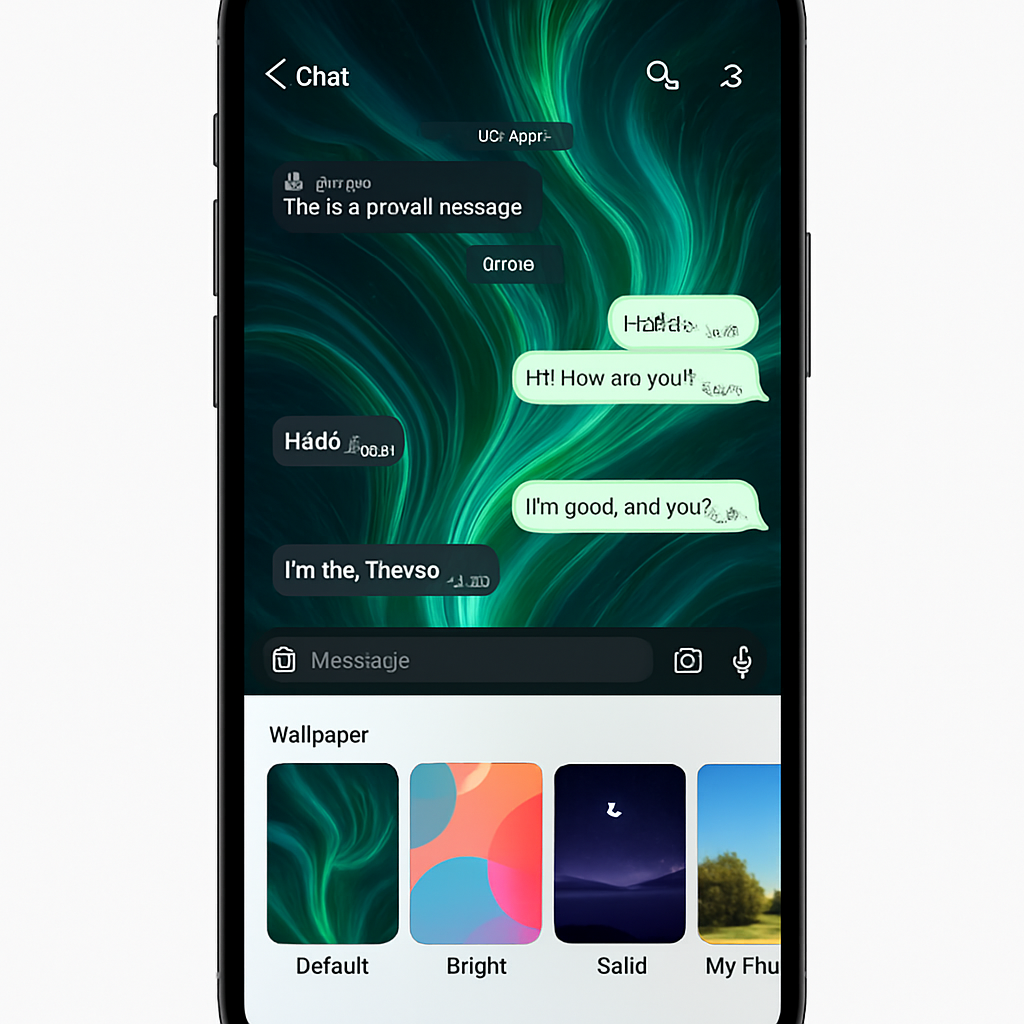
WhatsApp has started rolling out a new set of chat themes to iPhone users, introducing more customization into message threads with five distinct theme categories. The update adds Featured, Nature, Live, Minimal, and Doodle themes—each designed to offer a different visual style for users’ chats.
What’s in the Theme Gallery
The Featured section serves as a curated showcase, pulling together the best themes handpicked by WhatsApp’s design team. Nature brings scenic, outdoor-inspired backgrounds to your chats. Minimal is all about clean visuals—solid colors with white for light mode and dark tones for dark mode. Doodle revives the classic, playful pattern walls familiar from WhatsApp’s earlier designs.
Most notable is Live, the category featuring animated wallpapers. These motifs move subtly in the background to bring life to the chat screen, but the motion is purposefully slow—to avoid distractibility and support accessibility. Live themes are marked with a small icon so users can quickly spot which themes include motion, even when browsing through Featured. Alongside theme visuals, WhatsApp also adjusts the chat bubble hues automatically to match your selected theme.
Availability and Rollout
WhatsApp first teased the new theme galleries in code a couple of weeks ago, and now they’re beginning to reach users. While the rollout has started, not all iPhone users will see the update immediately—it appears to be a staged release. If you’ve already received it, let WhatsApp know your impressions.
This update matters because chat theming has become a major way users personalize messaging apps. Similar customizations have long existed in platforms like Telegram and Signal; now WhatsApp is stepping up its design flexibility. The ways Live backgrounds are handled—slow motion, accessibility-conscious—hint at thoughtful UX, not just visual flash.