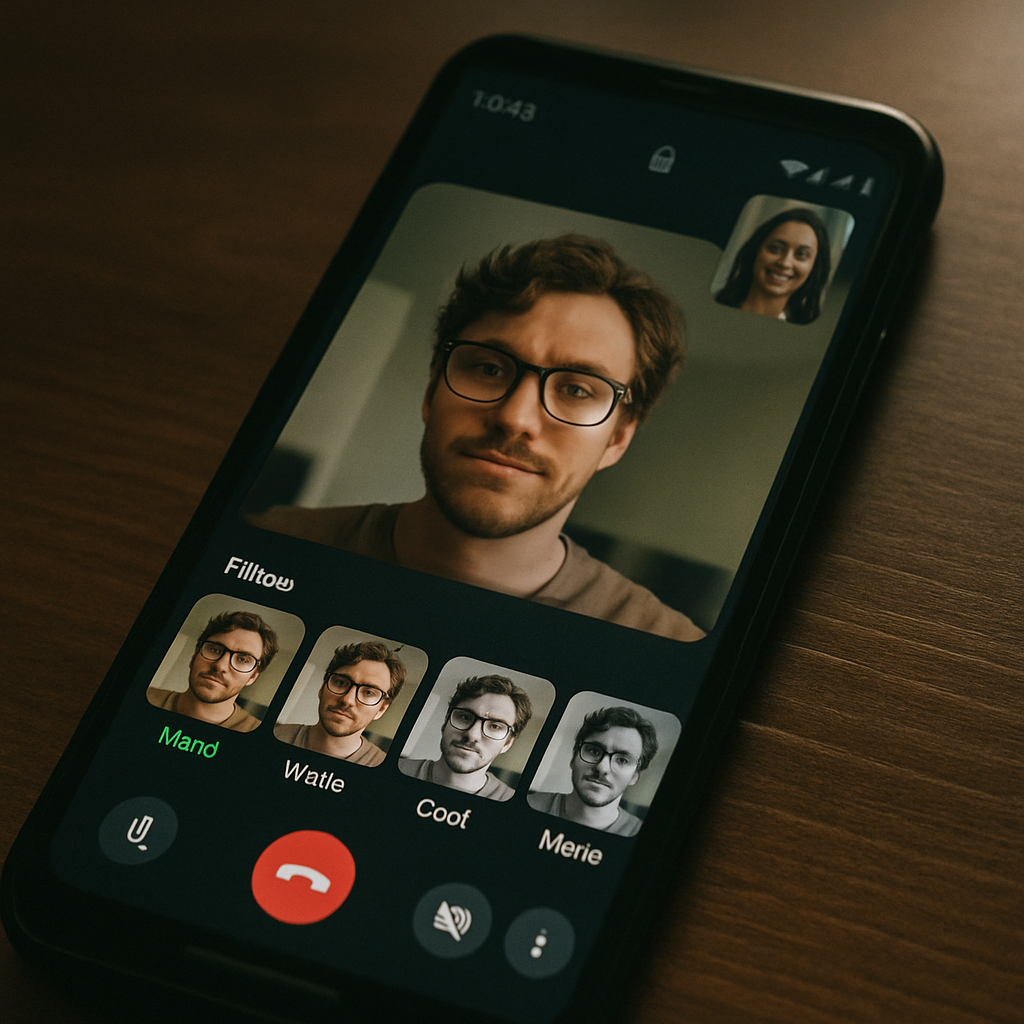
WhatsApp for Android has a critical security loophole that allows private photos to become visible without unlocking the phone. The issue arises from WhatsApp’s video call interface, which on some devices lets users access filter effects before unlocking. During an incoming or answered call—which works even if the phone is locked—the interface for applying filters or effects can display previews using images from the user’s gallery, without requiring PIN, fingerprint, or facial unlock. This lets someone physically see private photos that should remain protected.
Which Devices Are Affected?
This vulnerability doesn’t affect all Android phones equally. Investigation shows that many Pixel and Oppo handsets allow the bypass, meaning the filter preview displays gallery thumbnails while the screen is still locked. However, Samsung devices behave differently: on them, WhatsApp forces the lock screen to be unlocked before revealing gallery content in the filter UI. On iPhones, the problem doesn’t occur at all, since WhatsApp uses iOS’s native calling UI which does not permit such access.
What’s The Risk—and How You Can Mitigate It
The core risk: someone answering or handling a WhatsApp call on your locked Android device could glimpse private photos via the filter preview without needing any unlock method. They won’t gain broader access to the phone or other apps—but for anyone concerned about visual privacy, even this limited exposure is worrisome.
Until a fix arrives, there’s a workaround. Setting WhatsApp’s photo/video access permission to “limited” in Android’s permission manager stops the gallery previews from showing during calls—effectively plugging the loophole. WhatsApp and Google have reportedly been alerted to the issue, but no patch has been confirmed yet.
This flaw follows broader trends around permissions creep and unintended access via media or camera tools, reminding users that even legitimized features—like filters and effects—can open doors to privacy risks if permissions are handled improperly. Android’s flexible permissions are a core strength, but variations in how manufacturers implement lock screen behavior can leave gaps.
What this means: users on Android—especially Pixel and Oppo users—should audit their WhatsApp permissions now. Watch for updates from WhatsApp and Google. In the bigger picture, this underscores the challenge of maintaining privacy when apps integrate camera, gallery, and media features—significantly so as AI-generated effects and filters become more mainstream and locally processed without oversight.