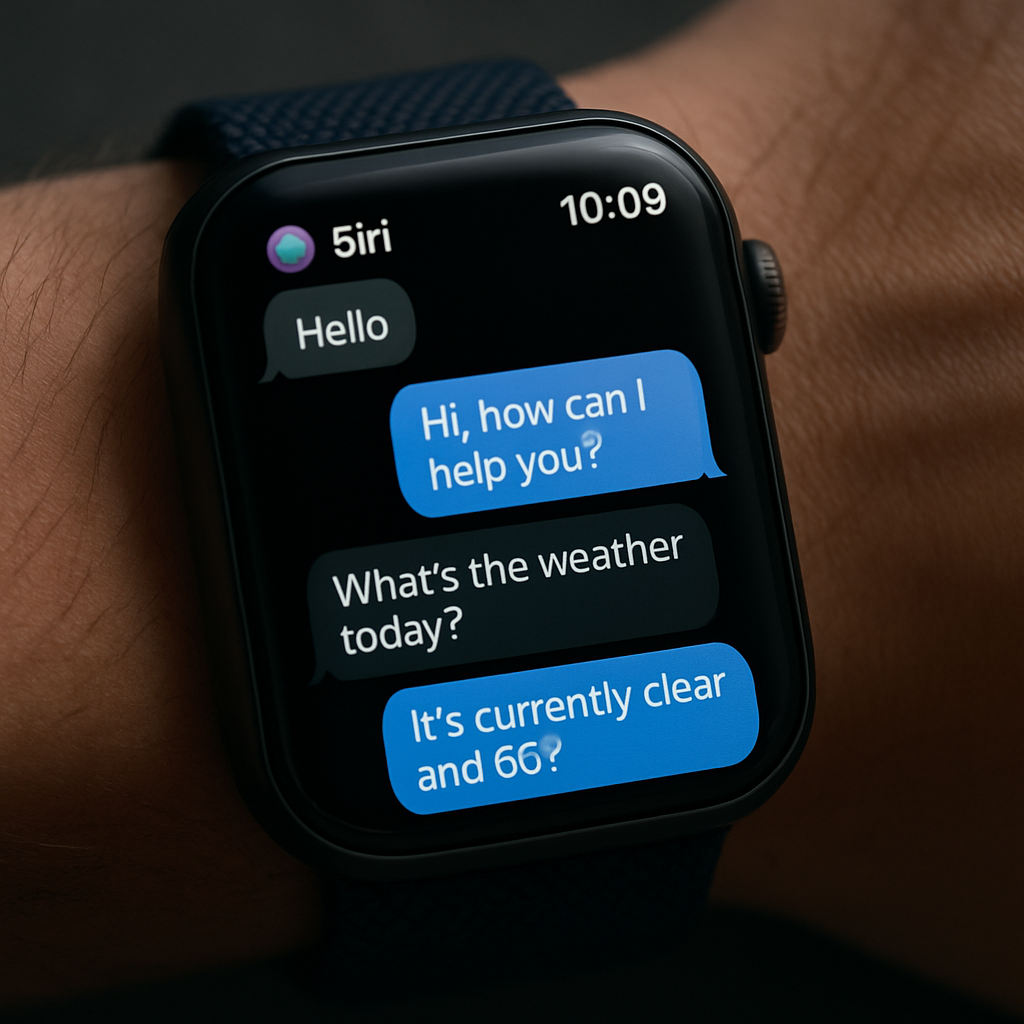
With watchOS 27, Apple has expanded Siri’s conversation capabilities—letting it retain history and allow users to pick up earlier chats. This upgrade, which also appears in iOS, iPadOS, and macOS, is a big step toward more natural, uninterrupted interactions with the AI assistant. But on Apple Watch, the new resume-chat functionality is functional yet surprisingly stealthy.
Siri saves conversations—finally
Under the updated OS lineup, Siri now retains past chats, enabling users to return to earlier prompts or queries without needing to restate context. That means you can ask follow-up questions more easily—less repeating, more continuity. On devices like iPhone, iPad, and Mac, this is implemented in a chat-like interface. Threads of conversation appear much like messaging apps, making it clear where you left off.
Resume Siri conversations on Apple Watch—if you know the trick
Even though the Siri app on Apple Watch shows past threads, the ability to continue them isn’t immediately visible. There’s no dedicated button or prompt that signals how to carry on an old chat directly from the thread list. The workaround is simple but subtle: open the Siri app, navigate to the chat you want, then invoke Siri—either by holding the Digital Crown or using voice commands like “Hey Siri.” Whatever you ask will then be appended to the thread currently in view.
This hidden feature works, but it’s far from intuitive. Without documentation or visible cues, many users may not realize that invoking Siri from within the thread carries on the conversation instead of starting fresh. As of now, this is the only known method for continuing conversations via Apple Watch in watchOS 27.
The update arrives broadly with watchOS 27 and companion OS releases. However, full Siri AI features still depend on hardware, location, and may involve waitlists before becoming available to all users.
What this means: Siri’s improved memory across Apple’s platform is a strong move toward more conversational AI that remembers context. But for Watch users, the feature is functionally present yet poorly surfaced. Users will benefit most if Apple reveals a clearer — or more obvious — way to continue chats in future updates. This would reduce confusion, encourage usage, and bring parity with how Siri behaves on iPhone, iPad, and Mac.