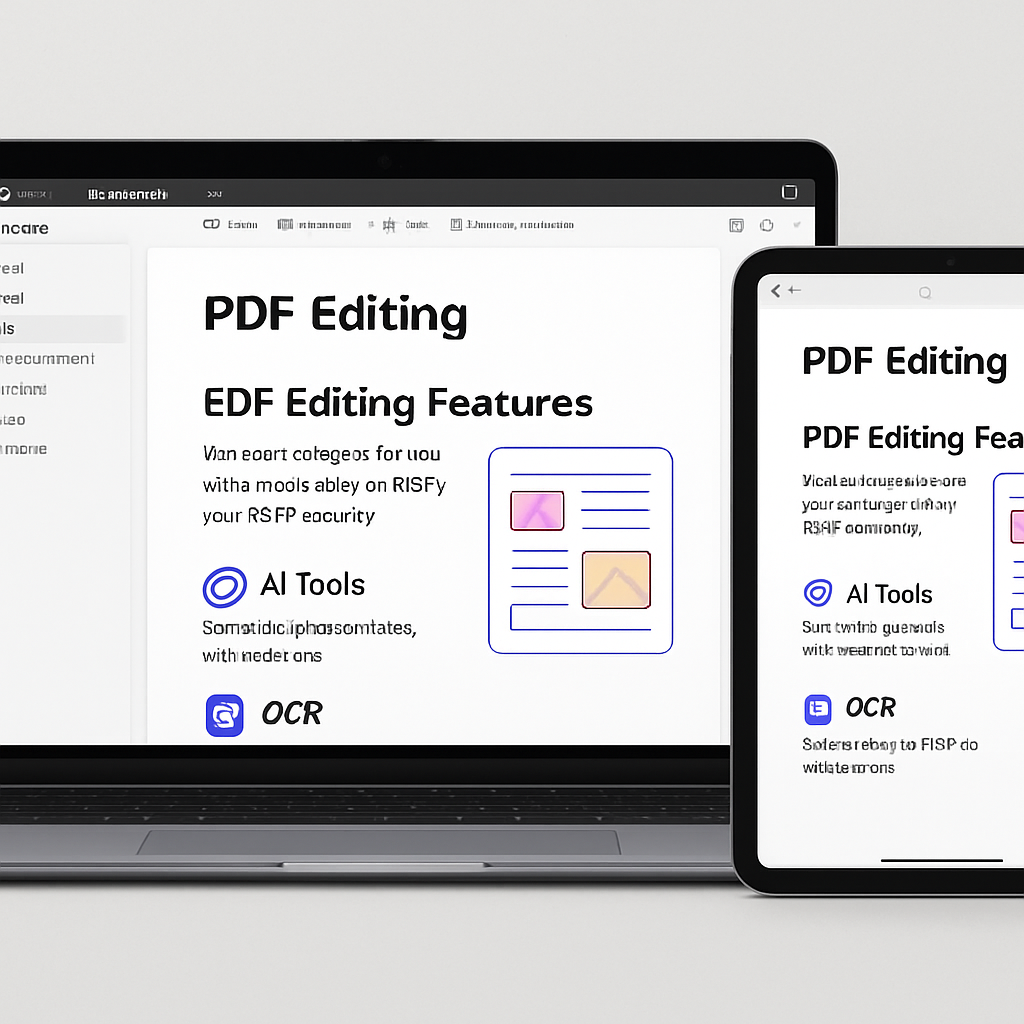
Managing PDF documents on Mac and iPad has become more efficient with UPDF, a comprehensive PDF editor that offers advanced features beyond the capabilities of native applications like Preview. UPDF provides tools for editing, converting, and organizing PDFs, catering to both casual users and professionals.
UPDF’s editing capabilities allow users to modify text, images, and links within PDF files. Users can adjust text properties, crop or replace images, and edit embedded links. Additionally, the software supports adding watermarks, changing backgrounds, and customizing headers and footers, offering a versatile editing experience.
For those dealing with scanned documents, UPDF’s Optical Character Recognition (OCR) feature is particularly beneficial. It converts scanned PDFs into editable and searchable text, supporting over 38 languages. This functionality is essential for users who need to extract or modify text from image-based documents.
UPDF also integrates artificial intelligence to enhance productivity. The AI-powered features include translating, summarizing, and explaining content within PDFs. These tools assist users in understanding and processing large documents more efficiently, streamlining workflows.
Beyond editing, UPDF offers robust organizational tools. Users can rearrange, delete, rotate, split, extract, and replace pages within a PDF. The software also allows for merging multiple PDFs into a single document and compressing files to reduce their size without compromising quality. These features are invaluable for managing extensive document collections.
Security is a priority with UPDF, which provides options to password-protect PDFs, restricting access and editing capabilities. Users can also add digital signatures, ensuring the authenticity and integrity of their documents.
UPDF’s cross-platform compatibility is noteworthy. A single license grants access across Mac, iPad, iPhone, Windows, and Android devices. This flexibility ensures that users can manage their PDFs seamlessly, regardless of the device they are using.
In comparison to other PDF editors, UPDF stands out for its combination of advanced features and affordability. It serves as a cost-effective alternative to more expensive solutions, offering a comprehensive suite of tools for PDF management.
For users seeking a powerful and versatile PDF editor, UPDF presents a compelling option. Its integration of AI and OCR technologies, along with extensive editing and organizational tools, makes it a valuable asset for both personal and professional use.