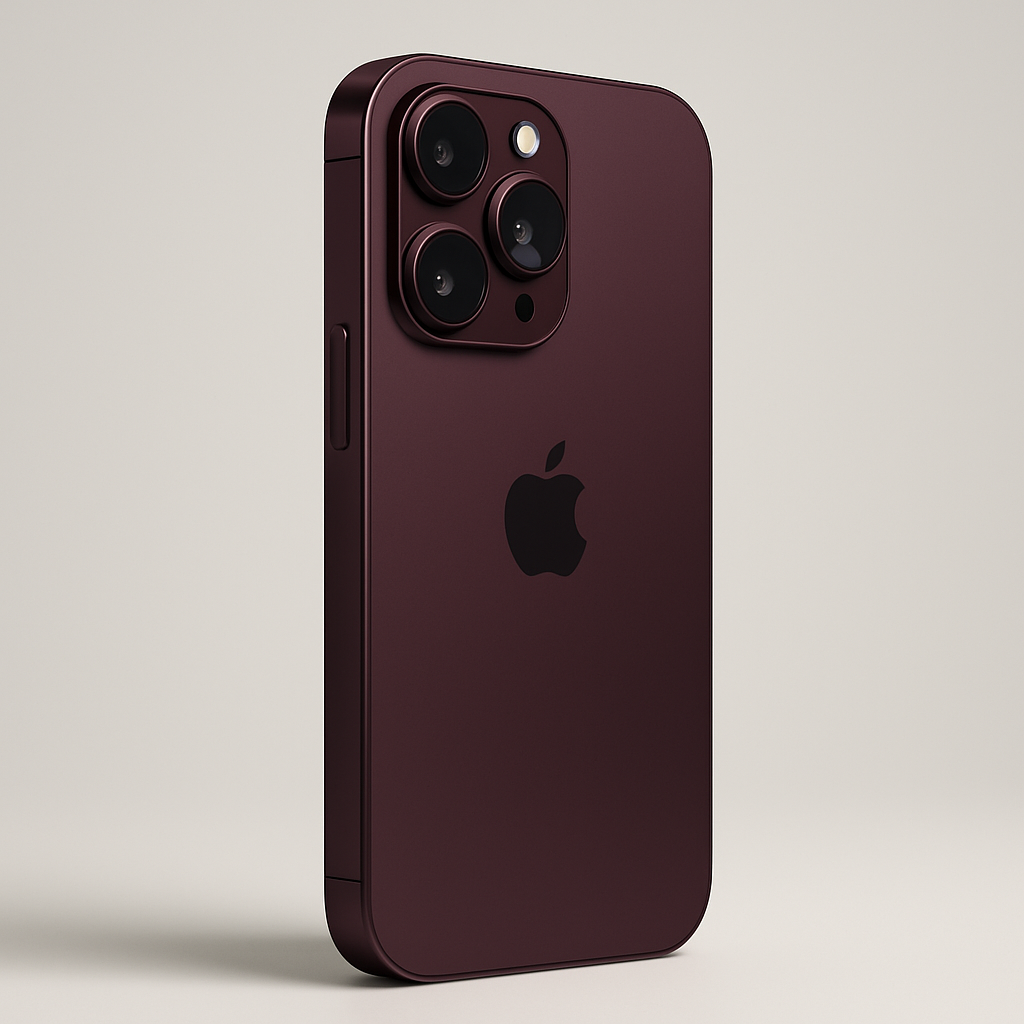
Cultured Code has released an update to its task management app, Things, bringing full support for the iPhone Duo. The new version, Things 3.25, is built to adapt to the Duo’s foldable form factor, delivering a dynamic interface that shifts smoothly between closed, open, and partially folded positions. It also works in both portrait and landscape orientations. It’s available now on the App Store.
Adaptive Layout & Sidebar
When the Duo is opened, Things introduces a sidebar—a feature entirely new to the iPhone version—that lets users quickly toggle between task lists. The app modifies its layout to take advantage of the display’s full size when unfolded, and shrinks intelligently when the device is closed or folded like a book.
Multi-Window Support & Advanced Controls
Beyond just layout changes, Things now enables multiple windows to be open side by side. Users can drag and drop items between windows for more flexible task organization. Key interface elements like the Magic Plus button are placed in a vertical control bar designed for thumb reachability, and this button can be dragged to insert a new task anywhere in a list.
Keyboard Enhancements
Plugging in a keyboard unlocks the full suite of Things’ keyboard capabilities. These include persistent selection, comprehensive keyboard shortcuts, and Type Travel—a feature that speeds up navigation between lists. These additions aim to make Things feel more productive and desktop-like when the Duo is paired with external input.
Things 3.25 is available now through the App Store.
The iPhone Duo itself is Apple’s first foldable smartphone. At launch (October 23), it features a dual-screen “book-style” design: a 5.4-inch exterior display and a 7.6-inch interior display joined by a hinge, with iOS 27 adapting to the device’s multiple configurations. The foldable device supports partially folded modes and different orientations, as well as new controls and app layouts that respond to its form.
Analysis: Things’ update signals what’s to come from developers optimizing for foldables. By adding adaptive layouts, sidebars, multi-window support, and enhanced keyboard controls, Things is pushing what productivity looks like on a device that blurs the line between phone and tablet. For users this means more flexibility and usable screen real estate. For Apple and third parties, maintaining performance and consistency across folding states will be crucial. Watch to see how other major apps respond—and how well Things keeps up with real-world hinge wear and the device’s physical ergonomics.