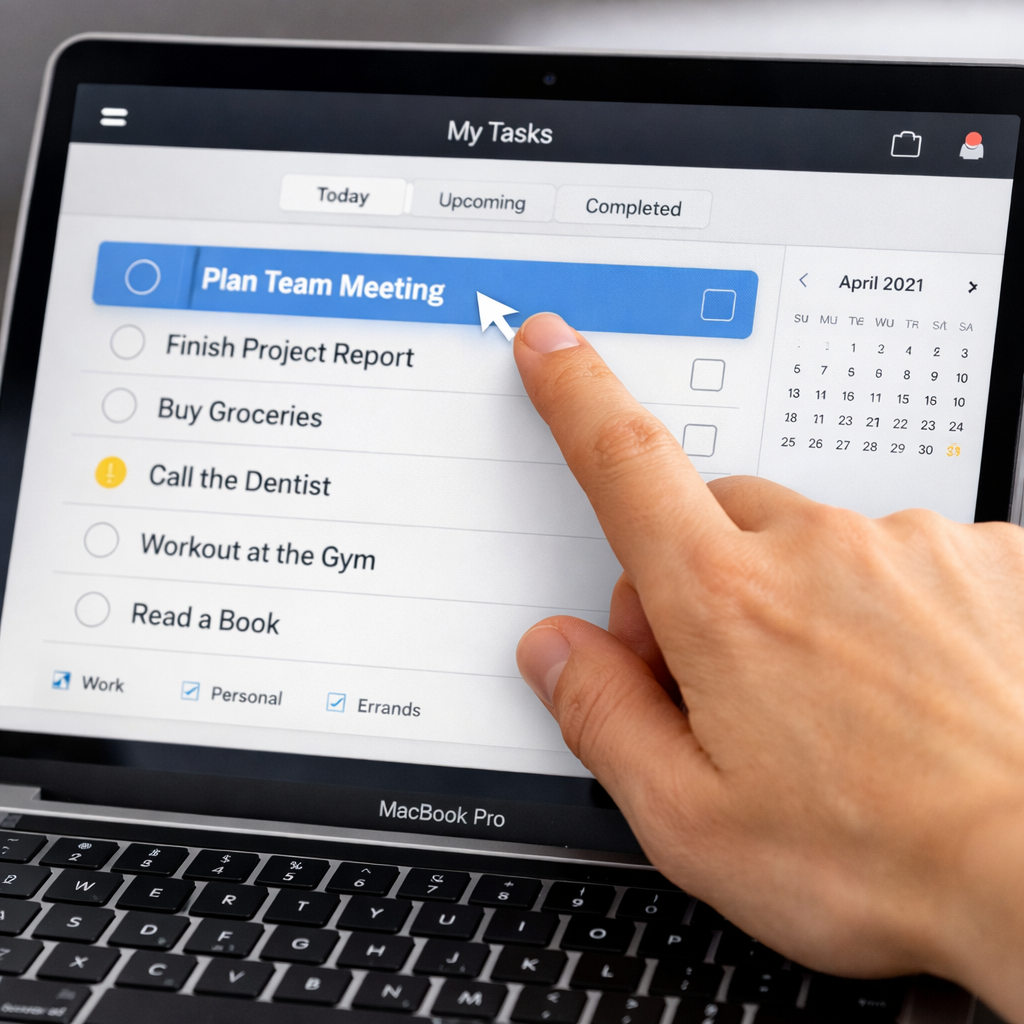
Task manager Things has rolled out version 3.25 for macOS, with a suite of upgrades built around touch gestures. This comes shortly after the release of Apple’s touchscreen MacBook Pro, which shipped with basic tap input across Mac apps. The latest update changes that: it introduces richer, more intuitive touch interactions designed to make Things feel native with touch.
New Touch Controls and Gestures
With version 3.25, users can now swipe right on a to-do item to bring up its scheduling options, or swipe left to select or deselect it. Multi-selection enters the mix too—dragging two fingers up or down a list highlights multiple to-dos. Opening and expanding tasks is possible with taps—tap once to select, tap again to expand—or simply double-tap.
Drag-and-drop behavior has been overhauled. Moving single to-dos or whole sections feels significantly smoother. If you’ve selected a group and hold one item, the action picks up everything in that group, not just the individual item. Even items that are off screen now behave better during drag operations.
Interface Tuned for Touch
The UI sees a number of refinements for finger-based control. Menus and date pickers respond to touch by presenting larger touch-friendly rows and targets. Buttons are more forgiving for taps. Sidebar resizing via touch is smoother, and rearranging items in checklists within tasks is easier.
A longstanding usability touch: you can cancel an entire task—or just a checklist item—by pressing and holding its checkbox. Various other small adjustments polish the overall interaction throughout the app.
The update is already available for download via the Mac App Store, bringing all these improvements for compatible devices.
Why this matters: Things 3.25 reflects a growing shift in how macOS apps are expected to behave on hardware with touch input. As Apple continues integrating touch more centrally—moving beyond merely supporting taps—the expectations for apps like Things evolve. For users, that means smoother workflows and greater consistency across device types. For developers, it’s a signal: touch support is no longer optional—it’s becoming fundamental. Keep an eye out for how this influences other staple productivity apps in the coming months.