Experience PlayStation 5 Games in 3D on Apple Vision Pro with the Portal App
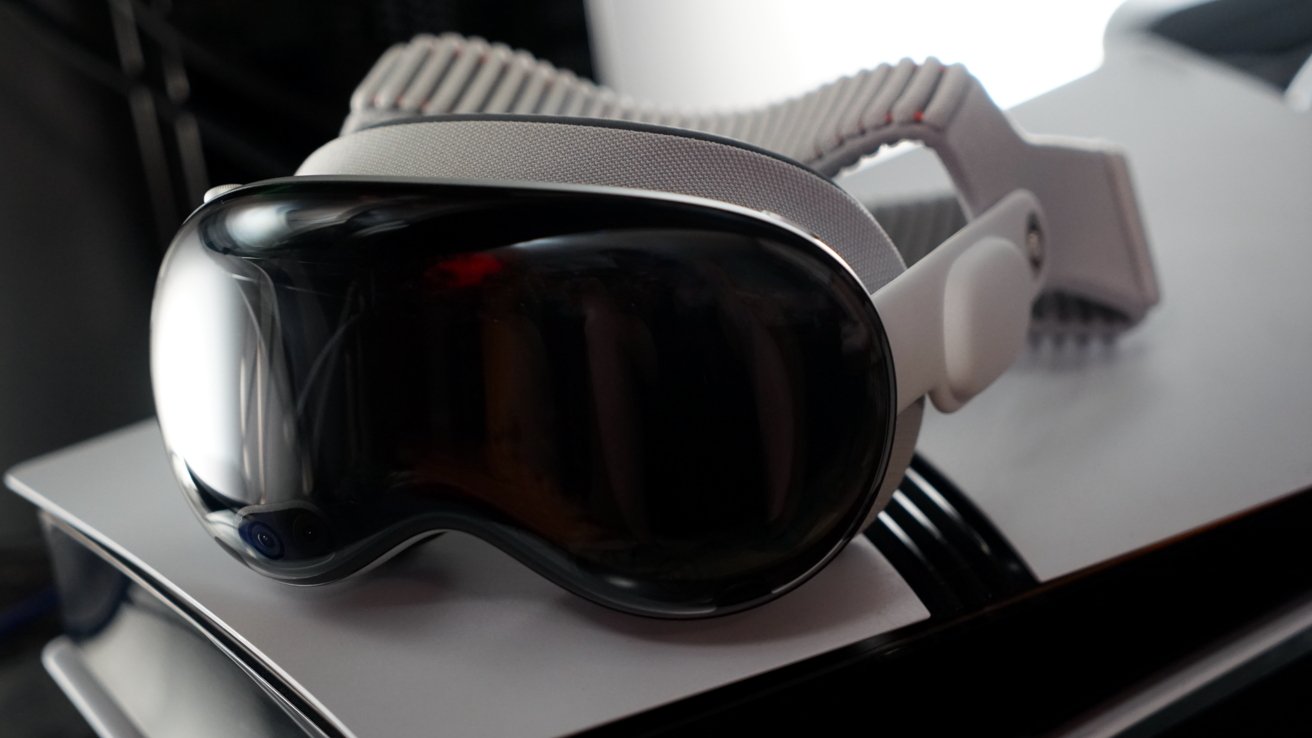
The integration of the Portal app with Apple Vision Pro has revolutionized the gaming experience, allowing users to stream PlayStation 5 (PS5) games in stereoscopic 3D with enhanced 4K upscaling. This combination offers a compelling alternative to traditional gaming setups, bringing immersive gameplay directly to your headset.
Getting Started with Portal on Apple Vision Pro
To begin, ensure that your PS5 is configured for Remote Play:
1. On your PS5, navigate to Settings > System > Remote Play, and enable the Enable Remote Play option.
2. Under Power Saving > Features Available in Rest Mode, activate both Stay Connected to the Internet and Enable Turning on PS5 from Network.
Next, install the Portal app on your Apple Vision Pro. The app is available on iPhone, iPad, and Apple Vision Pro. There is a premium subscription, and it is a bit pricey, but it’s totally worth it for the functionality. The app will let you stream from the PS5 in 1080p at 60fps for free. If you want all of the bonus features, you have to pay $5.99 a month, $59.99 a year, or $199.99 lifetime.
Premium Features of Portal
Subscribing to Portal’s premium service unlocks several advanced features:
– GPU-Based 4K Upscaling: Enhances the visual quality of streamed games, delivering sharper and more detailed images.
– 3D Depth Map Conversion Using AI: Utilizes artificial intelligence to generate depth maps, converting standard 2D visuals into immersive 3D experiences.
– Super Frame Rate at 120FPS Using Machine Learning Enhancements: Employs machine learning to achieve smoother gameplay with higher frame rates.
– HDR Streaming Output: Supports High Dynamic Range for richer colors and improved contrast.
– Immersive Mode with Large Display: Offers an expansive virtual screen, enhancing the sense of immersion.
It’s important to note that while 4K upscaling and 3D depth conversion can be used simultaneously, combining 3D with the Super Frame Rate feature may cause system instability. Therefore, it’s advisable to avoid activating both concurrently.
Gaming Experience and Performance
Testing the Portal app with games like Minecraft and the latest Lego Batman title reveals a significant enhancement in visual depth and detail. In Minecraft, the 3D rendering adds layers to the user interface and game environment, creating a more engaging experience. Adjusting the depth settings allows for customization to individual preferences, with a recommendation to use moderate depth intensity for optimal results.
The Lego Batman game benefits from the 4K upscaling and 3D depth features, bringing out intricate details in the game’s design. While this setup may not replace a high-end home entertainment system, it serves as an excellent alternative for gaming in different settings, such as the bedroom or when the main TV is in use.
Broader Implications and Future Prospects
The Portal app exemplifies the potential of Apple Vision Pro as a versatile gaming platform. Its ability to integrate with existing gaming consoles and enhance the gaming experience through advanced features positions it as a valuable tool for gamers seeking flexibility and immersion.
Looking ahead, the success of applications like Portal could encourage more developers to create content for Apple Vision Pro, expanding its gaming library and capabilities. As the platform evolves, users can anticipate more innovative applications that leverage the unique features of Apple Vision Pro to deliver unparalleled gaming experiences.