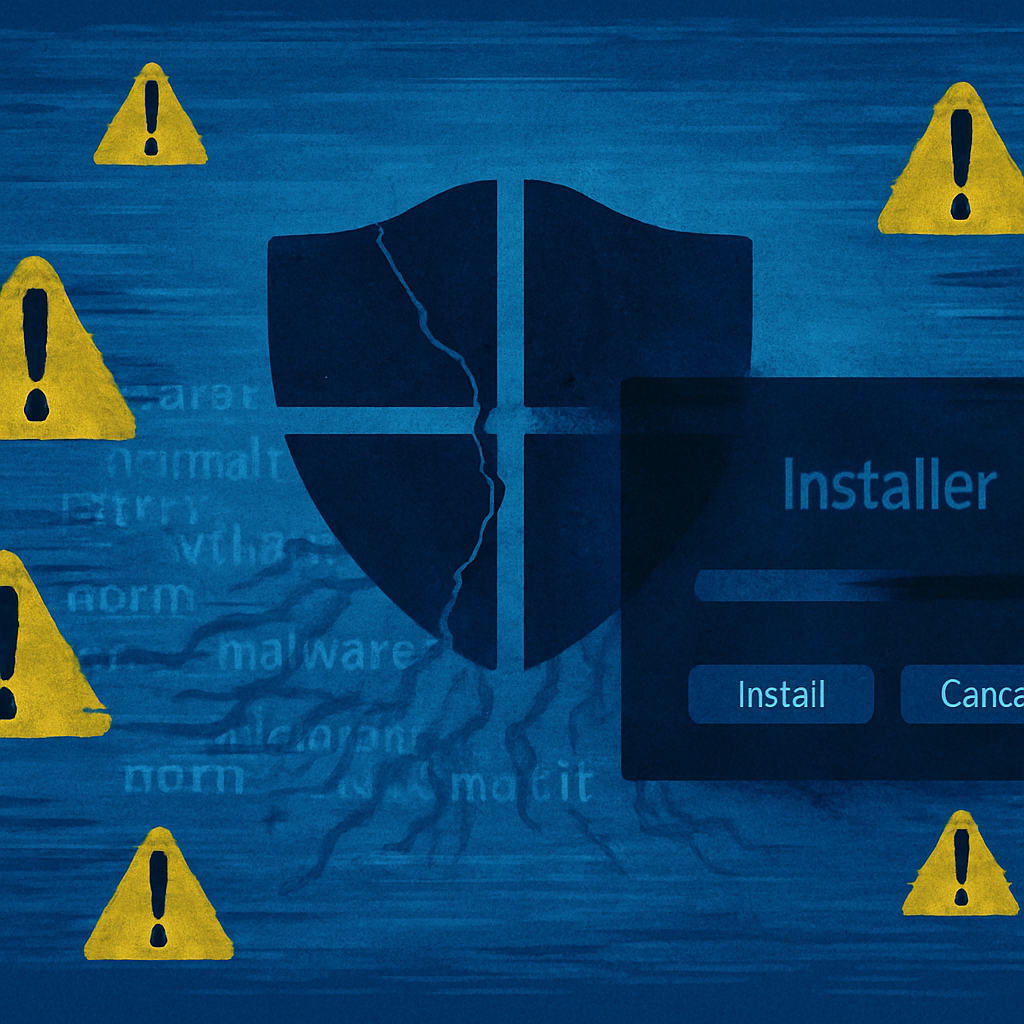
A malicious campaign tied to the Silver Fox group—also known as Yinhu—is using counterfeit software installers to infiltrate Windows systems and significantly weaken built-in defenses. Observed targets stem from sectors as diverse as healthcare, gaming, technology, government, manufacturing, education, and logistics. Most victims appear connected either to China-based operations or Chinese-speaking users, though the threat is far from limited by geography or industry. Microsoft has flagged the activity as part of its fake-software campaign, involving installers that mimic trustworthy vendors. (Sept. 2, 2026)
How the Attack Works
The campaign starts on fake download sites styled after legitimate brands like Razer, Microsoft Edge, Kaspersky, Sejda PDF, and others. Visitors who click “Download now” receive a ZIP archive—its filename staying the same even as contents and cryptographic hashes rotate with every request. In one case, two archives with identical names appeared within about 69 seconds, making simple filename filtering largely ineffective.
Unpacking the ZIP runs a wrapper that drops an executable into a randomly named directory—examples include folders under Users\Public, ProgramData, or Program Files (x86). The malware sometimes invokes msiexec.exe (Windows Installer), leveraging trusted system components to carry out its payload while the user thinks a legitimate install is happening.
What Happens After Infection
Once active, the malware persists by creating scheduled tasks with benign names—such as “Deadline Mission Target” or “Hierarchy Tools Smooth Inventory”—that.allow it to restart every 60 seconds. Then, a short-lived SYSTEM-level task alters Microsoft Defender settings to exclude files and folders from scanning, injects code to avoid integrity checks, and uses PowerShell to reinforce defenses against detection.
Attackers go further: deleting volume shadow copies to hinder recovery; disabling or damaging Windows Update services; hardening malware-affected directories; and maintaining communication with control servers over non-standard ports. Microsoft observed signs of both automated containment and direct hands-on-keyboard control, as well as attempts to move laterally across networks via SMB.
Defender Priorities & Indicators
Security teams are advised to enforce strict controls over software downloads—insist on official vendor sources, block look-alike branding, and treat unexpected ZIP installers with caution. Monitoring should focus on anomalous msiexec.exe activity, new executables appearing in writable folders, suspicious download referrers, and any inexplicable scheduled tasks or system-level Defender exclusions.
Critical indicators of compromise have been catalogued, including spoofed domains (e.g. pc-razerzone[.]com[.]cn, app-microsoft-edge[.]com[.]cn), rotating malicious delivery URLs, cloud-staging hosts, and command-and-control domains like iualef[.]net and wfmwsj[.]net. Several stable and later stage payloads are identified through their SHA-256 hashes, useful for detection and forensic work.
This campaign underscores the risk posed by fake vendor pages and rotating file payloads. Name-based filters alone won’t suffice—attackers are relying on constantly changing hashes, random paths, and trusted Windows tools to slip under the radar. Organizations still face serious exposure if they do not move quickly to identify persistence, containment, and remediation.
What this Means: This Silver Fox campaign marks a refined evolution of malware tactics—weaponizing convincing branding, fake installers, and trusted system processes to disable core security tools. It reinforces that defensive strategies must include behavioral detection, not just signature matching. Watch for tactics like SYSTEM-level tasks, Defender exclusions, shadow copy deletion, and unusual network communication. With attack readiness in increasingly short supply, the difference between detection and disaster is often speed.