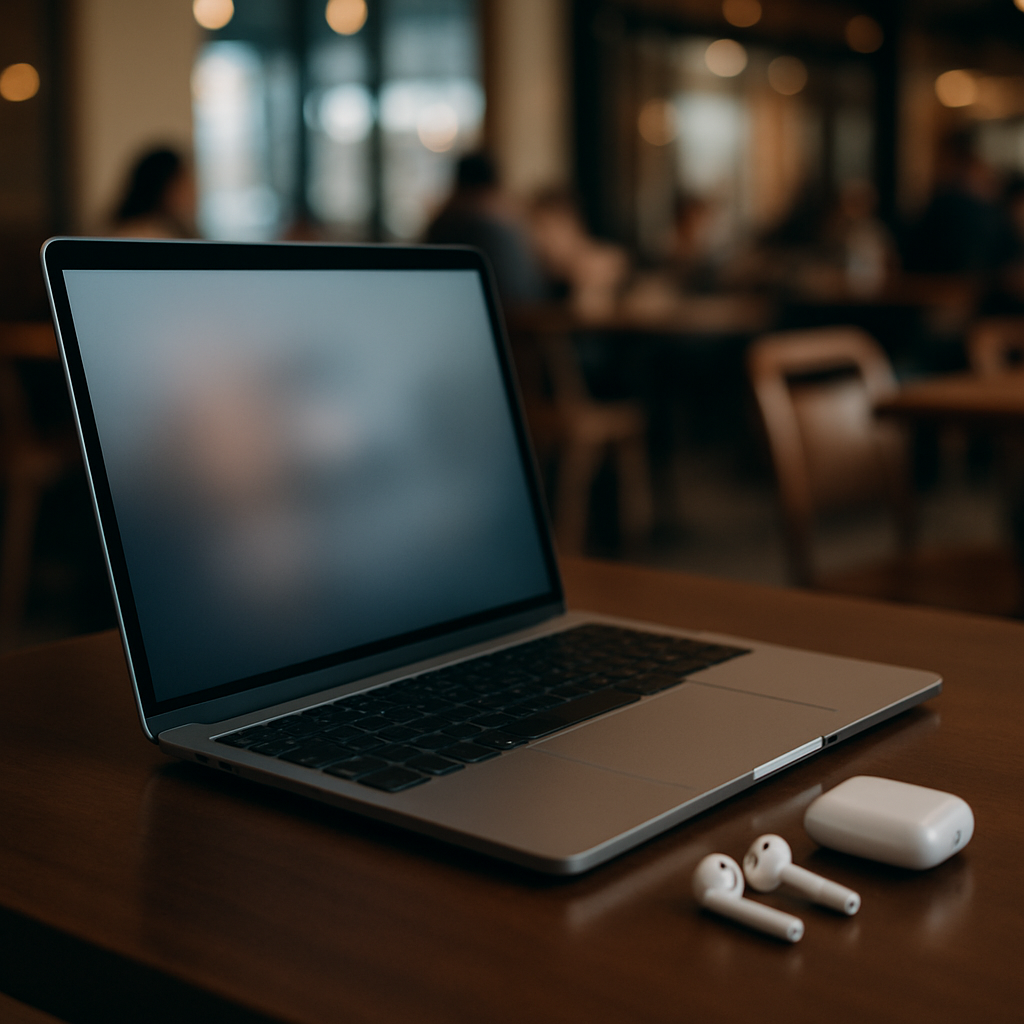
Mac users who often work in public spaces might finally have a sleek solution to shoulder surfers, thanks to a new app called ShyGlass. The utility blurs your Mac’s screen the moment you turn your head, then instantly restores clarity when you look back—perfect for coffee shops, shared workspaces, or transit.
How It Works
ShyGlass taps into the head-tracking motion sensors already used for Spatial Audio in AirPods. These sensors detect when your head tilts beyond a set angle, triggering a blur over your display. You set a “center” position via the menu bar, and when your head drifts past your chosen threshold—default is 15°, adjustable between 2° and 30°—the blur fades in over your screen until it’s fully covered. When you face forward again, everything returns to normal.
Privacy & Permissions
Using ShyGlass requires granting it the Screen Recording permission so it can snapshot your display and blur it. The developer assures users these snapshots aren’t saved or uploaded, and that capture halts the moment the blur takes effect. It doesn’t use the Mac’s webcam or external cameras, and it isn’t capable of detecting someone else leaning in from behind—only the direction your head is pointed.
Requirements & Availability
The app works on macOS 14 and later, and requires compatible AirPods—either AirPods 3 or later, any AirPods Pro model, or AirPods Max. It costs about $4. A brief demo video posted recently racked up hundreds of thousands of views, attracting attention for its simplicity and potential in privacy-minded settings.
ShyGlass isn’t the first tool aimed at protecting what’s on your screen, but few take advantage of head motion sensors in this way. The idea is to make privacy passive rather than something you have to consciously guard.
What this means going forward: tools like ShyGlass are part of a broader shift toward ambient privacy—automated safeguards that work in the background. As more devices adopt advanced sensors for motion, gaze, and presence detection, expect to see more innovations aimed at obfuscating content without disrupting your workflow. What to watch: whether macOS or Apple hardware bring similar features natively, and how users balance convenience with concerns about what sensors are doing and what permissions they require.