The season’s almost here—Halloween decorations and Christmas lights both rely on the same gear. Investing in smart plugs and setting up Apple Home automations in early October means you won’t be scrambling in December’s cold trying to set everything up.
Essential Home Hardware First
To make any smart holiday decor work, you’ll need a home hub—Apple TV, HomePod, or HomePod mini signed in with your iCloud account. Without one, you won’t be able to run automations or manage devices remotely, which is kind of the point for holiday lighting. Even though it’s not strictly required to own one for basic control, a hub is basically mandatory if you want holiday schemes to run smoothly.
Choose Outdoor-rated Smart Plugs
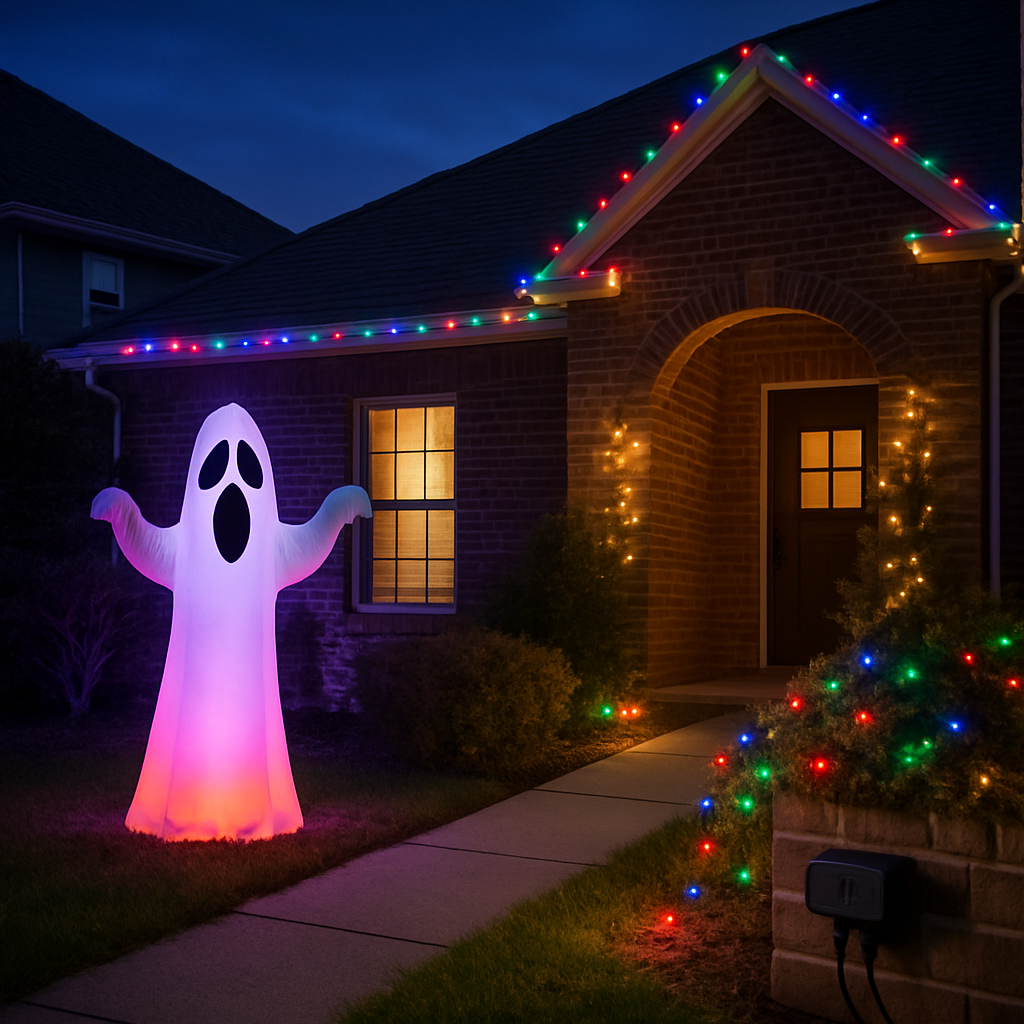
The smart plug is the anchor for both Halloween and Christmas setups. Get outdoor-rated plugs if you’re decorating outside—they’re built to withstand cold, moisture, rain. Indoor plugs just won’t cut it through the winter months. Outdoor models with dual outlets are especially useful: one outlet can control your inflatable, while the other manages lights or other décor, all on separate schedules.
Inside, a single smart plug does all the heavy lifting: plug in your Christmas tree, Halloween window display, or a fog machine—swap things physically but keep the plug itself. One of the higher-end options supports Thread, making it more responsive and reliable in a smart home network.
Holiday-specific Automations
For Halloween: motion sensors are the most satisfying hardware here—put one near a walkway so lights trigger when someone comes close. Color-capable porch bulbs amplify the effect: set them to orange or deep purple in October, switch to warm white for December. Keep the smart plug named generically—“Front Yard Lights” instead of “Halloween Lights”—so it can stay in use year-round without messing up your automations or voice commands later.
For Christmas: one plug becomes your Christmas tree’s remote command center. Smart plug, easy name Siri can recognize, and done. Just one set of automations powers both lighting displays and seasonal decor. It’s a small investment—about $20 for the plug—and it’s the most-used command in many households using this setup.
How to Build Your Automations
Open the Home app, go to Automations → Add and pick “A Time of Day Occurs.” For seasonal displays, sunset is king—it shifts naturally with the changing daylight. Then make an “off” automation—sunrise works, but a fixed late-night time often avoids leaving displays blinking at odd hours. Naming conventions are big here. Generic names mean fewer changes; automations you build for Halloween still work in December if your names are season-agnostic.
Bottom line: start small if you want—one outdoor plug and a single inflatable ghost works. Hardware is inexpensive. Automations only take a few minutes. Doing this now gives you time to test everything before you actually need it.
What this means: setting up holiday automations early isn’t just about convenience—it’s about getting control, safety, and peace of mind. Once your system is in place, you’ll barely need to touch it again. Watch for new accessories in outdoor smart plugs, better weatherproof ratings, and more platforms adding Matter/Thread support in the next year. The simpler your setup now, the more magical it’ll feel when November rolls into December.