Crooks are exploiting Microsoft Azure hosting to serve fake Windows security alerts to users at more than 80 organizations, tricking them into calling fraudulent support numbers. Between March and October 2026, the same deceptive support kit surfaced across this large group, and as of November 2 the campaign remained active. These numbers refer to exposure to misleading landing pages—not confirmed system breaches.
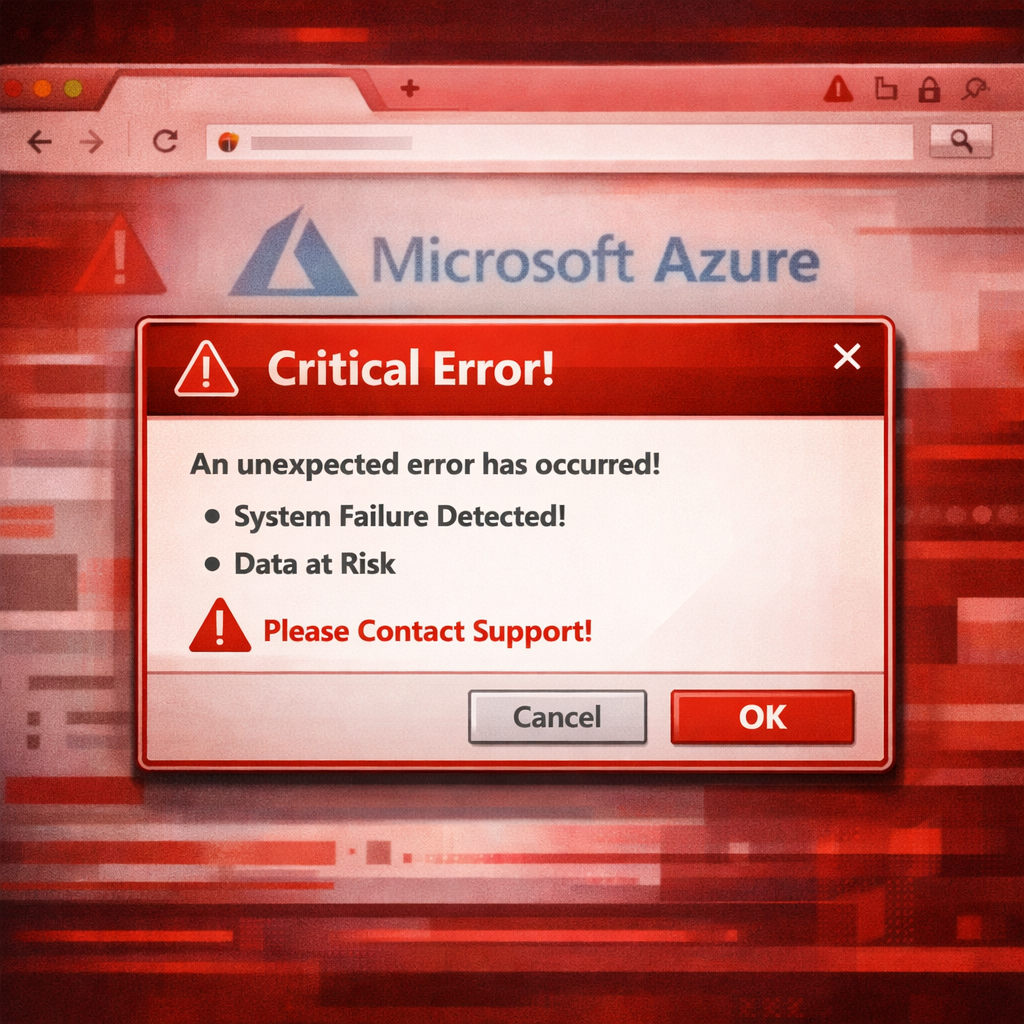
The scam follows a simple pattern: a user clicks an ad on a legitimate site, which forwards them to a landing page hosted on Azure. These pages simulate critical system messages—”System Error” or “Windows Firewall”—and provide a bogus live chat or support interface. They’re engineered to scare users into dialing a toll-free number for help.
How It Works Behind the Scenes
The scam page’s code uses JSONP to fetch a telephone number based on an “advertising-manager” parameter. This lets operators swap out numbers dynamically rather than rebuild every page. If this mechanism fails, a fallback number ensures a contact point remains. A tracking pixel logs which number is displayed, which website it ran on, and which ad campaign triggered it—helping the scam does two things: gauge effectiveness and map incoming calls to specific ads.
Investigators observed that the roster of telephone service managers jumped from three in May to four by July, indicating multiple parties are involved. Also, the campaign reflects earlier patterns where disposable cloud-hosted pages serve as conduits to scam call centers via fake Microsoft alert campaigns.
Links, Indicators, and Possible Origins
Clues suggest Chinese roots: code comments and error messages use Simplified Chinese, and at least one page displayed a full-screen notice in Chinese. One telephone API used a default server panel commonly associated with BaoTa (a Chinese panel), and domain-registration records point to a Hubei address. Experts caution that these registrations alone are not proof of origin.
The misleading ad placements appeared across many well-known publisher sites, including Whitepages, Legacy.com, Us Weekly, MSN, KMBC, WordHippo, Juno Webmail, and the health section of US News & World Report. The publishers themselves likely had no knowledge of these scams—they clicked through programmatic ad exchanges that masked or changed landing destinations depending on who viewed the ad.
Risk and Mitigation
Once the warning appears, victims are often coaxed into installing remote-access tools, paying for fake repairs, or becoming prey for bank or refund scams. Though this specific campaign hasn’t been shown to install malware, parallels with impersonation attacks using legit remote-management tools highlight how quickly legitimate software can be weaponized.
To defend against this threat, organizations should block flagged infrastructure via DNS filters or secure web gateways, limit use of remote-access tools to only approved workflows, and train employees to close suspicious tabs or quit the browser rather than call any number displayed. Blocking the phone API helps too—but fallback numbers and dynamic number delivery mean no defense is foolproof. Technically valid hosting on cloud platforms doesn’t make a warning legitimate.
Indicators of compromise include domains like call.adhelper[.]cc, adhelper[.]cc, and landing page hostnames matching patterns like viruswarning{MMDD}us*.z13.web.core.windows[.]net, among several others. These markers help security teams detect ongoing exposure.
What this scam reveals is how ad platforms are being weaponized to deliver fear-based attacks at scale, using cloud infrastructure and dynamic systems to evade detection and accountability. For defenders, this underscores not just the need for technical controls and threat intelligence, but also media buying transparency and ongoing scrutiny of inbound support paths. Watch for shifts in how ad exchanges route traffic, and expect threat actors to iterate—replacing infrastructure or fallback systems as disclosure pressure rises.