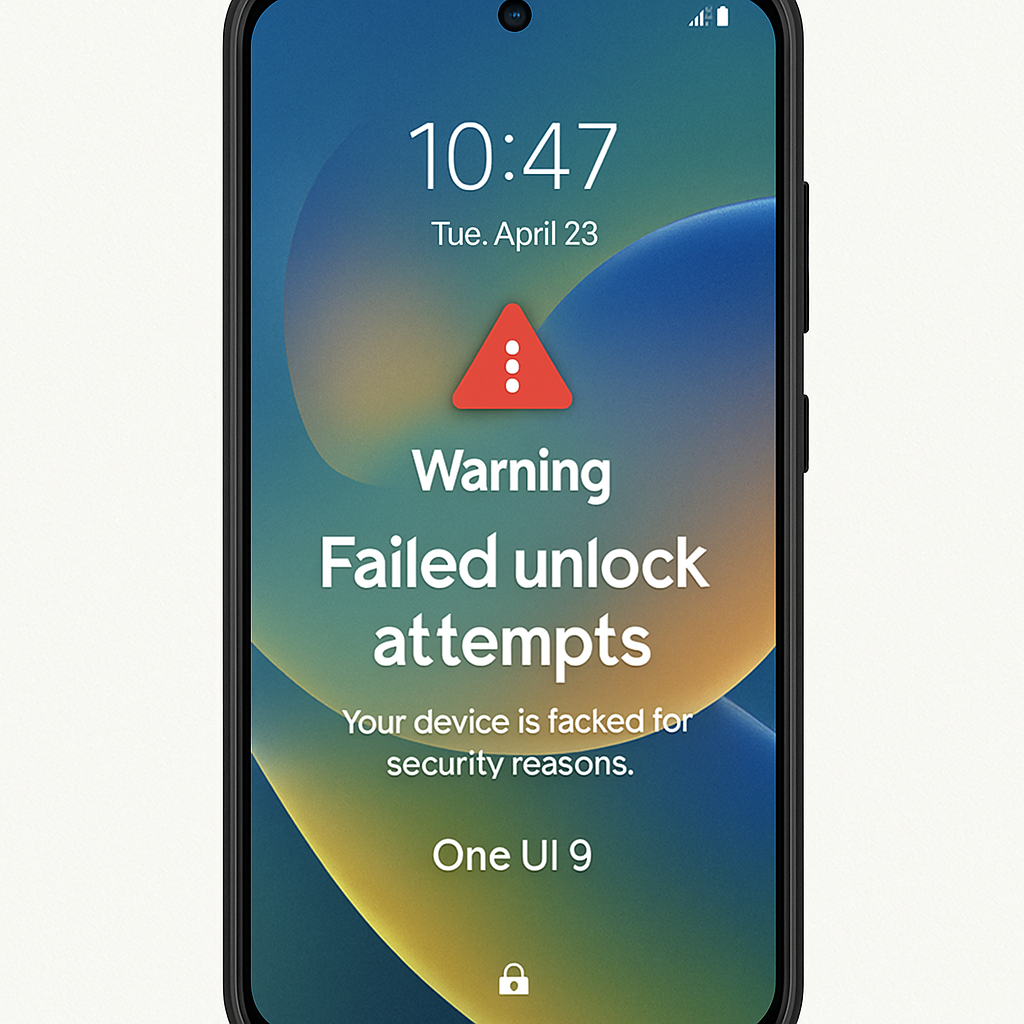
Samsung’s upcoming One UI 9 update, based on Android 17, introduces a stringent security measure: after 13 consecutive failed unlock attempts, Galaxy devices will require a factory reset to regain access. This policy aims to bolster device security by mitigating brute-force attacks.
Earlier this year, Google announced that Android 17 would significantly reduce the number of permissible unlock attempts to enhance security. Samsung’s implementation in One UI 9 adopts a more aggressive approach. The lockout durations escalate with each failed attempt:
| Number of Failed Attempts | Lockout Duration |
|---|---|
| 5 attempts | 1 minute |
| 6 attempts | 5 minutes |
| 7 attempts | 15 minutes |
| 8 attempts | 30 minutes |
| 9 attempts | 90 minutes |
| 10 attempts | 4 hours |
| 11 attempts | 12 hours |
| 12 attempts | 24 hours |
Upon reaching the 13th failed attempt, the device becomes permanently locked, necessitating a factory reset to restore functionality. Samsung ensures users are well-informed by displaying warning messages on the lock screen, indicating the remaining number of attempts before a permanent lockout.
While these measures significantly enhance device security, they also raise concerns about potential data loss. Users are advised to regularly back up their data to prevent loss in case a factory reset becomes necessary. This development underscores the ongoing balance between robust security protocols and user convenience in the mobile technology landscape.