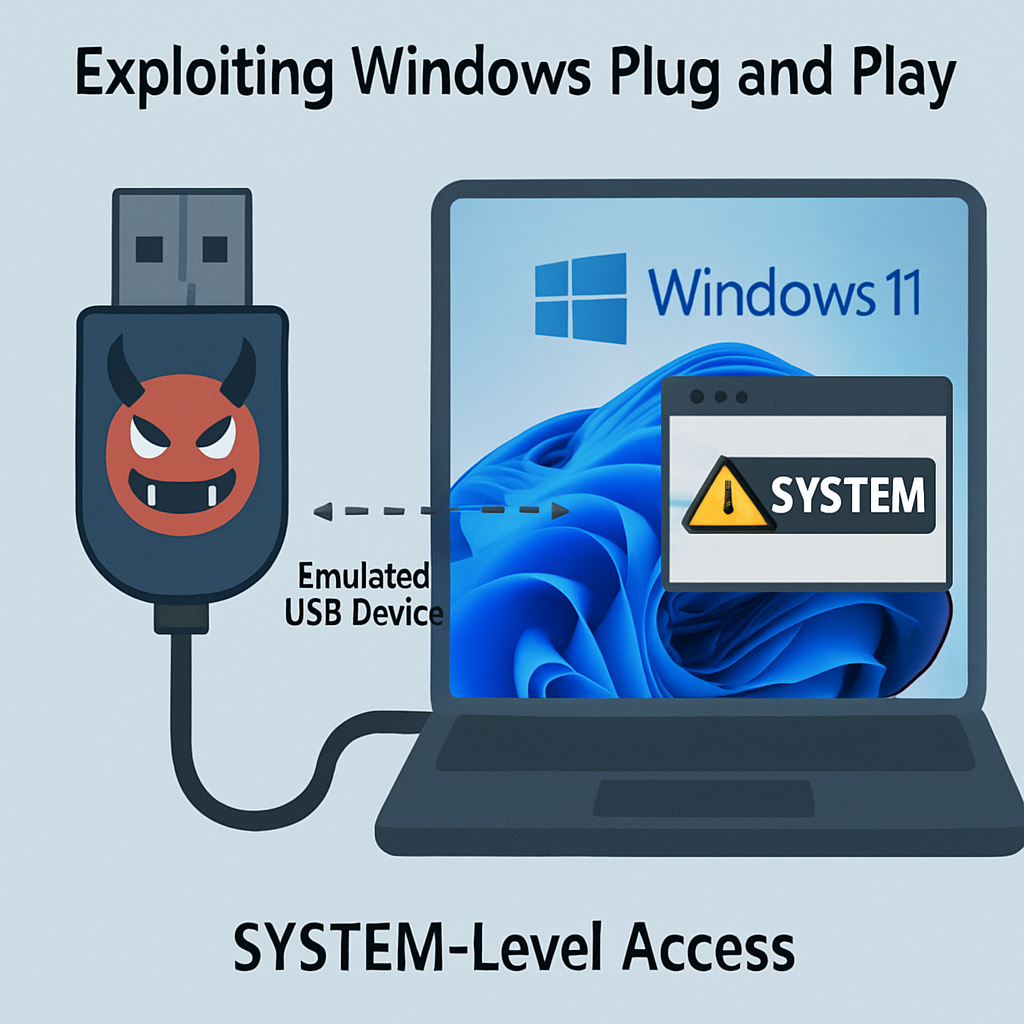
Security researchers have unveiled a method to exploit Windows Plug and Play (PnP) functionality, enabling attackers to achieve SYSTEM-level access on fully updated Windows 11 systems. This technique leverages the automatic installation of vendor-signed software for emulated USB devices, potentially allowing unprivileged users to execute code with elevated privileges.
Exploiting Windows Plug and Play
Windows PnP is designed to automatically detect and configure hardware devices, installing necessary drivers and software without user intervention. By emulating specific USB devices, researchers demonstrated that Windows can be tricked into installing legitimate, signed software associated with these devices. This process can be manipulated to execute privileged installation components, which, when chained together, can lead to SYSTEM-level code execution.
In their demonstration, the researchers emulated a Sierra Wireless device, prompting Windows to install the associated SwiService.exe, a SYSTEM service that exposes a SetDNS function. By exploiting this function, they redirected DNS queries. Subsequently, they emulated a Sony FeliCa reader, whose co-installer retrieves configuration files over unencrypted HTTP connections. A path-traversal vulnerability in this process allowed them to place a malicious DLL in the System32 directory. Reconnecting the emulated Sierra device then loaded the planted DLL, granting SYSTEM-level access.
Remote Exploitation via RDP
Beyond physical device emulation, the researchers demonstrated that this attack vector could be exploited remotely through Remote Desktop Protocol (RDP). By forging USB device identities over RDP sessions, they presented a phantom Intel RealSense device to the target system. This action triggered Windows to follow the device installation path, leading to the installation of RealSense software. The researchers then exploited a DLL search-order hijack vulnerability within the installation directory, allowing an authenticated low-privilege user to execute code with SYSTEM privileges.
It’s important to note that this remote exploitation method depends on specific configurations. By default, Windows does not allow supported Plug and Play and RemoteFX USB redirection over RDP. Administrators must enable these features for the attack to be feasible. Therefore, systems with default configurations are not inherently vulnerable to this remote attack vector.
Mitigation Strategies
To mitigate potential risks associated with this exploitation technique, administrators should consider the following actions:
- Disable Unnecessary USB Redirection: If USB redirection over RDP is not required, ensure that it remains disabled to prevent potential remote exploitation.
- Implement Device Installation Restrictions: Utilize Windows policies to control which devices can be installed based on hardware IDs, compatible IDs, device instance IDs, and setup classes. This approach can help prevent unauthorized or malicious devices from being installed.
- Regularly Update and Patch Systems: Keep all systems updated with the latest security patches and updates to address known vulnerabilities and reduce the attack surface.
This research highlights the importance of scrutinizing automatic device installation processes and the potential security implications of Plug and Play functionalities. Organizations should assess their system configurations and implement appropriate controls to mitigate the risks associated with such exploitation techniques.