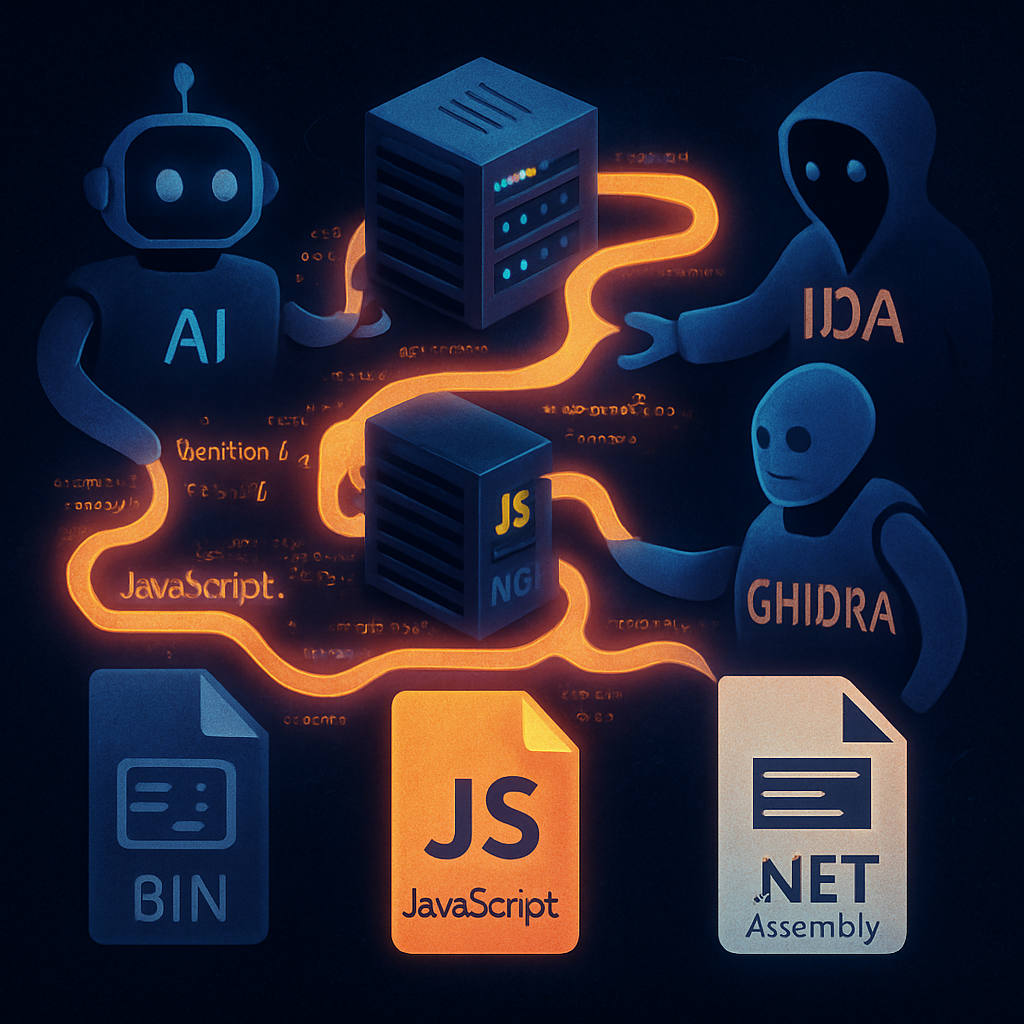
A new open-source tool called REA (Reverse Engineer Anything) is changing how researchers inspect software without access to its source code. Instead of replacing disassemblers, REA acts as a connection between AI agents like Claude Code, Cursor, and tools such as Ghidra, IDA Pro, and Hopper. It supports native binaries, JavaScript/Electron apps, .NET assemblies, Android packages, firmware, websites, and selected runtime activity. It also offers command-line workflows for those who prefer scripting. This expands the capabilities of reverse engineering workflows significantly.
How REA Works
At its core, REA employs a protocol called MCP (Model Context Protocol) to let agents send requests through a local server. Agents can ask REA to inspect a target, trace code paths, and receive findings accompanied by evidence and indicated limitations. With that information, agents can ask further clarifying questions, propose implementations, or attempt testing. For native binaries the tool returns data such as pseudocode, assembly, strings, symbols, function calls, and references—helping analysts link visible features to internal behavior. It requires that Ghidra, IDA, or Hopper be already installed for deep native analysis; Hopper can be installed with user consent.
For non-native targets—JavaScript, Electron, .NET—REA delivers different kinds of introspection. JavaScript/Electron workflows map modules, imports, source maps, communication between processes, and application routes. .NET static inspection exposes metadata, intermediate language instructions, and declared native dependencies. Importantly, these workflows often don’t require executing the application itself, reducing risk during analysis.
Installation, Support, and Limitations
Getting started requires Node.js and npm. After installing those, users run npx rea-agents setup, select agents, review changes, approve configuration, and restart the agents. Supported agents include Claude Code, Cursor, Codex, Gemini CLI, and Grok Build. Agents that can speak the MCP protocol but aren’t natively supported can often be added through manual registration. Platform compatibility depends on which analysis provider is chosen.
In demos, REA shows impressive results: a case study on the DX-Ball game recovered a sound calculation that passed more than 3,200 validation tests and reconstructed all compiled function bytes for 63 functions. Another example traced clipboard handling across Electron’s main, renderer, and preload processes in the Notion app. These illustrations demonstrate what evidence-based reconstruction can achieve, though the project cautions that not every target can be perfectly reconstructed.
Running REA locally means analysis remains on the user’s machine—but that doesn’t guarantee total privacy. Results shared with an agent are subject to the model provider’s data policies, so “local” doesn’t always equal “private.” Also, workflows that capture runtime behavior require running or interacting with the target software, something analysts should only do with full awareness of permissions and risks.
Although REA’s name suggests unlimited reverse engineering, it still has clear limits: dependencies, platforms, and target types influence what’s possible. It shines in enabling human-guided investigation with testable evidence, keeping inspection transparent, authorized, and reviewable.
What this means: REA could reshape security research and malware analysis by blending AI with traditional reverse engineering tools. For defenders, this helps bridge gaps—letting AI agents feed into expert tools like Ghidra and IDA rather than replace them. For attackers, it raises the stakes around model security and when exactly “local execution” is sufficient. Moving forward, watch how the community handles data privacy, coverage limitations, and misuse risks as REA becomes more widely adopted.