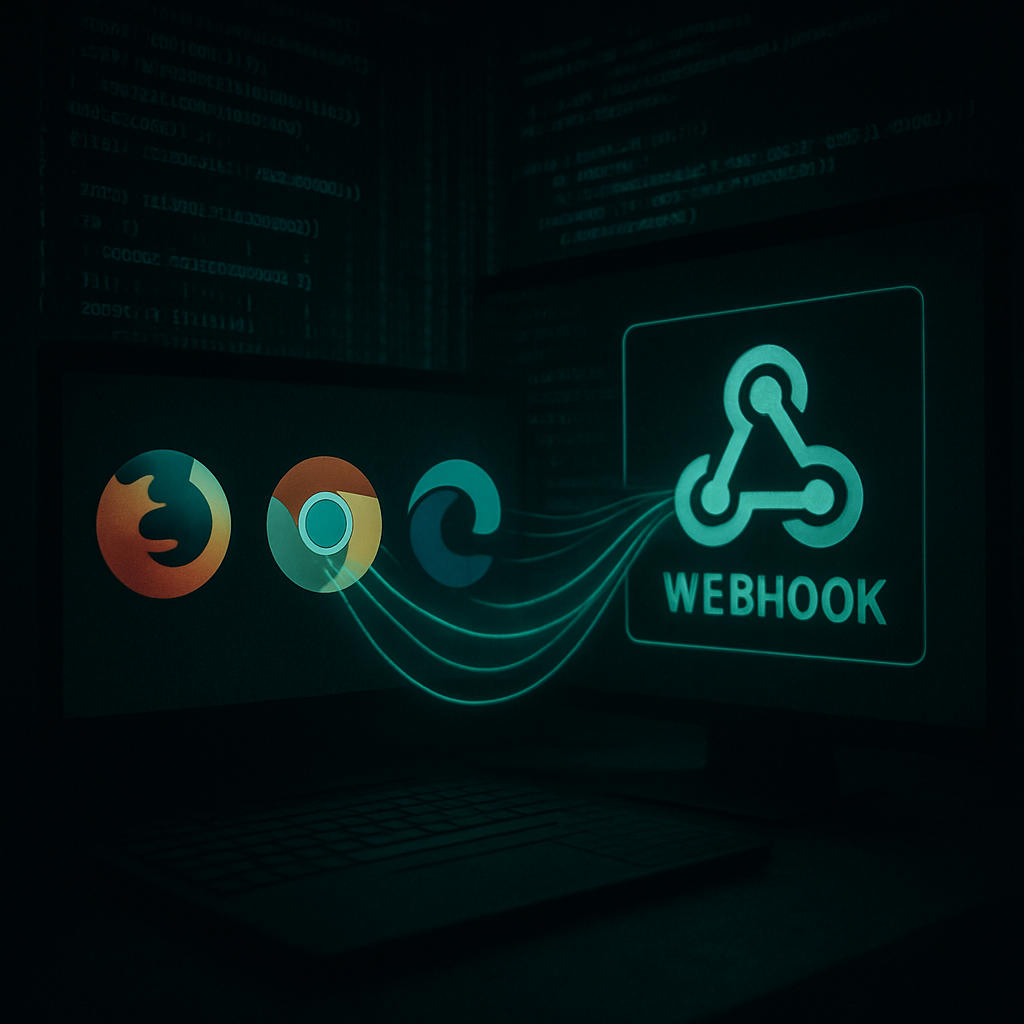
Security researchers have uncovered a Python-based malware-as-a-service (MaaS) tool that allows operators to generate Windows malware designed to exfiltrate saved passwords, credit card data, browser cookies, and system specifics. This builder packs a payload that scrapes user credentials from up to 17 Chromium-based browsers, as well as Firefox, then delivers the stolen data via a webhook under the attacker’s control. The sample studied by analysts arrived as a nested archive containing the builder itself. 1
How the Infostealer Operates
The threat tool isn’t just a basic script. It checks for saved credentials, history, payment card information, and session cookies in 17 Chromium-derived browsers. For Firefox, it captures browsing history and cookies. 2 It uses Windows-specific APIs—including browser encryption keys and data-protection mechanisms—to decrypt stored credentials. When databases are locked, it makes temporary copies to access the data. Sensitive files such as “Login Data,” “Cookies,” “History,” and “Local State” are hit. 3
Beyond browser theft, the payload also targets Discord and Roblox session tokens, saved Wi-Fi credentials, and system metadata: public IP, approximate location, time zone, Windows username, and machine name. 4 Once collected, the data is compressed in memory and sent directly via the configured webhook—minimizing traces left on disk. 3
Builder Features & Evasion Tactics
The infostealer builder offers flexibility in how its payload is compiled: operators can wrap the Python code into a Windows executable using Nuitka or PyInstaller, or distribute it as a raw script. 5 Configuration info like the webhook address is obfuscated using XOR and Base64 encoding to evade simple detection. 6
It checks for analysis environments–detecting virtual machines, debuggers, or hard drives with less than 50 GB of space—and delays certain operations until needed to avoid tripping alarms in automated systems. 6 Persistence is established through a Windows registry autorun entry and a scheduled task set to run at login. 3
Indicators & Defensive Measures
Some known indicators of compromise (IoCs) include specific hash values (SHA-256, MD5), archive names such as “TokenGrabberBuilder.zip”, and certain autorun registry keys like “HKCU\Software\Microsoft\Windows\CurrentVersion\Run\WindowsUpdate”. 3 Other signs include unexpected startup entries, scheduled tasks, attempts to access browser credential stores, or network calls to unfamiliar webhook endpoints. 7
Security practitioners are urged to treat suspicious behaviors collectively—such as anomaly in file-system activity, odd Python dependency installs, or unusual outbound HTTP requests—rather than relying on static signatures, since each build can differ. 7 End users should verify the source of downloaded files and ensure protection tools are current. 7
What this development underscores is how easily MaaS tools can morph and adapt across environments, raising the bar for detection. Organizations and individuals alike must remain vigilant, recognizing subtle signs of compromise. Especially in this era of complex malware supply chains, proactive defense and layered monitoring are no longer optional—they’re essential.