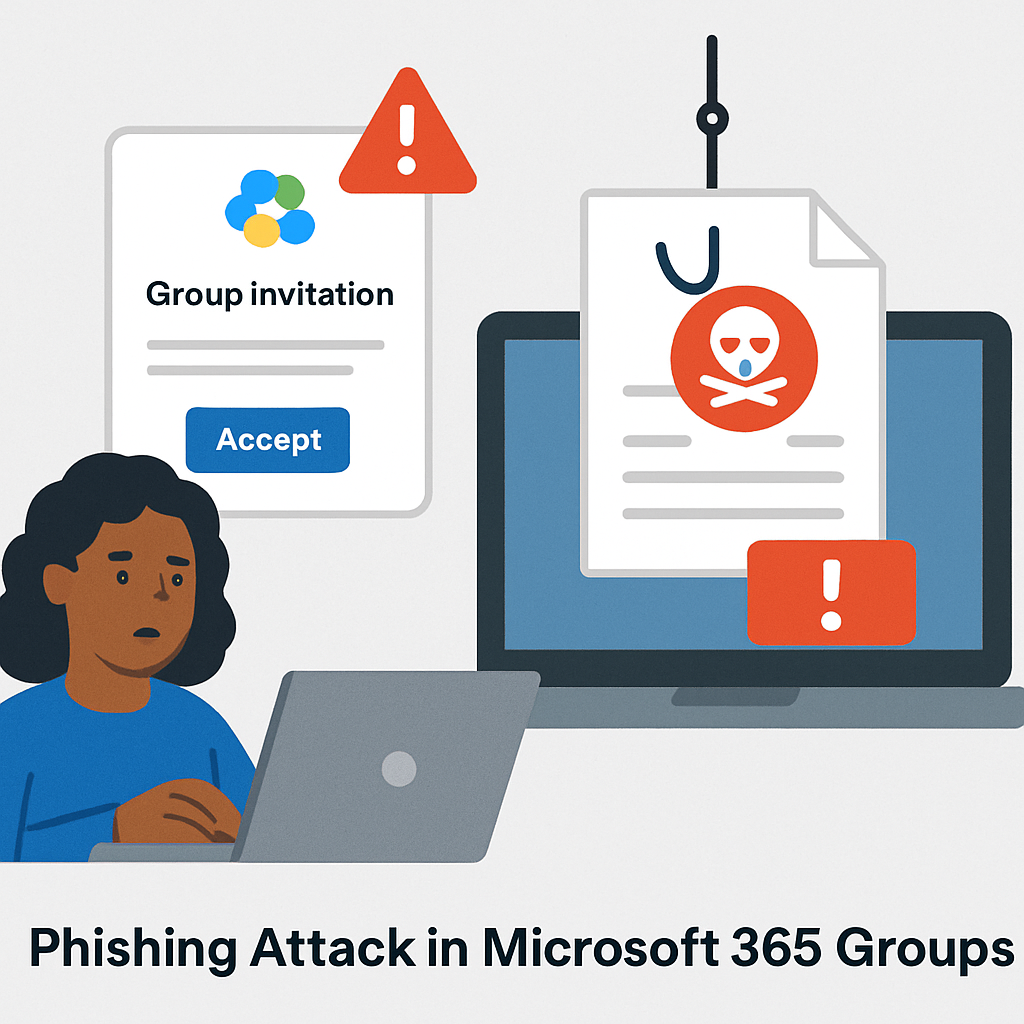
Cybercriminals are increasingly leveraging Microsoft 365’s legitimate features to conduct sophisticated phishing attacks. A recent campaign exploits Microsoft 365 Groups, a collaboration tool designed for team communication and file sharing, to deceive users into divulging sensitive information.
In this scheme, attackers create or hijack a Microsoft 365 Group and add targeted individuals as members. The group names are carefully chosen to appear familiar and trustworthy, such as “IT Support,” “HR Updates,” or “Finance Review.” Upon being added, victims receive a welcome email that appears routine, reducing suspicion.
Once inside the group, attackers disseminate malicious content through group emails, shared documents, or calendar invites. These communications often mimic legitimate workflows, making it challenging for users to identify the threat. For instance, a shared document might contain a fake support process or a QR code leading to a credential-harvesting site.
One particularly effective tactic employed in this campaign is Calendar Phishing, or CalPhishing. Attackers send calendar invites with embedded phishing links, exploiting the trust users place in calendar events. This method increases the likelihood of users interacting with malicious content, as calendar invites are typically perceived as legitimate.
The potential consequences of this attack are severe. Victims may suffer credential theft, unauthorized access to sensitive data, malware infections, and further social engineering attacks. Since the phishing content is delivered through Microsoft’s own infrastructure, traditional security measures may fail to detect the malicious activity promptly, allowing attackers to operate undetected for extended periods.
To mitigate the risks associated with such sophisticated phishing campaigns, organizations should implement comprehensive security measures. These include:
- Conducting regular security awareness training to educate employees about emerging phishing tactics and how to recognize them.
- Implementing multi-factor authentication (MFA) to add an extra layer of security to user accounts.
- Monitoring and auditing Microsoft 365 Groups for unauthorized additions or suspicious activities.
- Utilizing advanced threat detection tools capable of identifying and responding to phishing attempts that exploit legitimate platforms.
As cyber threats continue to evolve, it is imperative for organizations to stay vigilant and proactive in their cybersecurity efforts. Understanding and addressing the misuse of trusted platforms like Microsoft 365 is crucial in safeguarding sensitive information and maintaining operational integrity.