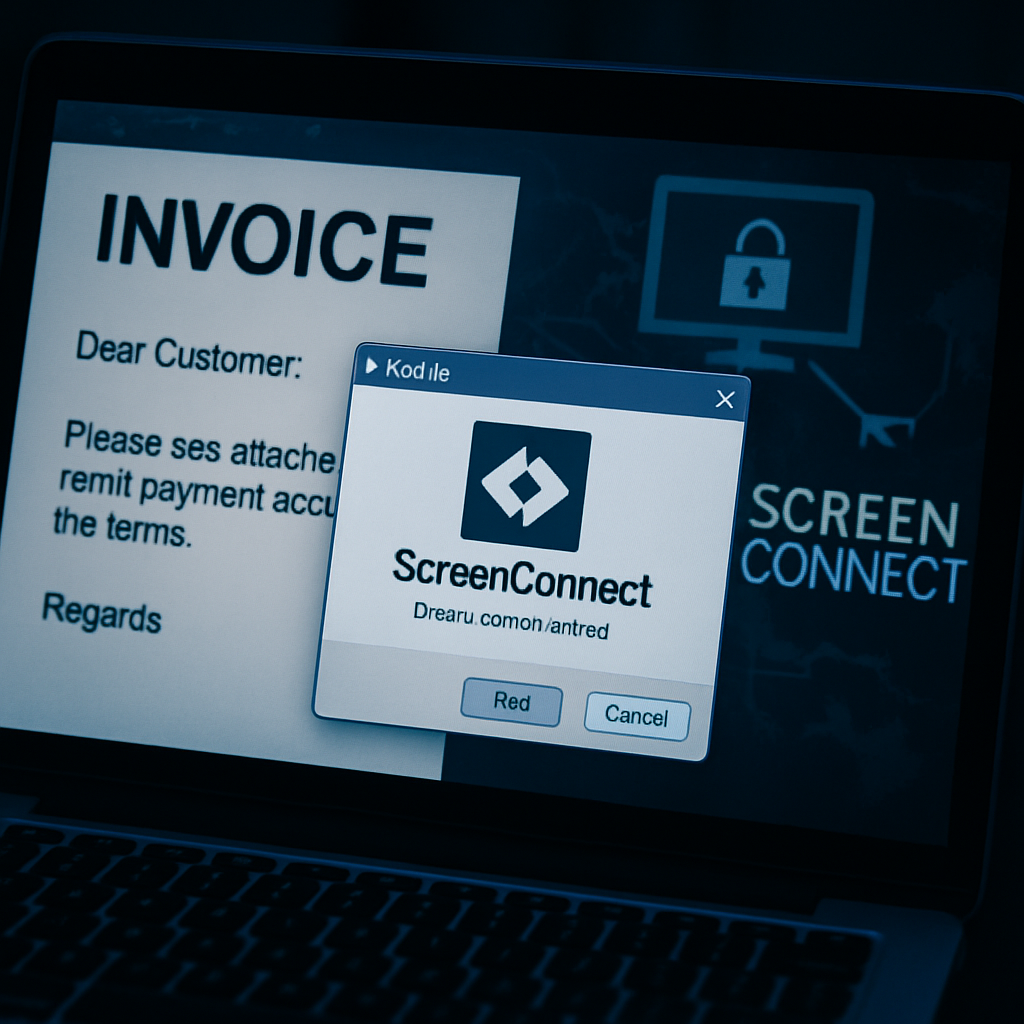
A new phishing scheme is exploiting a legitimate remote access tool called ScreenConnect to trick users into installing software that lets attackers take over their computers. Rather than relying on custom malware, phishers send emails about fictitious payments, pretending to offer a PDF invoice—only to deliver a ScreenConnect installer instead. This bait-and-switch tactic features an authentic, signed application preconfigured to reach an attacker-controlled account, effectively bypassing the standard expectation of safety associated with known software.
While this specific campaign doesn’t appear to have triggered widespread damage or data theft—there are no confirmed victim counts—the findings show how dangerous it can be when remote access tools are misused in unexpected ways.
How the Phishing Trick Works
In the observed case, victims receive an email claiming a payment of $5,745.65 has already been processed. Posing as a legitimate invoice or wire transfer receipt, the message invites the recipient to view order details in what is said to be a PDF format. However, clicking the link actually delivers a Windows executable installer for ScreenConnect—not the promised document. Once run, that installer connects the user directly to a hostile remote account rather than a company-approved support portal.
Email content is crafted to seem routine, citing options for refunds or cancellation to lure recipient curiosity. The deception is reinforced by the fact that the executable carries a valid digital signature from ConnectWise, issued via DigiCert G4 Code Signing CA1—making it appear legitimately signed and unaltered. Because everything checks out in terms of certificate validity, typical defense tools keen on signature verification can miss that the intent is malicious.
Why Detection Is Challenging
One of the trickiest elements is that the malicious ScreenConnect client is not tampered with—meaning the executable’s binary matches its signed signature exactly. This eliminates what defenders often hunt for: tampered files or mutated payloads. The threat arises not from the file content itself, but from its configuration, which points to attacker-controlled servers.
The relay infrastructure used is real ScreenConnect cloud infrastructure, configured for user connections via port 443. It’s the setup—not the tool—that’s malicious. Thus, security teams can’t rely solely on file signatures; they must also evaluate where the software is connecting, whether the context of download makes sense, and whether users expected the tool.
Although this campaign is not yet tied to a known threat group, and its reach and harms are not fully established, its method mirrors a growing trend in threat intelligence: abusing remote management tools (RMMs) and trusted software as Trojan horses. Attackers prefer this route over overt malware because it reduces detection risk. The case was documented in a recent Internet Storm Center analysis by Xavier Mertens, published October 1, 2026.
Indicator details include the use of a sender address imitating a known domain, a download URL pointing to a benign-looking domain hosting the installer, and a relay hostname tied to the ScreenConnect platform. The download comes disguised as a PDF, but once executed it surreptitiously grants remote control to the attacker.
Mitigations & Protective Measures
To counteract such attacks, organizations need to go beyond relying on digital signatures alone. Security procedures should flag unexpected executable downloads that follow unsolicited financial or transaction-related messages. Verification is critical: confirm who requested the software, whether support was legitimately needed, and whether the configuration points to trusted infrastructure.
User education remains vital. Employees and individuals should be trained to recognize when a document becomes software, or when a message pressures with financial urgency. Phishing resistance techniques like sandboxing downloads, least-privilege installation, and requiring second-factor validation for remote access tools can also help.
The emergence of this phishing technique underscores a shifting tactic: threats that leverage legitimate tools to evade yesteryear’s signature-based detection. As organizations harden defenses around malware and virus signatures, attackers are increasingly abusing trusted software flow. Security teams must adapt to this new normal—scrutinizing not just what software is installed, but who it’s meant to contact and why. Watch for similar misuse of remote management platforms and ensure your Incident Response includes checks against unexpected connections and deployment context.