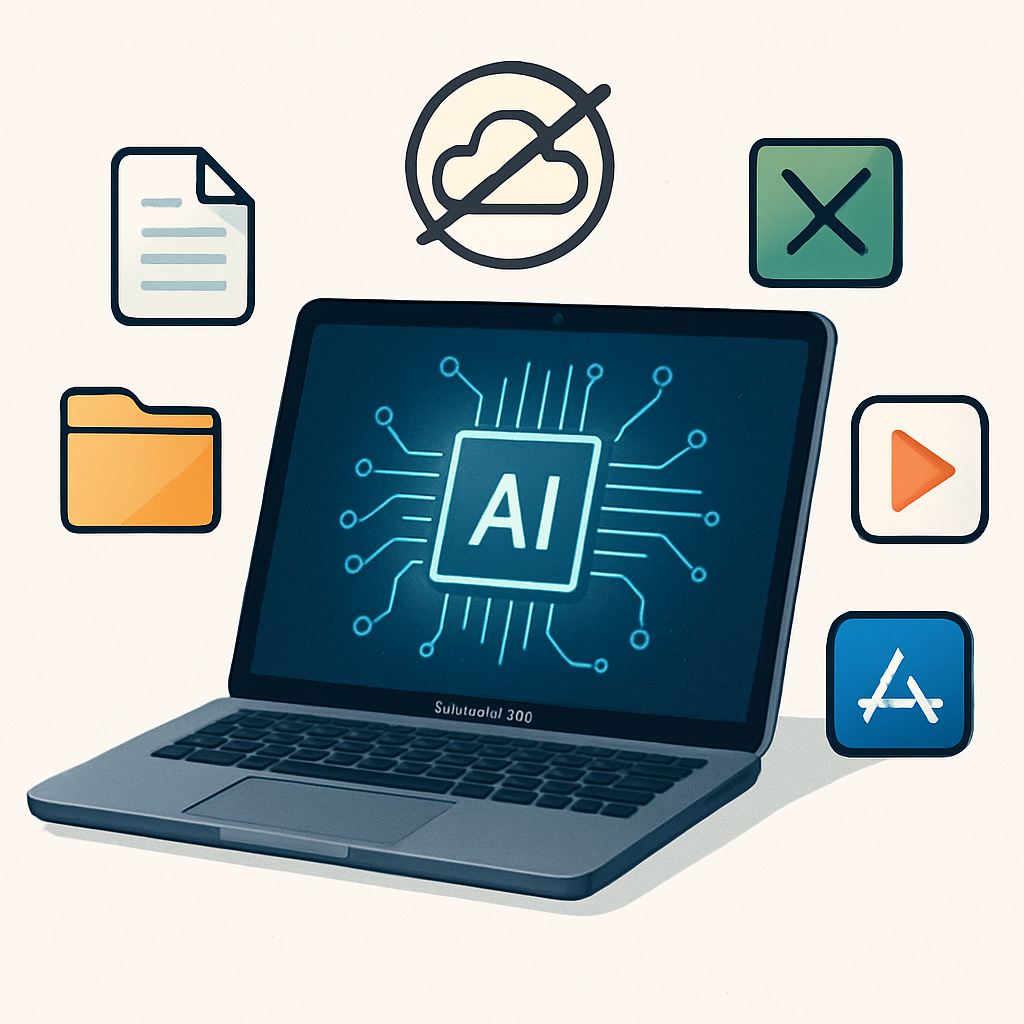
Perplexity has introduced a powerful new “local-first” Computer mode in its Mac app, enabling users to run AI planning, reasoning, and file processing entirely on their device—even without internet access. Everything from the AI model itself to the task-managing agent operates locally, ensuring private computation unless the user expressly grants cloud access.
What’s Changing: Local vs Hybrid Compute
This update builds on Perplexity’s Hybrid Compute, which launched in September and divided workloads between cloud-based models for information gathering and local models for handling personal files. The new Computer mode closes that gap by keeping processing, reasoning, and file interactions strictly on Mac hardware unless cloud features are needed.
With the novel mode, users can let Perplexity access local files and macOS apps—such as Notes, Mail, Messages, and Numbers—to fulfill complex tasks like summarizing recent correspondence, spotting deadlines, and assembling action lists, all without sending data off the machine—unless the task demands current web information or browser involvement.
Who Gets It & What You Need
This fully local Computer mode is available to Perplexity’s Pro, Max, and Enterprise users. It arrives alongside two supported local models—Qwen 3.6 and PPLX Pro—which must be downloaded and set up through the app. Performance demands are high: an Apple Silicon Mac with at least 36 GB of unified memory is needed for the smoothest experience.
User privacy remains under the user’s control. Cloud usage remains optional, triggered only when current data or web-based resources are required. Hybrid Compute still exists alongside this new local-first option.
Perplexity describes its Computer mode as extending beyond basic offline capabilities—it’s designed for genuine autonomy in AI tasks that previously relied heavily on cloud services. By allowing both the model and the decision-making agent to run locally, the platform aims to reduce latency, shield private data, and give users full control of when external connections are made.
This change is part of a larger shift toward local AI across the industry—where users want fast, private, and self-contained systems. Perplexity’s move puts it in closer competition with tools that already offer offline or on-device AI processing.
The long-term implications are clear: this could reshape expectations around AI apps for Mac—privacy-first operation, reduced dependency on cloud, and stronger performance from local resources. For users, keep an eye on how well model performance holds up under local-only constraints, whether additional apps become supported, and what trade-offs surface between cloud capabilities and offline autonomy. What kind of tasks will you feel comfortable keeping to your machine? The answers will define what “fully local AI” really means in practice.