Opera has unveiled a new security feature called Paste Protect, designed to safeguard users from malicious commands that can be inadvertently copied from websites and pasted into their systems. This initiative aims to counteract a prevalent cyberattack method known as ClickFix.
Understanding ClickFix Attacks
ClickFix attacks typically begin with a seemingly minor issue, such as a video failing to play or a CAPTCHA verification not processing correctly. Users are then prompted with a pop-up suggesting a solution, which involves copying a specific command and pasting it into their computer’s terminal. While this may appear to be standard troubleshooting, the command can execute harmful actions like installing malware, extracting saved passwords, or granting remote access to the attacker.
How Paste Protect Works
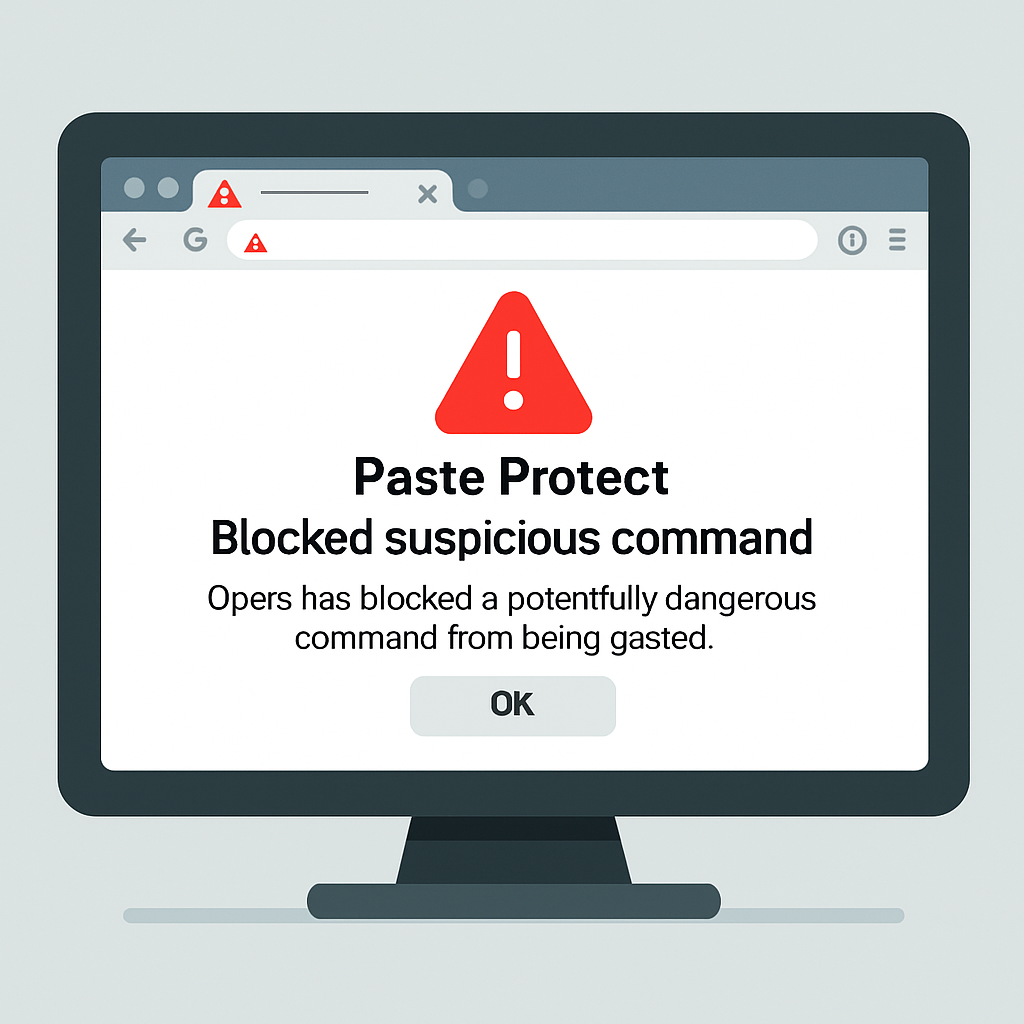
To mitigate these threats, Opera’s Paste Protect monitors clipboard activity for suspicious commands. When such content is detected, the browser blocks the command from being copied and alerts the user with a warning message and a red icon in the address bar. Users can view the first 120 characters of the blocked content, allowing them to assess the potential risk. For developers or users who trust specific sources, there is an option to override the block or mark certain sites as safe.
Paste Protect is enabled by default and is part of Opera’s broader Hijack Protection suite. This suite also includes features that prevent external applications from altering clipboard contents without user awareness, such as replacing bank account numbers or cryptocurrency wallet addresses with fraudulent ones.
By introducing Paste Protect, Opera reinforces its commitment to user security, addressing the growing concern over clipboard-based attacks. This proactive measure not only enhances the safety of Opera users but also sets a precedent for other browsers to adopt similar protections against evolving cyber threats.