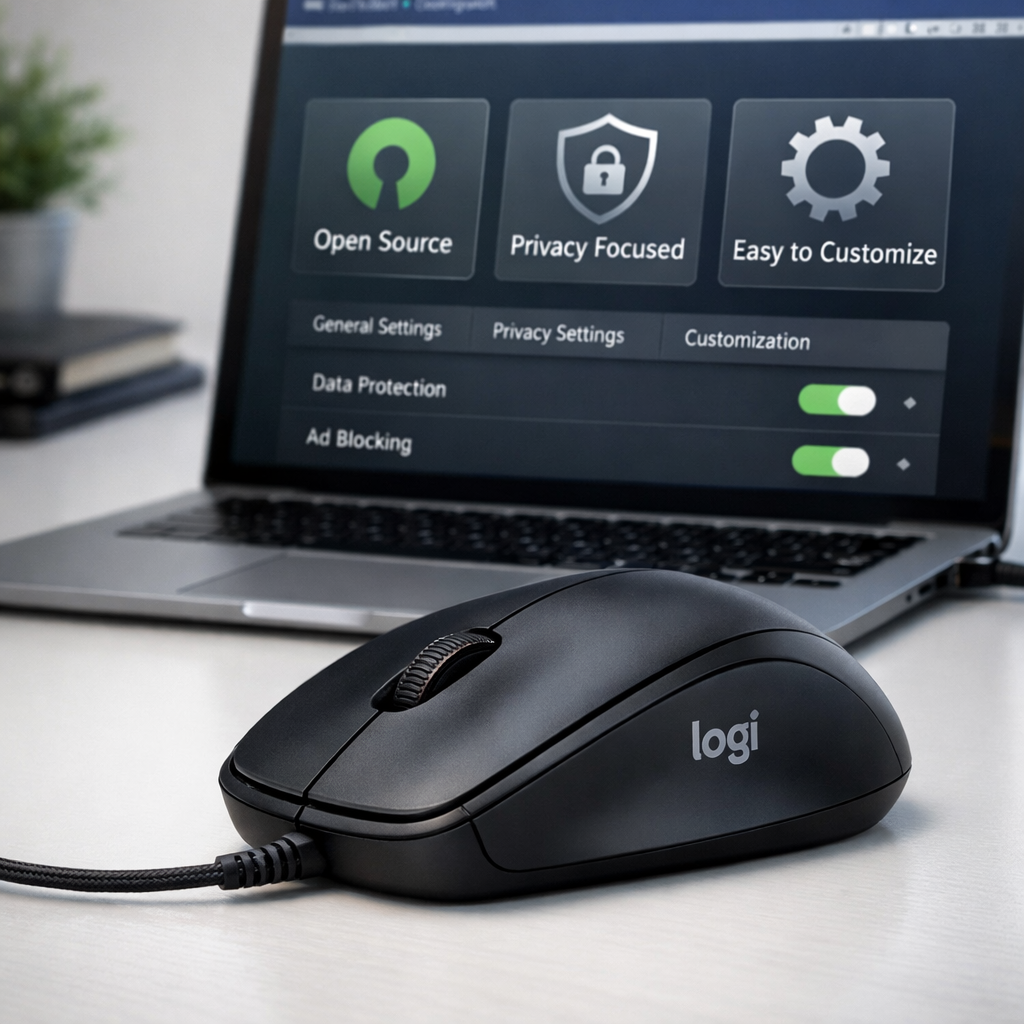
Logitech’s Options+ software for configuring mice on Mac has been plagued with complaints: it sends data back to Logitech servers (“phones home”), consumes excessive resources, and frequently crashes. A new project called OpenLogi steps in as a fully open-source replacement, aiming to eliminate these pain points. It works on macOS, Windows, and Linux, and notably skips all telemetry.
Why OpenLogi matters
Options+ is Logitech’s current tool for customizing mouse buttons, DPI sensitivity, firmware updates, lighting, and more. But for many Mac users, it’s become a source of frustration. The app reportedly uses too much RAM and CPU, periodically fails or crashes, and includes system connections that raise privacy concerns due to its data collection. Those issues have led to a drive for alternatives.
What OpenLogi offers
OpenLogi is a lightweight tool that mimics the core functionality of Options+ without the drawbacks. It supports configuration of multiple Logitech devices across operating systems and delivers essential features like button remapping, DPI controls, and firmware flashing. Because it’s open-source, its behavior—including any communications with external servers—is transparent. Users report that OpenLogi does not collect telemetry and avoids unnecessary system bloat.
Setup is fairly simple: users download the installer for their OS and run OpenLogi. Once installed, the app detects most supported Logitech devices automatically, allowing the user to adjust settings without jumping through duplicate menus or dealing with over-engineered UI elements. It strips out many of the background services that Logitech includes, reducing memory overhead.
Historically, community tools for Logitech hardware have existed but were often unstable, limited in features, or OS-specific. OpenLogi aims to be more robust and universal, uniting disparate tools under one roof while staying nimble. The absence of telemetry also appeals to users sensitive to privacy or looking for smoother system performance.
For those whose Logitech mice are still rely on Options+, switching to OpenLogi means giving up some polished sheen in exchange for efficiency, transparency, and reliability. And because it’s open-source, contributors can help add missing features or support for edge-case hardware.
OpenLogi isn’t perfect: since it’s community driven, firmware updates for newer or very niche Logitech devices might lag. Also, some advanced lighting or ribbon-wheel features still require proprietary firmware tools. But for everyday users, OpenLogi already handles most of what Options+ does well—and does it without the drawbacks.
What this means: Users wanting better performance, privacy, and cross-platform support now have a real alternative to Logitech Options+. As the open-source community steps in, it’s worth watching how fast OpenLogi can catch up on the remaining gaps—especially advanced features—and whether Logitech responds by improving or simplifying its own software.