For developers seeking a streamlined coding experience on macOS, Notepad.exe offers a compelling solution. This lightweight code editor emphasizes simplicity and speed, allowing users to dive directly into coding without the overhead of complex project setups.
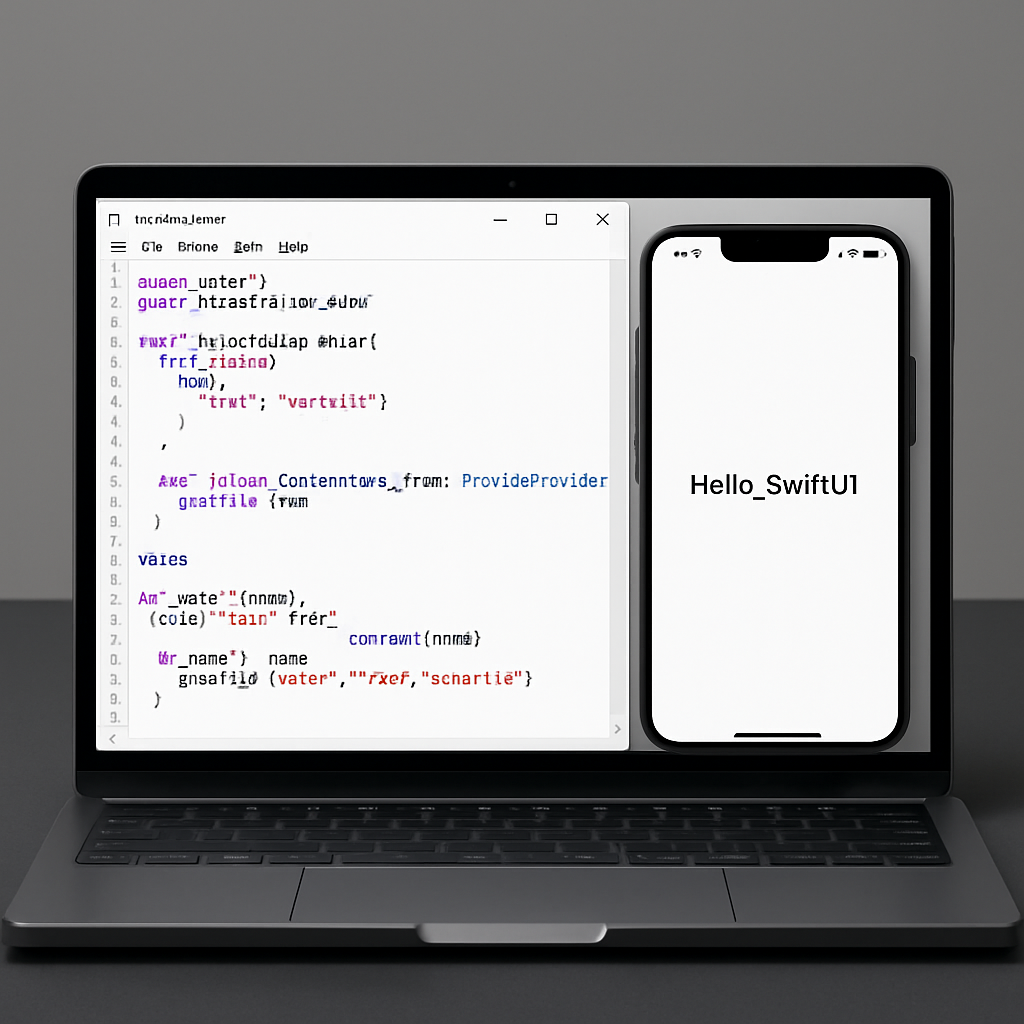
Notepad.exe boasts a user interface reminiscent of Xcode but without the associated bulk. It natively supports multiple programming languages, including Swift, Python, JavaScript, TypeScript, and Go. This versatility enables developers to write and execute code seamlessly within the application.
One of the standout features is the integrated Notes library, which organizes all created files efficiently. This system eliminates the need to recall specific file locations, streamlining the development process.
Additionally, Notepad.exe incorporates an agentic coding assistant. Users can leverage their Codex subscriptions or local models to troubleshoot and refine their codebases, enhancing productivity and code quality.
For iOS developers, the application offers a unique feature: the ability to run the iOS simulator directly within the editor. This integration provides a cohesive environment for developing and testing SwiftUI applications.
Notepad.exe is available for download on the developer’s website. The core functionalities are accessible for free without requiring an account. For those seeking the full suite of features, Notepad.exe Pro is offered at $19.99 per year or a one-time payment of $45 for a perpetual license covering all updates within version 1.x.
In a landscape where code editors often come with extensive features and complexities, Notepad.exe stands out by prioritizing speed and simplicity. Its focus on essential functionalities without unnecessary bloat makes it an attractive option for developers who value efficiency and a straightforward coding environment.