WordPress site administrators who leave their dashboard logged in and use the same browser for casual web browsing face an alarming new threat. A newly discovered malware chain—dubbed TRUST#GRAFT—leverages already authenticated admin sessions to deploy hidden PHP backdoors without ever needing admin credentials. The key risk? A malicious JavaScript loader waiting for admin access in the browser and acting quietly behind the scenes.
How the Attack Plays Out
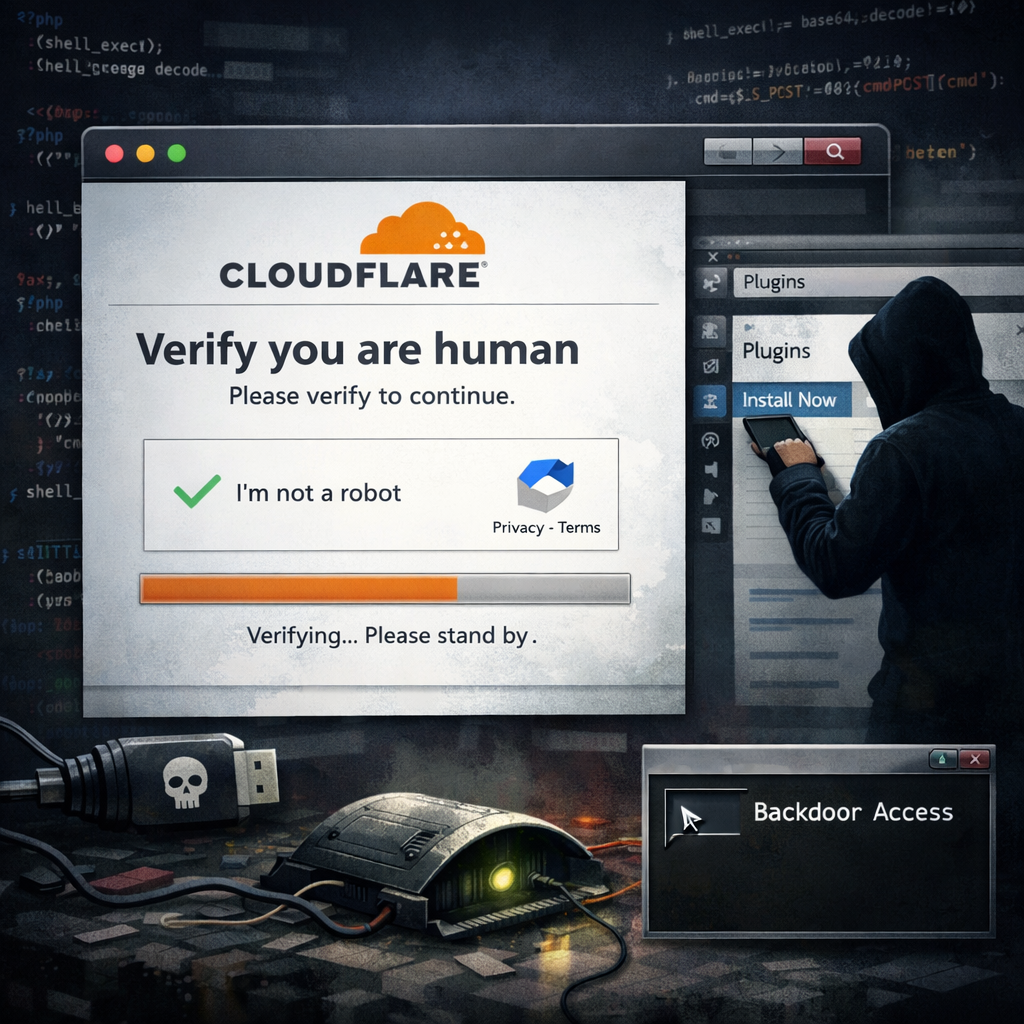
The attack begins when a logged-in WordPress admin visits a page that’s already compromised. A fake security check appears—an overlay mimics the look of a Cloudflare interstitial—preventing visibility of anything else. While this “verification” screen is shown, the malware collects browser metadata such as screen resolution, graphics information, timezone, and plugin count, and checks for signs of automated monitoring or analysis. This data is sent to a controller server, which then decides whether to move forward.
If the decision is to proceed, the script reaches out to WordPress’ plugin upload endpoint using existing login cookies, scrapes a security token (known as a nonce), and uploads a plugin ZIP file named wm.zip. If successful, the malicious plugin—named “Web Media Optimizer” version 2.1—gets activated. The malware takes advantage of already granted plugin installation rights under the active admin session; no password entry is needed.
Why It’s So Hard to Detect—and Clean Up
Once active, the compromised plugin injects external JavaScript into public-facing pages, disables TLS certificate validation for controller scripts it fetches, and contains a hardcoded token that allows it to grant admin cookies to the first admin account. To stay under the radar and maintain persistence, the plugin replicates itself into the mu-plugins folder under the file wmedia-recovery.php. Files in this folder are loaded automatically by WordPress, but they don’t show up in the standard Plugins dashboard. Simply removing the visibly listed plugin won’t eliminate the infection.
Threat analysts identified multiple indicators of compromise (IoCs), including specific JavaScript loaders and ZIP file sources hosted on defanged command-and-control domains. The backdoor module’s SHA256 hashes and file paths have also been cataloged to aid detection and response efforts.
What Site Owners Should Do
Mitigating TRUST#GRAFT requires a multi-pronged approach. Site admins are advised to keep their WordPress dashboard logged out when browsing other sites, use distinct browser profiles for site administration vs. everyday browsing, and restrict who has plugin upload permissions. Regular checks for unexpected PHP files—especially in mu-plugins—and scanning for unusual external JS loaders are also essential.
Equally important is rotating credentials, inspecting all active plugins (both visible and hidden), and ensuring that removed plugins leave no residual files or remote scripts. Full cleanup often involves eradicating both the front-facing plugin and its clandestine copies, as well as any embedded controller source code.
TRUST#GRAFT adds a new dimension to web threats: this is not a zero-day forcing a login bypass, but a stealth exploit riding on trust already granted. For those running WordPress, the lesson is clear: an active session is not a safe session, and visibility over what’s happening behind the scenes is as important as what’s front and center.