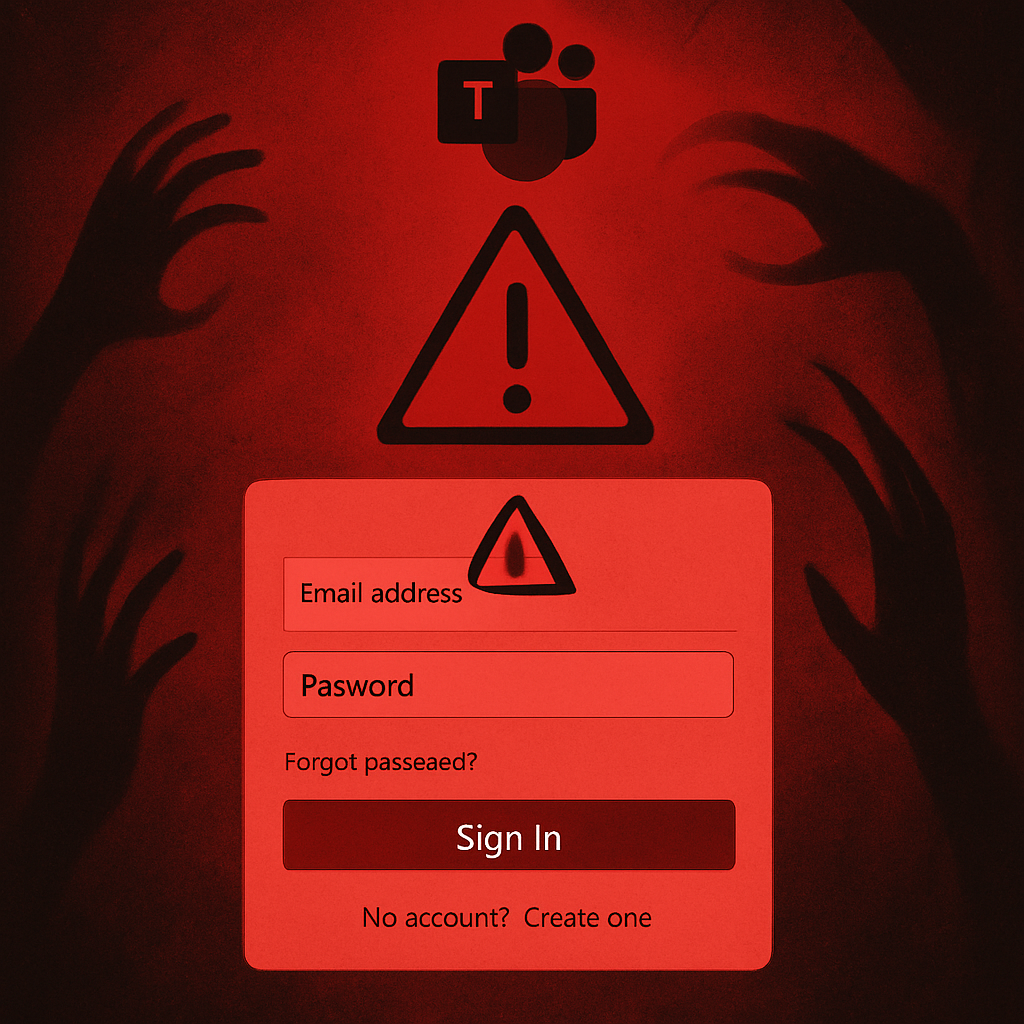
Security researchers have uncovered a freshly registered domain—teams-online[.]com—that precisely mimics Microsoft Teams’ login page and full user interface, signaling a sophisticated phishing attempt to harvest corporate credentials. The site was discovered just four days after domain registration, during which Microsoft Defender reportedly had zero detections.
The warning was raised by analyst Steven Lim, who spotted the lookalike site and urged organizations to immediately block it from tenant allowlists and web filters rather than relying solely on endpoint protection. His findings emphasize that the site visually clones Teams’ design to exploit user trust in a familiar collaboration platform.
The Risks and Gaps Exposed
While the cloned interface is convincing, there is no published evidence that a specific payload, such as malware, is being delivered. The researcher has not linked any theft of login credentials, revealed attacker identities, or confirmed backend access with Microsoft systems. The discovery is tied strictly to phishing through imitation, not confirmed exploitation.
The investigation does not establish how users arrive at the site; possibilities include phishing links via email, invitations through meeting software, or chat messages. Microsoft has warned of similar tactics before—including impersonation via fake “meeting recordings” or fraudulent login prompts disguised in passkey-based schemes.
What Admins Should Do Now
The only confirmed indicator is the domain teams-online[.]com. Administrators should use this exact domain name to update threat intelligence sources, firewalls, and web filtering tools. No hashes, IP addresses, or other identifiers have been published yet, so avoid adding irrelevant indicators to avoid confusion.
Further actions for compromised or at-risk accounts include reviewing recent sign-in activity, removing suspicious authentication methods, revoking sessions or tokens, and resetting credentials when needed. Implementing phishing-resistant multi-factor authentication—like FIDO2 security keys or passkeys—can help prevent credential misuse even if a password is exposed.
This issue highlights a broader threat category: brand impersonation and credential phishing through fake login interfaces. As enterprise tools like Microsoft Teams become more integrated into daily workflows, users may drop their guard around domains and login screens that look familiar. Organizations need to expand identity protection beyond endpoint security and ensure that defense-in-depth is applied across email, collaboration tools, and web access.