Apple has revealed its updated Mac mini lineup: the standard model now features the M6 chip, and the high-end configuration is powered by the M5 Pro. These new versions maintain long-standing limitations—most notably the cap of three external displays—but deliver significantly higher refresh rates across those outputs.
Upgrades in Display Support
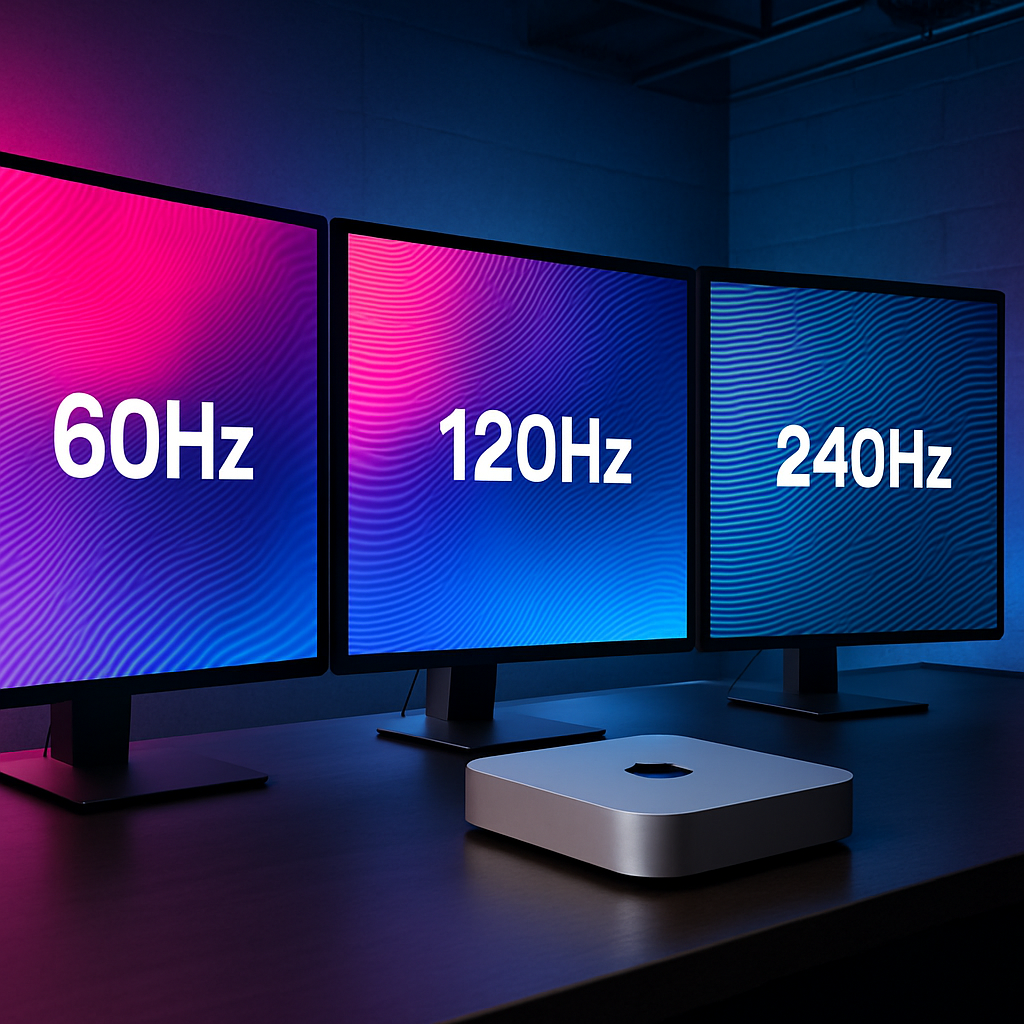
The M6 Mac mini supports up to three external screens via its rear ports—including Thunderbolt 4 and HDMI—with native DisplayPort 1.4 over USB-C. For a setup using two monitors, one can hit resolutions of up to 8K at 60Hz, 5K at 120Hz, or an impressive 4K at 240Hz. The second monitor’s ceiling drops depending on whether it’s connected over Thunderbolt or HDMI, with limits such as 5K at 60Hz via TB4 or 4K at 60Hz through HDMI.
When three displays are connected, the primary two can run at up to 6K at 60Hz or 4K at 165Hz, while the third is constrained—either a Thunderbolt display at 5K/60Hz or HDMI at 4K/60Hz. For comparison, the former M4 Mac mini models allowed two 4K screens at 144Hz plus a third at 60Hz, so the new model pushes higher refresh rates for the first two displays.
What the M5 Pro Brings
The upgraded M5 Pro model also supports three external displays, but via Thunderbolt 5 ports. These ports deliver DisplayPort 2.1 output and higher bandwidth—for example, 80Gbps bidirectionally, rising to 120Gbps when most of the throughput is directed toward displays. That makes more demanding setups possible.
Specifically, the M5 Pro allows two monitors to reach up to 8K at 60Hz, 5K at 120Hz, or 4K at 240Hz. The second screen can also hit up to 5K/120Hz or 4K/200Hz depending on connection. With three displays, all can run at either 6K at 60Hz or 4K at 165Hz—up from 4K/144Hz ceiling on the M4 Pro in similar configurations.
Ports, Cables, and Compatibility Notes
Both Mac mini models retain a rear HDMI port plus three rear Thunderbolt ports. Front USB-C ports carry only data (up to 10Gbps)—Apple specifies they are not display outputs. To achieve the claimed display limits, the display, cable or adapter, and port must fully support the bandwidth needed; otherwise, users might see dimmed screens, dropped resolution, or enforced lower refresh rates.
Adaptive Sync (variable refresh rates) and HDR support are built in for both models. But Apple cautions that optimal performance requires the right connection—Thunderbolt, USB-C, or DisplayPort‐enabled pathways are preferred, while HDMI may introduce flicker or latency in some use cases. macOS offers controls for each display’s resolution, refresh rate, color profile, and layout, though some display features (brightness, input selection, HDR toggle) remain accessible only via the display itself.
Preorders begin August 25, with units expected to ship September 22. The M6 Mac mini replaces the standard M4 model, and similarly, M5 Pro takes over for the M4 Pro in the higher-performance tier.
This update illustrates Apple’s continued push to improve the visual capabilities of its compact desktop without altering its external limitations. While the three-display limit remains, the jump in refresh rates offers meaningful improvements—particularly for creators, gamers, or users working with highly fluid visuals. Going forward, what really matters is how well accessories like Thunderbolt docks and high-bandwidth cables keep up, and whether future Mac minis—or rivals—finally break past the display ceiling entirely.