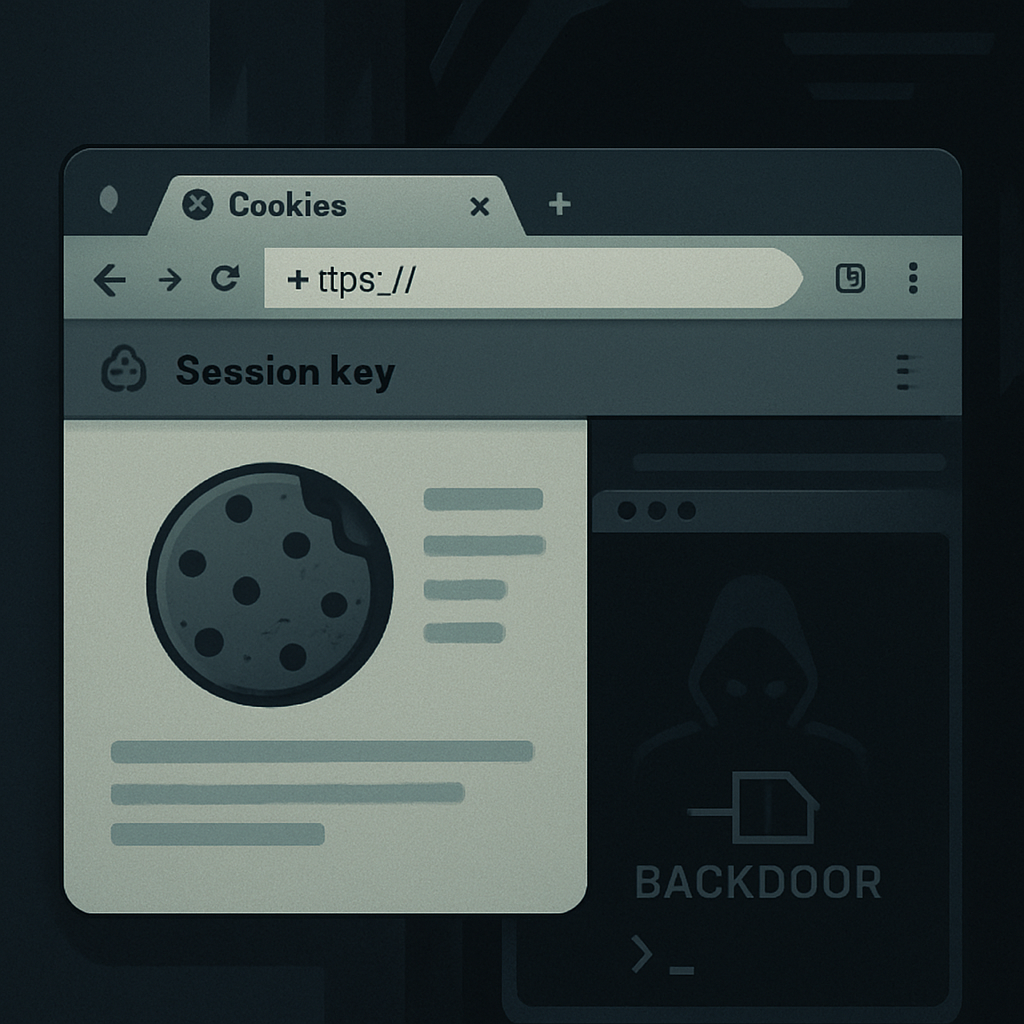
A newly discovered malicious browser extension dubbed “PEEP,” masquerading as “Smart Bookmarks,” elevates its threat level well beyond traditional data theft. Rather than relying on phishing or fake downloads, PEEP requires attackers to already have administrative-level access to the target machine or prior code execution—only then do they stealthily install the extension in Chrome or Edge browser profiles. Its installer circumvents usual safeguards, allowing it to activate without store approval, security warnings, or visible prompts.
How PEEP Operates
Researchers at SOCRadar identified PEEP as a post-compromise toolkit built on a Chromium framework derived from an open-source project known as RedExt. The initial version mimics a legitimate Chrome extension, Smart Bookmarks version 1.3.0, and figures reveal a development repository and testing variant also tied to PEEP. Once operational, the extension requests wide permissions—including access to tabs, cookies, history, downloads, bookmarks, scripting, browser settings, and all websites visited.
Through these permissions, PEEP can harvest browsing history, active session cookies (allowing account access without passwords or even multi-factor authentication), form inputs, clipboard data, screenshots, and data stored locally or via session storage in the browser. Its control-panel connection works via unencrypted HTTP, through which operators can issue commands to open web pages, inject JavaScript, change proxy settings, or pull collected data. The extension also leverages a native messaging bridge to escalate control to the Windows host: this lets attackers run shell commands, perform file operations, and enumerate processes under the infected user’s context.
Staying Hidden & Surviving Removal
PEEP uses several persistence methods to remain installed even after suspected detection. It tampers with Chrome’s Secure Preferences file, forges integrity checks, relies on enterprise force-install policies, and supports external sideloading. A ScriptCache fallback ensures that when Chrome restarts, a previously compiled malicious service worker can be reloaded despite only benign source files being visible.
Cleanup of PEEP requires more than removing the visible extension. Security teams should also delete associated native messaging host components, remnants in local directories, and registry entries. They must audit policies and browser-level settings and look for indicators of compromise (IoCs) such as specific extension IDs, file names like “nm_host.exe,” staging scripts, C2 domains including “xfjcc.fun,” and a few static hard-coded keys and artifacts.
Preventive measures include strictly allowing only trusted browser extensions, blocking developer mode and external sideloading, restricting traffic to known malicious infrastructure, and enforcing enterprise-level allow-list policies. For affected environments, incident response should treat infections as both device and identity threats—terminating active sessions, rotating credentials, revoking tokens, and reviewing for misuse. Phishing-resistant MFA and protecting stored credentials in browsers provide additional layers of defense.
Impacted Scope & What We Know So Far
SOCRadar found limited confirmed patient impact, including 34 agents seen on servers, about 10 active sessions, and over 500 data entries, though test tags suggest these numbers don’t translate directly into confirmed infections. Still, the capability to turn browsers into remote backdoors and harvest session cookies places PEEP among the more dangerous modern extension-based threats.
This operation joins a string of recent reports where browser extensions serve as vectors to system-level compromise, not just as tools for stealing form data or browsing history.
Our analysis: PEEP underlines a growing trend in threats that blur the lines between browser and device compromise. Attackers are shifting toward post-compromise toolkits that don’t need user interaction and exploit existing privileges. Watch for organizations implementing proactive extension governance, enforcing enterprise policies around extension installation, and prioritizing session-based detection in identity protection. Failure to address these risks could mean that a single compromised browser becomes the entry point for full host takeover.