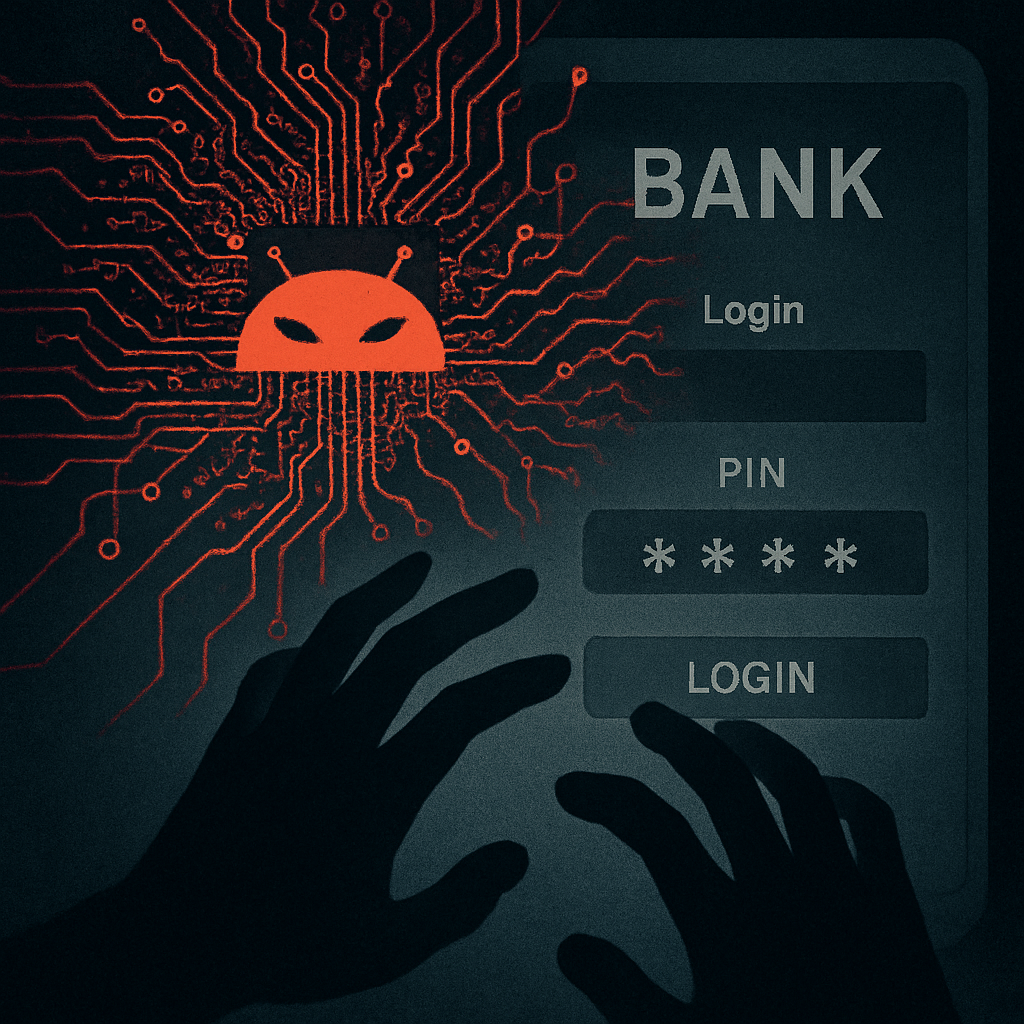
A new Android banking Trojan dubbed RatHat is deploying artificial intelligence to steal bank login credentials, intercept verification codes, and reconstruct screen-lock PINs and patterns. This sophisticated threat bypasses many traditional defenses by combining social engineering, accessibility abuse, and live AI-based decision-making.
How the Attack Starts
The attack chain typically begins with phishing via SMS or malicious ads, which direct victims to fake app download pages. These impersonate legitimate apps in order to convince users to sideload APKs—install apps from outside official sources. Once the malicious app is installed, RatHat pressures users to enable Android’s Accessibility Service, claiming it’s needed for network fixes or falsely advertised financial benefits.
Deep Permissions & AI-Driven Control
When Accessibility Service is granted, the malware gains the ability to read what’s on the screen and perform actions on behalf of the user. RatHat escalates its privileges by enabling Wireless Debugging, capturing the six-digit pairing code, and pairing through Android Debug Bridge (ADB). This gives it a system-level session far beyond a typical app’s reach. Hidden native components are dropped: one written in Go to execute system commands, another to maintain a back channel to an attacker. These allow control even behind network barriers.
AI-Powered Fraud Techniques
For tasks like credential theft, the Trojan presents fake overlays on financial apps to harvest usernames, passwords, and one-time codes. It can also intercept SMS messages, bypassing protections that rely on text-based verification. What really sets this malware apart is its ability to capture raw touch coordinates from the phone’s input driver. By comparing these taps with keypad layouts, RatHat can reconstruct PINs and unlock patterns—something screen capture protections can’t block.
Persistence, Risk, and Remediation
Even if the malicious app is deleted, RatHat may linger via hidden background components. Its design is reminiscent of attack strategies that use fake apps, deep permissions, and remote control to evade detection. To protect against it, users are advised to only install apps from trusted stores like Google Play, be wary of unsolicited SMS or adverts, and deny Accessibility permission requests from apps that don’t have a clear legitimate need.
Other defenses include keeping Android OS versions up-to-date, using mobile security tools, disabling Wireless Debugging and Developer Options unless needed, and using Advanced Protection Mode. If a device is infected, victims should change bank passwords using a trusted device, contact the bank, and consider performing a factory reset before restoring any data.
RatHat underscores how rapidly malware is evolving: this isn’t just about stealing passwords anymore. It’s about acquiring control and visibility over user inputs, achieving stealth, and persisting even when detection seems inevitable. What to watch: how AI is being weaponized as part of malware kits, how permission abuse keeps expanding attack surface, and how security tech must shift toward behavior-based detection and control of critical system permissions.