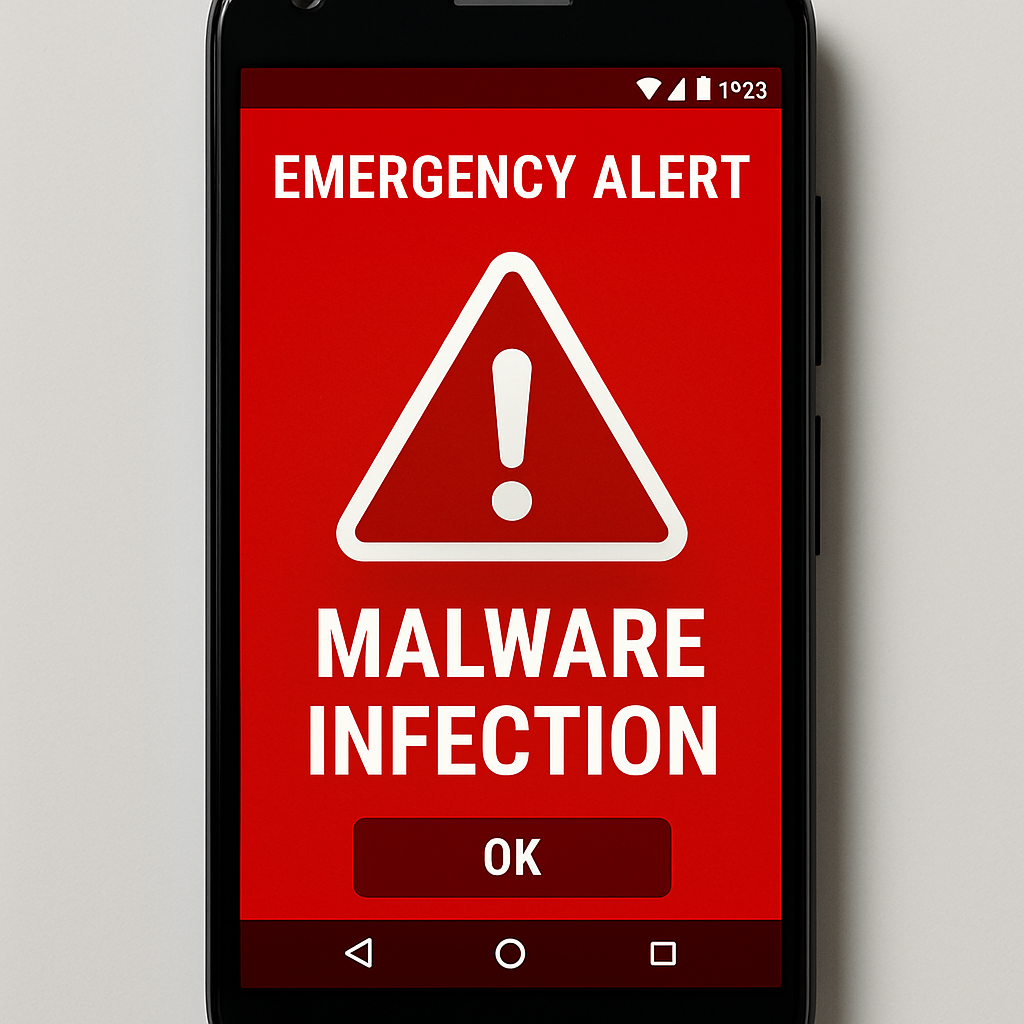
Android users are facing a new threat from a remote access trojan (RAT) named ‘Octagon,’ which masquerades as an emergency alert application. This malware is particularly concerning due to its ability to persist on devices even after reboots, making it exceptionally difficult to remove.
Deceptive Installation Process
Octagon presents itself as Bahrain’s official BH Alert service, exploiting public concern during regional tensions. Users are directed to phishing pages where they download an Android package outside of official app stores. The application employs a familiar icon and urgent language to appear legitimate, leading victims through a seven-step setup process that grants it extensive permissions.
Advanced Persistence Mechanisms
Once installed, Octagon employs sophisticated techniques to maintain its presence on the device. It utilizes watchdog services that monitor each other, ensuring that if one component is stopped, another can restart it. Additionally, the malware registers boot receivers, allowing it to automatically relaunch when the device is restarted. This persistence strategy is part of a growing trend among Android malware, where boot receivers are used to reinitialize malicious activities post-reboot.
Comprehensive Data Theft Capabilities
Octagon’s functionality extends beyond persistence. It requests access to the device’s Accessibility Service and establishes a VPN connection. By abusing the Accessibility Service, the malware can record lock-screen PINs, passwords, and patterns as they are entered. The VPN connection, controlled by the attacker, enables interception and redirection of sensitive user activities. Furthermore, Octagon collects SMS messages, contacts, call records, and can display phishing pages over legitimate applications, significantly increasing the risk of credential theft.
To mitigate the risk of such infections, users should exercise caution when downloading applications, especially from unofficial sources. It’s crucial to scrutinize permission requests and be wary of apps that request extensive access without clear justification. Regularly updating devices and installing reputable security software can also provide additional layers of protection against such persistent threats.