Motorola Devices Redirect Amazon App Launches to Insert Affiliate Codes
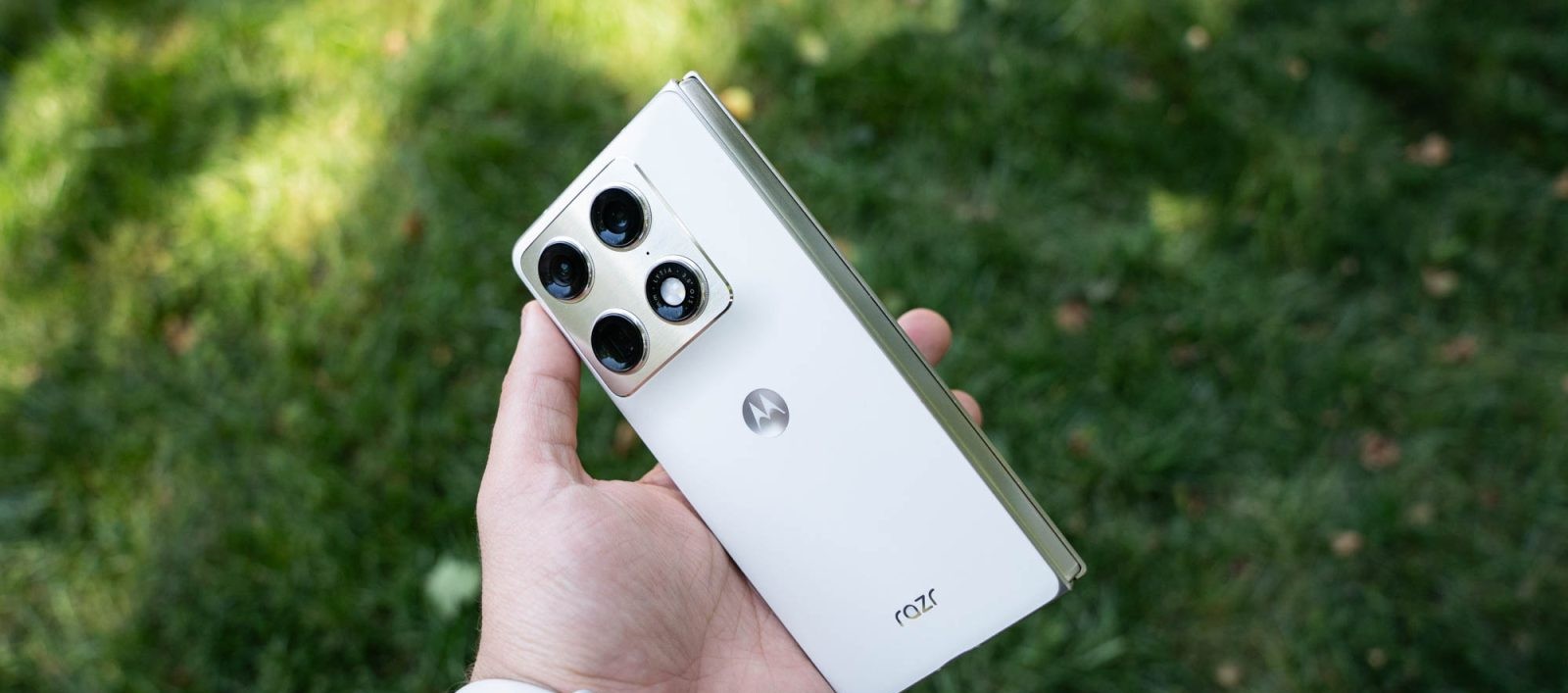
Recent reports have uncovered a concerning behavior in Motorola smartphones, where the Amazon app is being redirected through a browser to insert affiliate codes without user consent. This issue has been observed even in premium models like the $1,900 Razr Fold.
Affiliate marketing, which involves earning commissions through referral links, is a common practice. However, the unauthorized insertion of affiliate codes by device manufacturers raises ethical and legal questions. In this case, Motorola’s software appears to be intercepting user actions to generate affiliate revenue.
Mechanism of the Redirect:
When users attempt to open the Amazon app from the app drawer, the device momentarily launches the browser before redirecting to the Amazon app. This brief browser flash indicates an intermediary step where the affiliate code is likely being inserted. Notably, this behavior does not occur when launching the app from the home screen.
A Reddit user with a Motorola Razr 60 Ultra first identified this anomaly. By analyzing ADB logs, they discovered that the device’s launcher was directing users to a specific URL instead of opening the Amazon app directly. Further investigation traced this behavior to the Smart Feed app, a pre-installed application on many Motorola devices, including the latest Razr series.
Network logs revealed that the device was making requests to devicenative.com, a service known for placing ads on smartphones. This site openly acknowledges its integration with Motorola, suggesting a partnership that facilitates this redirect behavior.
Scope and Variability:
Testing on different Motorola devices showed variability in this behavior. For instance, a Razr (2026) running an older version of Smart Feed (v2.03.0056) did not exhibit the redirect, whereas a Razr Fold with version 2.03.0070 did. Interestingly, the Moto G Stylus (2026) running the same app version did not display this behavior, indicating that the issue may be specific to certain models or configurations.
Affiliate Code Details:
The redirect leads to kira-abboud.com, a site associated with fashion influencer @kirasfashionfinds. However, this URL is not listed on Abboud’s official social media profiles, and the affiliate code used (sramz-kff-008-20) differs from those associated with her legitimate links. This discrepancy raises questions about the legitimacy and intent behind the redirect.
User Mitigation Steps:
To prevent this unauthorized behavior, users can disable the Smart Feed app:
1. Go to Settings > Apps.
2. Search for Smart Feed.
3. Select the app and choose Disable.
Disabling this app has been reported to stop the redirect without affecting other device functionalities.
Speculations and Company Response:
While some may suspect Motorola’s direct involvement, the convoluted nature of the redirect—especially the association with an unrelated influencer—suggests other possibilities. It’s plausible that a third-party partnership or a compromised app update is responsible.
As of now, Motorola has not provided an official statement regarding this issue. Users are advised to remain vigilant and report any similar behaviors to ensure transparency and accountability.