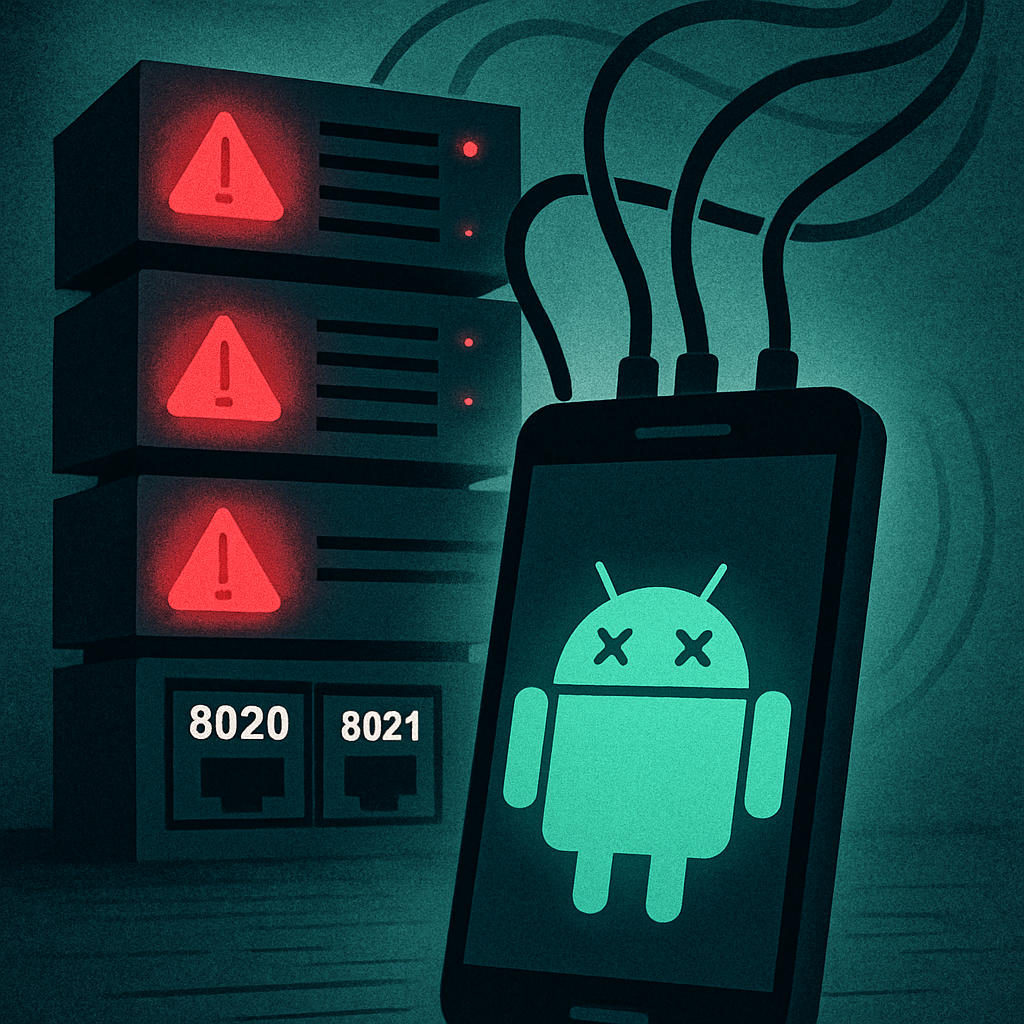
Microsoft has patched a vulnerability in its open-source UFO automation framework that allowed unauthenticated attackers to view and control Android devices remotely. The flaw, tracked as CVE-2026-73296 and rated 9.4/10 on the CVSS scale, affects all Microsoft UFO versions prior to 3.0.8 whenever the Mobile Model Context Protocol (MCP) services are enabled for remote access. UFO is used to automate and collect data from Android devices via Android Debug Bridge (ADB). When improperly configured, it lets attackers execute critical functions — without login or user interaction.
How the Vulnerability Works
The issue arises when UFO’s Mobile MCP data-collection server (listening on TCP port 8020) and action server (on TCP port 8021) are exposed instead of being isolated to the local machine (localhost). These services are normally used to capture data like screenshots, UI hierarchy, installed app lists, window state, metadata, and thick device context. The action server, more dangerous, enables input injection: tapping, swiping, typing, launching apps, and even simulating UI events — all without authentication. CWE-306 (Missing Authentication for Critical Function) and CWE-862 (Missing Authorization) are the classifications assigned to this flaw.
Risk, Exploit Conditions & Mitigations
If an organization deploys UFO remotely — binding the MCP services to 0.0.0.0, which opens them to the network — any network-accessible system could exploit this vulnerability. The default UFO configuration does not expose these services beyond localhost, which significantly limits risk, but remote deployment practices or misconfigurations change that. Importantly, exploitation doesn’t require any existing UFO credentials, browser interaction, or API keys. It’s triggered solely by network access.
To defend against this flaw, Microsoft has issued UFO version 3.0.8, which enforces bearer-token authentication via a required API key. The startup process now fails if the API key is missing. Meanwhile, organizations using earlier versions should immediately upgrade. It’s advised to restrict or block access to ports 8020 and 8021, ensure services are bound to localhost, use TLS, or deploy authenticated reverse proxies or secure private tunnels. Also recommended: review connected Android emulators/devices, rotate any compromised credentials, and monitor for suspicious UI interactions or automation tasks.
This vulnerability is especially perilous because it allows significant system control with minimal complexity and no privileges. The default setup offers protection, but once exposed, these tools provide almost full remote control over any connected Android device or emulator. The window of opportunity for exploitation is closed only by deploying UFO 3.0.8 or implementing strong network and authentication controls.
Why this matters: Many organizations rely on UFO for automating testing or managing fleets of Android devices. When services like MCP are misconfigured, they become high-risk attack vectors. With Android devices being critical to work, messaging, and identity, any breach can leak credentials, business data, or authentication workflows. You must assess your UFO deployment now — misconfiguration could be as dangerous as coding flaws.
What to watch: adoption of UFO 3.0.8 across major teams; whether Microsoft mandates secure defaults; and any attacks in the wild exploiting exposed UFO instances.