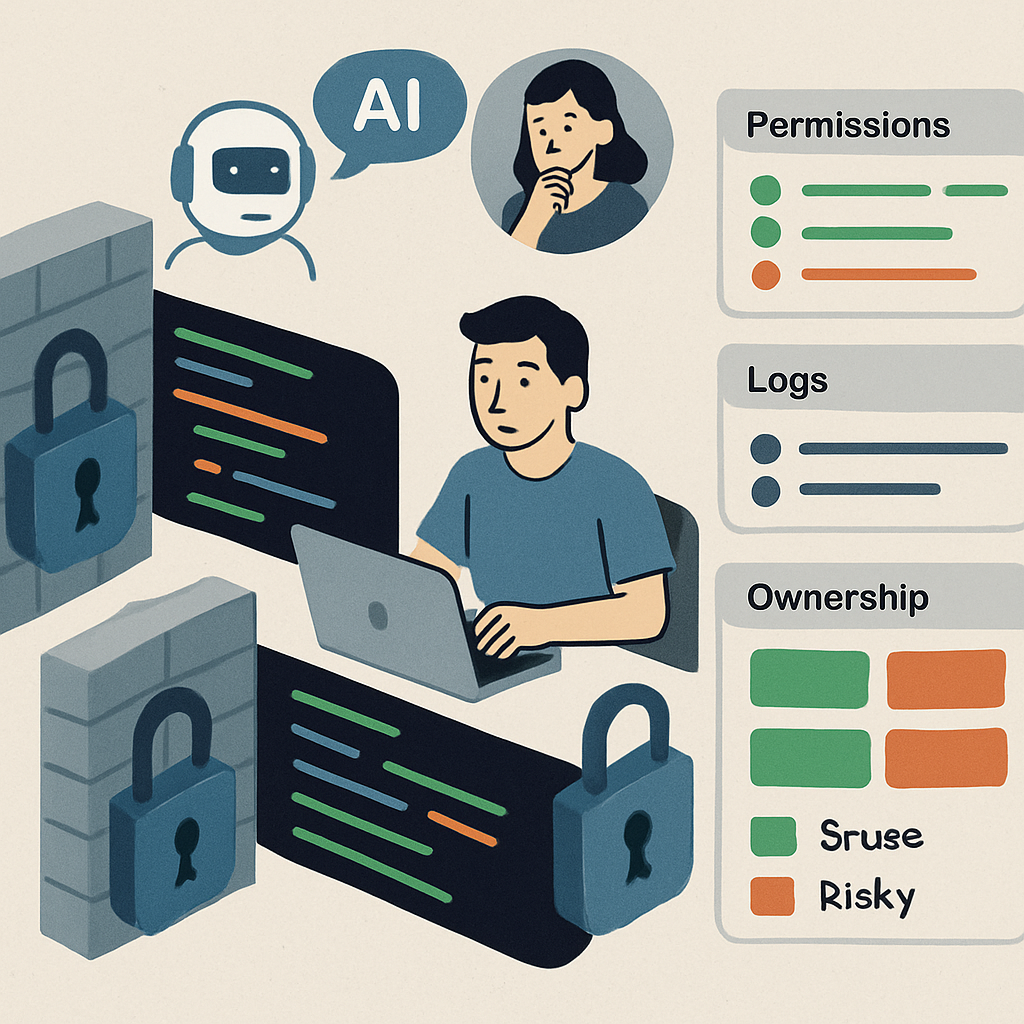
Microsoft is rolling out a new AI-powered capability in Teams designed to detect phishing attempts—even when there are no suspicious links or attachments. The feature focuses on conversations with external contacts, particularly first-time interactions, and looks for signs of impersonation, social engineering, and deceptive intent. It’s part of Microsoft’s effort to address phishing tactics that rely solely on persuasion rather than traditional malware.
How It Works and When It’s Arriving
According to Microsoft’s message center update (MC1519866), the feature is entering Targeted Release between early and mid-November 2026. General availability worldwide is expected to follow in early to mid-December. It will cover chats on Android, iOS, Mac, desktop, and web versions of Teams, in both group and individual external-first conversations.
The new detection system examines the context of a conversation—for example, smooth build-up of rapport and requests for credentials—to spot risky behavior. One example shared shows an account posing as “MOD Administrator,” claiming there are permission issues, and then asking for credentials. Even without a link, Teams will display a warning that the request could be a phishing attempt.
Privacy, Scope, and What Users Should Do
Microsoft emphasizes this is a security-only feature. It’s not meant for advertising, monitoring employee productivity, or creating conversation summaries. Also, the system doesn’t retain message content for training or secondary purposes. This announcement doesn’t change existing Teams retention policies, which may still apply in some contexts.
No admin action is needed to enable the new protection—Microsoft says it turns on by default. Organizations are encouraged to remind employees to report suspicious messages. If a warning shows up, users should verify sender identities via trusted channels. Mistaken alerts can be marked as false positives; confirmed phishing should be reported or blocked. Sharing credentials, sensitive financial information, or verification codes in response to unexpected support-like chats should be avoided.
The feature is focused on external conversations—unless you’re in China, where Teams users may also see such protections in internal chats due to unique fraud patterns there. It’s also likely Microsoft will run detection silently for a period to refine accuracy before banners become visible to everyone.
IT departments should review guidance around external contacts, help users recognize social engineering tricks, and update threat intelligence feeds. Even with advanced detection, user vigilance—double-checking identities, not assuming safety without warning—is still essential.
Why this matters: phishing attacks using impersonation and deception have become increasingly common, and warning flags like links or malware aren’t always present. Microsoft’s context-based detection aims to fill that gap. As AI becomes more common in security tools, watch whether this approach leads to fewer successful scams—and how Microsoft handles false positives as the system rolls out globally.