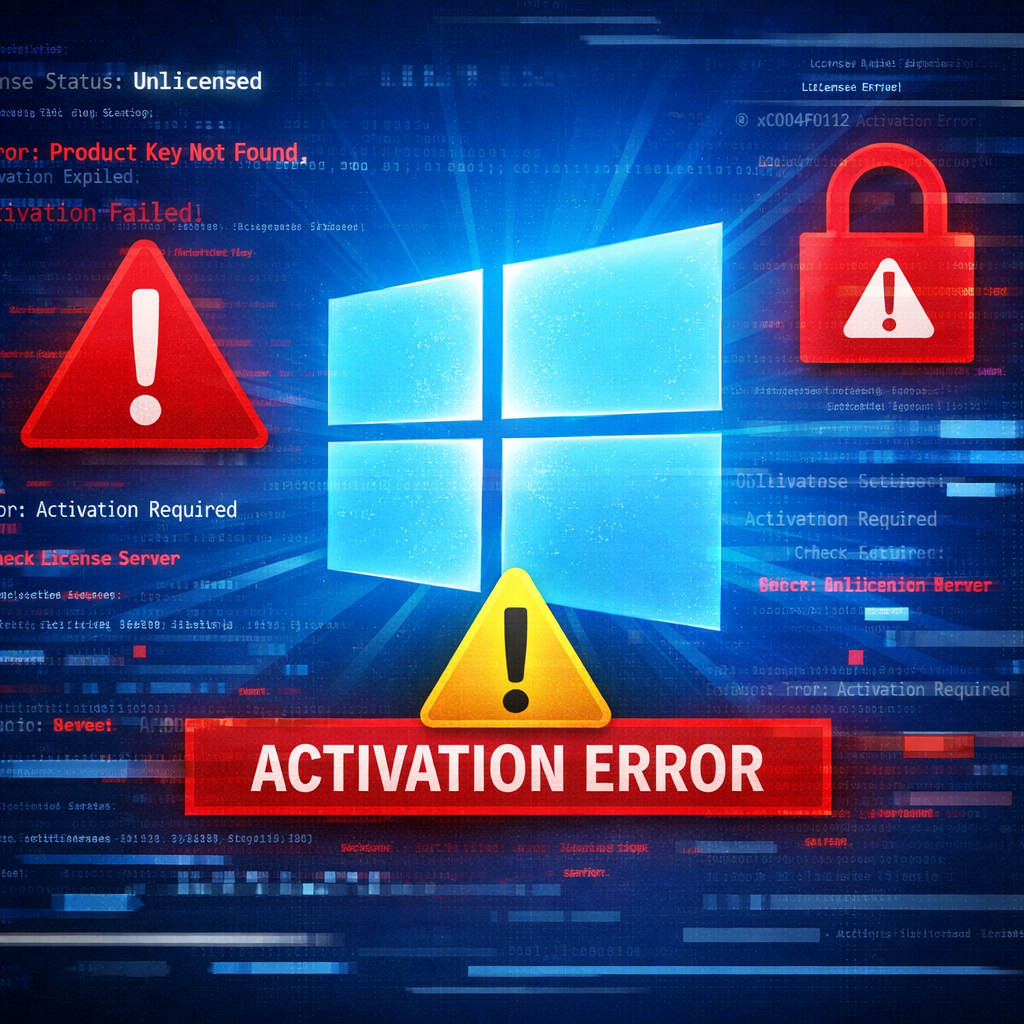
On November 13, 2026, Microsoft issued an out-of-band update to correct licensing and activation errors introduced by its November security update. The issue surfaced primarily on enterprise systems leveraging scripts or automated tools to manage Windows licensing. In affected cases, attempts to execute certain operations through the Software Licensing Management Tool (SLMGR) fail with error code 0x80041008 and the message “Invalid parameter.” The trouble does not impact devices already activated or installations using existing Key Management Service (KMS) settings without extra slmgr.vbs commands.
What operations broke, and what’s fixed
The patch addresses failures in several specific licensing tasks controlled by slmgr.vbs. These include installing product keys, configuring Key Management Service activation, and managing licensing data. These functions are essential for admins who automate license workflows. While the root cause of the bug hasn’t been disclosed, Microsoft has published lists of which operations are impacted.
Which Windows versions get fixes
Microsoft has released cumulative updates—for those affected releases—that bundle improvements from the November security release plus this fix. Versions and their patches are:
- Windows Server 2025: KB5136489
- Windows Server 2022: KB5136487
- Windows Server 2019 & Windows 10 Enterprise LTSC 2019: KB5136490
- Windows 11 version 23H2: KB5136483
- Windows 10 version 22H2 with Extended Security Updates & Windows 10 Enterprise LTSC 2021: KB5136493
These updates are optional and non-security in nature. They’re accessible via different channels depending on the Windows version: servers and older SKUs through the Microsoft Update Catalog; Windows 11 23H2 users via Settings → Windows Update → Advanced options → Optional updates.
How and whether to deploy
Before applying patches, admins should verify the Windows version, prerequisites, and reboot needs. It’s advised to test updates on representative devices before broad roll-out. If your infrastructure isn’t showing symptoms—no failures of slmgr commands—it’s generally safe to wait for the next cumulative release that includes these fixes. For environments encountering the errors, applying the optional out-of-band (OOB) updates now is recommended.
This slip-up follows past incidents where post-update bugs triggered issues like reset and recovery failures or Remote Desktop credential prompt problems. Microsoft’s OOB approach in this case helps restore mission-critical licensing functions more quickly than waiting for a regular update cycle.
Bottom line: if your organization automates Windows licensing via slmgr and saw these failures, this update is urgent. For everyone else, keep an eye out for the next cumulative patch. Administrators should double-check versions, test in staging, and rollbackable options just in case.