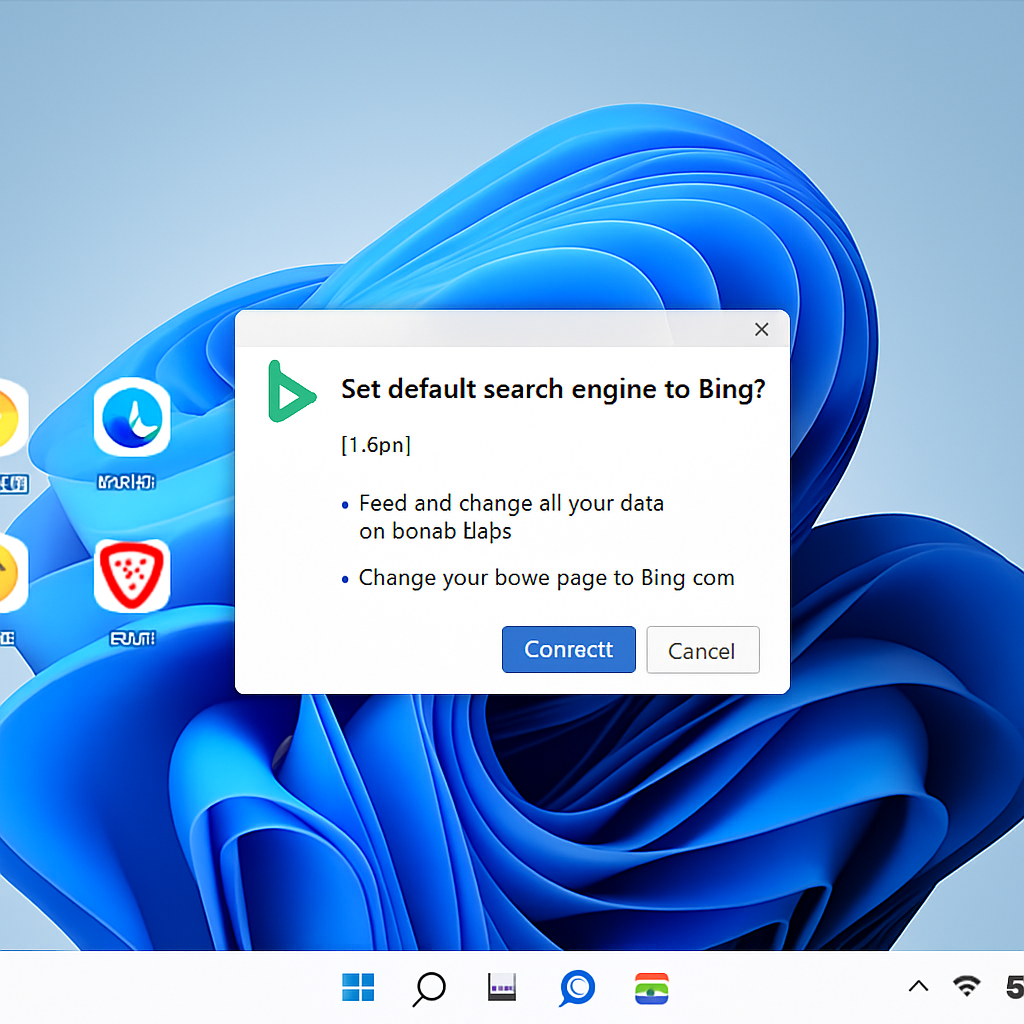
Microsoft has unveiled a new standalone Windows 11 utility designed to reset default searches for users who are already using alternatives like Google or Brave. The installer, called MicrosoftSettings.exe and weighing in at around 22.2 MB, is labeled “Microsoft Recommended Search Settings.” After it’s run, it seeks to install a Bing browser extension and prompts the user to make Bing the default search engine across Chrome, Firefox, and Brave. A Rewards landing page in Microsoft Edge is also part of the final step. ([cybersecuritynews.com](https://cybersecuritynews.com/windows-11-default-search-app/))
Bundled with Microsoft Rewards and a Pre-Toggled Bing Setup
The setup flow begins with a screen that’s already toggled to set Bing as the default. Users then go through a small sequence that ends with a “You’re all set!” page before being redirected to the Microsoft Rewards offer page in Edge. The extension, named Microsoft Bing Homepage & Search, is not new—it has been available in the Chrome Web Store and used by millions. What’s different now is that Windows is using a native app installer to push it across multiple browsers. ([cybersecuritynews.com](https://cybersecuritynews.com/windows-11-default-search-app/))
Browser Reactions and Control Risks
Both Chrome and Brave flag the extension during installation, noting permissions like reading all website data, changing homepage and search settings, and showing notifications. These are the same permissions often leveraged in search-hijacking attacks and fraudulent search add-ons. While Microsoft’s extension is not malicious, these permissions grant it substantial control over browser behavior. Users who enable it may find their new-tab or start pages replaced by MSN feeds, disrupting their prior setup. ([cybersecuritynews.com](https://cybersecuritynews.com/windows-11-default-search-app/))
After the extension takes effect, Chrome tries to prompt users to switch back to Google Search—but Microsoft interjects with warnings telling users not to revert the change, suggesting disabling the extension if they do. This isn’t new: a similar “prompt war” was observed in 2024 in which Microsoft appeared to discourage changing the default search engine. ([cybersecuritynews.com](https://cybersecuritynews.com/windows-11-default-search-app/))
What Users and Administrators Should Do
The tool is opt-in—not automatically installed or silently activated. Users who wish to keep Google, Brave Search, or another default engine should decline the changes during setup. For organizations, it’s recommended to enforce extension policy controls: disallow unapproved search add-ons in Chrome, Firefox, and Brave. Administrators should treat the new installer as a potential security policy issue. ([cybersecuritynews.com](https://cybersecuritynews.com/windows-11-default-search-app/))
What’s new here is not just the software, but the deployment method. Bundling a browser extension across multiple browsers via a Windows native installer—complete with system-style naming and Rewards incentives—marks an escalation in how Microsoft nudges users toward its services, even when those users have made explicit browser and search engine choices. ([cybersecuritynews.com](https://cybersecuritynews.com/windows-11-default-search-app/))
Why this matters: default search settings are central to browser identity and user privacy. Software that can change them means companies like Microsoft retain enormous influence—and users must remain vigilant. The rollout of this utility signals that future efforts may follow similar paths. Users and IT professionals should watch for comparable installers and pre-toggled defaults in future Microsoft tools, especially around core browser behaviors.