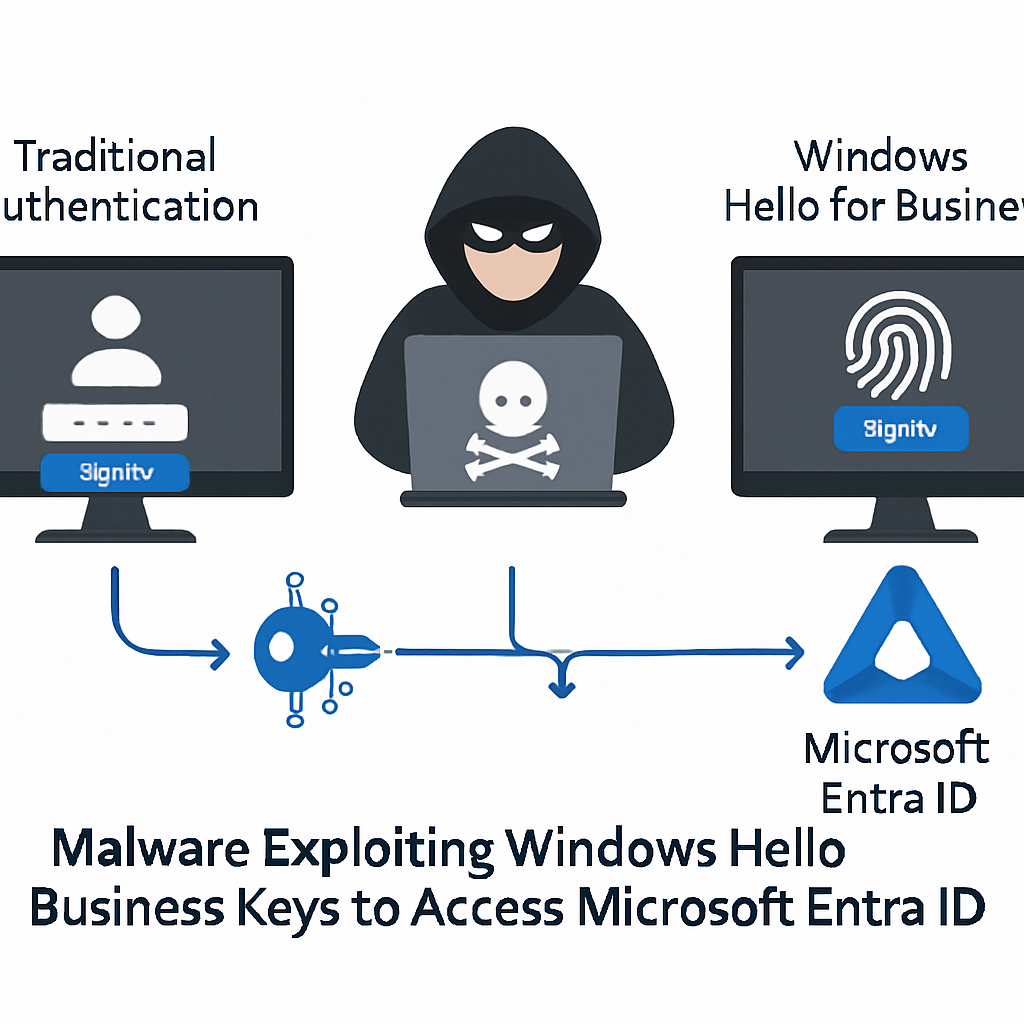
Recent research has unveiled a method by which malware operating within an active Windows user session can exploit Windows Hello for Business (WHFB) cryptographic keys to authenticate to Microsoft Entra ID. This technique allows attackers to gain cloud access without requiring the victim’s password, PIN, or biometric data.
Windows Hello for Business is a passwordless authentication system that stores a user’s private key in the device’s Trusted Platform Module (TPM). Users typically unlock this key using a PIN, fingerprint, or facial recognition. However, researcher Dirk-jan Mollema discovered that processes running within an active user session can utilize the key through Windows cryptographic interfaces without triggering a new authentication prompt. This behavior appears to be linked to cached authentication information used by Windows Hello.
It’s important to note that this vulnerability doesn’t allow attackers to extract the TPM-protected private key directly. Instead, malware with access to an unlocked user session can request Windows to perform cryptographic signing operations using the protected key. These signatures can then be used in identity flows that prove control over the Windows Hello credential.
Exploiting Windows Hello Keys to Target Entra ID
One potential attack vector involves requesting a Primary Refresh Token (PRT), a critical Microsoft Entra ID authentication artifact that supports single sign-on across Microsoft services and applications. A valid PRT can provide long-term access and may be renewed, making it highly valuable for attackers seeking persistent access to cloud environments.
Previously, an attacker would need access to another Entra ID-joined or registered device to complete this flow. The new research reveals an alternative approach: treating the Windows Hello for Business key as a FIDO2 passkey through the WebAuthn authentication protocol. WebAuthn is widely used for passwordless authentication and phishing-resistant sign-ins. By generating a valid WebAuthn assertion with the victim’s Windows Hello key, an attacker could authenticate to Microsoft Entra ID from a separate machine.
The resulting access tokens may lack a device identifier because the sign-in does not include the victim device’s normal registration state. This absence can be advantageous for attackers, as tokens without device-bound state may be used to register a new attacker-controlled device in Entra ID. From there, an attacker could attempt to obtain a PRT, establish persistence, or add new authentication methods such as passkeys.
This research also highlights challenges for Conditional Access policies. Since Windows Hello and FIDO2 are considered phishing-resistant authentication methods, a forged authentication flow based on a compromised session may satisfy policies requiring strong multifactor authentication. Policies that require compliant or managed devices could still block some activity, but attackers may attempt to circumvent device restrictions after gaining cloud access.
Defenders should monitor Entra ID sign-in logs for Windows Hello for Business authentications where the device ID is empty. While this can occur legitimately in private browsing sessions or browsers without single sign-on support, it should be relatively uncommon in many enterprise environments. Organizations should also investigate unexpected device registrations, newly added authentication methods, unusual token activity, and sign-ins that follow endpoint compromise. Protecting active Windows sessions remains essential, as the attack relies on malware already running as the targeted user.
This discovery underscores the importance of securing active user sessions and monitoring authentication logs for anomalies. As attackers continue to find innovative ways to exploit authentication mechanisms, organizations must remain vigilant and adapt their security measures accordingly.


