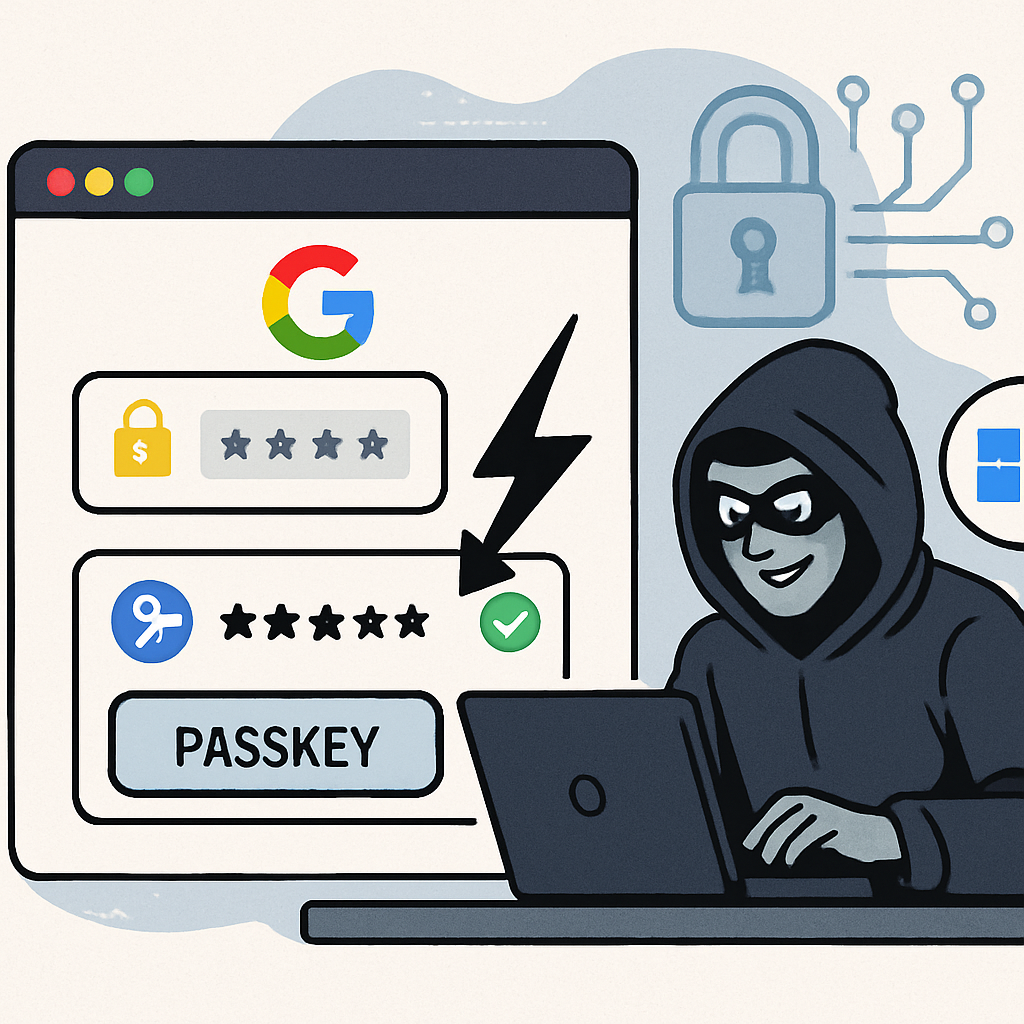
Recent research has uncovered vulnerabilities in Google Password Manager that could allow malware to access users’ passkey-protected accounts without requiring traditional authentication methods like fingerprints or PINs. These findings highlight potential security risks associated with the storage and management of passkeys within Chrome on Windows systems equipped with a Trusted Platform Module (TPM).
Understanding the Attack Vectors
Security analysts have identified three primary attack vectors, termed Pass-ta-key, Silver Pass-ta-key, and Golden Pass-ta-key. These methods exploit weaknesses in how Chrome handles device keys, re-enrollment processes, and user verification checks, rather than compromising the underlying cryptographic protocols.
In the Pass-ta-key attack, malware extracts Chrome’s wrapped device identity key and uses the TPM to sign an attacker-controlled request. This process generates a valid authentication assertion without setting the User Verified (UV) flag. Websites that do not strictly enforce user verification checks may accept these assertions, granting unauthorized access.
The Silver Pass-ta-key method involves malware forcing Chrome to re-enroll the device, allowing the attacker to install a user-verification key under their control. This key can then be used to authenticate without the user’s knowledge or consent.
The most severe of the three, Golden Pass-ta-key, enables the extraction of the 32-byte Security Domain Secret (SDS). With access to the SDS, an attacker can decrypt synced passkey private keys, potentially compromising all associated accounts.
Implications and Recommendations
These vulnerabilities underscore the importance of robust security measures in password management systems. While the attacks require malware to be present on the victim’s device, they demonstrate how weaknesses in key management and user verification processes can be exploited to bypass authentication mechanisms.
Users are advised to maintain up-to-date antivirus software and exercise caution when downloading and installing new applications to mitigate the risk of malware infections. Additionally, website administrators should enforce strict user verification checks to prevent unauthorized access through manipulated authentication assertions.
As the digital landscape evolves, the security of password managers and authentication systems remains paramount. Continuous vigilance and proactive security practices are essential to protect sensitive information from emerging threats.