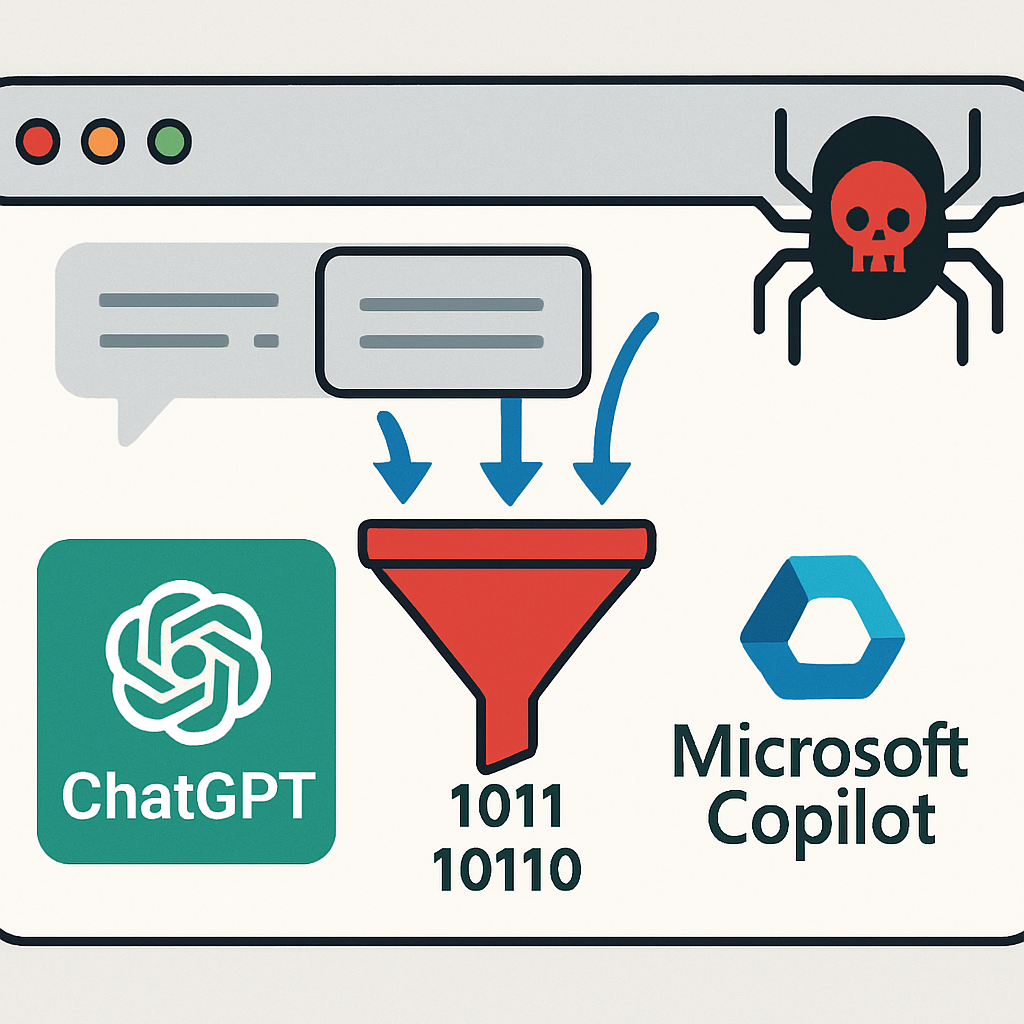
A Chrome extension named “Prompt Optimizer – SecondBrain” has been discovered covertly collecting user interactions across multiple AI platforms, including ChatGPT, Claude, Gemini, Grok, Meta AI, DeepSeek, Perplexity, and both consumer and enterprise versions of Microsoft Copilot. Despite its official listing and privacy policy claiming no personal data collection, the extension actively captures every prompt and AI response typed by users.
Upon installation, the extension’s background worker automatically sets internal storage values to consent “agreed,” collection “on,” and protection “off,” regardless of user preferences. It operates by overriding core browser networking functions—such as window.fetch, XMLHttpRequest.open, XMLHttpRequest.send, and the WebSocket constructor—to intercept traffic before it reaches the intended AI service. Additionally, it employs MutationObservers to scrape assistant replies directly from rendered web pages and keyloggers to capture inputs on platforms like Meta AI before messages are submitted.
The extension poses significant risks to corporate environments by specifically targeting Microsoft 365’s tenant-hosted Copilot, parsing SignalR protocol frames to extract prompts and bot responses. This could lead to the leakage of internal corporate communications outside the organization’s security boundary.
Captured data is batched, compressed, and encrypted with AES-GCM before transmission to ingest.secondbrain.is/context. However, the encryption key is issued directly by SecondBrain’s servers rather than generated locally, allowing the provider to decrypt every uploaded conversation batch.
The discrepancy between SecondBrain’s stated privacy policies and its technical implementation is concerning. While the store listing declares zero data collection, the interface provides no mechanism to disable background harvesting. The only visible toggle merely controls whether a floating UI button appears, while older consent screens remain dormant in the codebase.
Security teams and individual users should take immediate remediation steps:
- Enforce Extension Blocklists: Block extension ID
aajjgdpofhhcjmjoombjdfepplndhgcpusingExtensionInstallBlocklistpolicies in Google Chrome and Microsoft Edge. - Monitor Network Destinations: Audit network logs for outbound connections to
ingest.secondbrain.isandoptimize.secondbrain.is, as endpoint destinations are server-controlled. - Assess Enterprise Copilot Risk: Organizations running Microsoft 365 Copilot must treat this extension as a potential threat to internal communications.
This incident underscores the importance of vigilance when installing browser extensions, especially those claiming to enhance AI interactions. Users should verify the credibility of extensions and be cautious of those requesting extensive permissions. Organizations must implement strict policies to manage and monitor browser extensions to prevent potential data breaches.