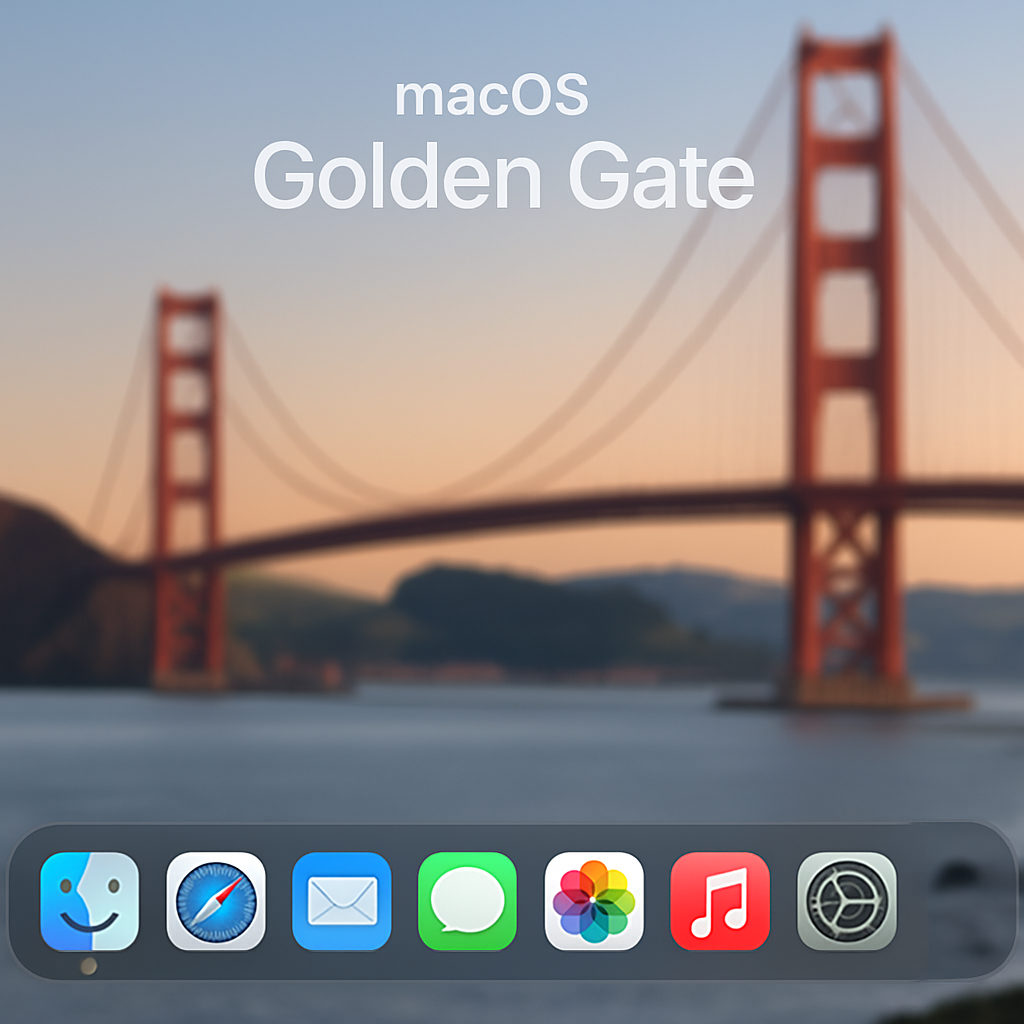
Apple’s latest operating system, macOS 27 Golden Gate, introduces significant improvements in user awareness regarding applications running in the background. This update addresses concerns about apps that continue to operate unseen after being closed.
Previously, on macOS 26 Tahoe and earlier versions, quitting an application like Google’s Gemini would remove its indicator from the Dock, suggesting the app had fully closed. However, the app could still be running background processes without clear user notification.
In macOS 27, Apple has implemented a more transparent system. When an application continues to run in the background after being closed, its Dock icon displays a lighter gray dot beneath it. Hovering over this icon reveals a message stating the app is “Running in Background.” Users can then right-click the icon and select “Stop Running in Background” to terminate the process and remove the icon from the Dock.
Additionally, the System Settings now include a section under General > Login Items & Extensions called Background App Activity. This area lists all applications currently running background processes, even if they are not present in the Dock. Users have the option to toggle background permissions for each app, providing greater control over system resources.
macOS 27 Golden Gate is currently available as a developer beta, with a public beta expected in July and an official release planned for the fall.
By enhancing visibility and control over background applications, macOS 27 empowers users to manage their system’s performance and privacy more effectively. This update is particularly beneficial in an era where background processes can impact both device efficiency and user data security.
Source: 9to5Mac