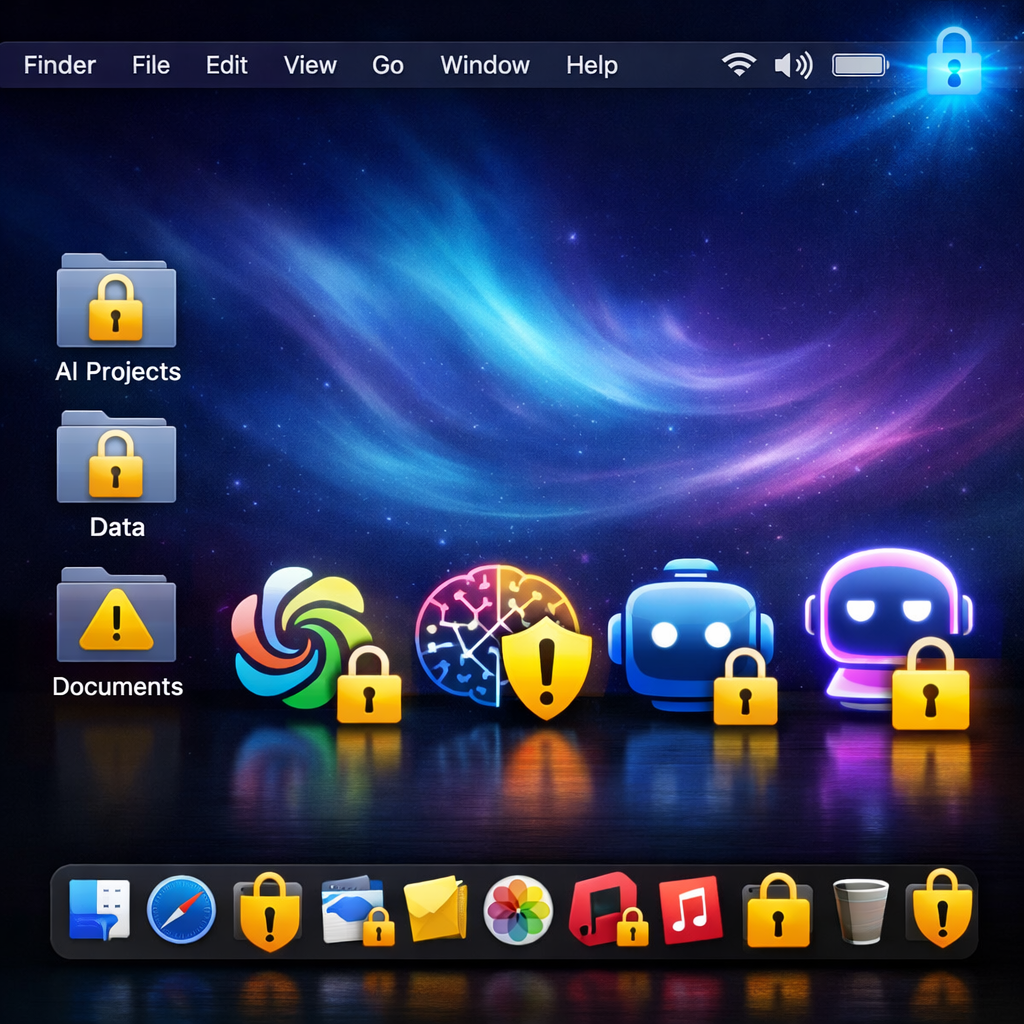
Apple is rolling out stronger privacy protections in the macOS 27.3 beta by warning users against giving apps—especially those with AI agents—unrestricted access to their files. The update revamps the Full Disk Access, Device Control, and Data Access permissions to make clear what apps can reach, how much control they have, and when users need to give it. All new permission requests will follow the stricter rules.
What’s Changing?
The existing “Device Control and Data Access” setting is being split into two separate options: System & App Protection Overrideand Accessibility. This change is meant to help users better understand and manage what apps are allowed to do.
Notably, permission requests will become more explicit. When an app seeks access—whether to a folder (for Full Disk Access) or to protected functions (via System & App Protection Override)—macOS 27.3 will prompt users by name, rather than using generic permission toggles. If needed, permissions can be limited so apps are only granted what’s essential for specific workflows instead of blanket access.
A transparency indicator will be introduced: when an app uses System & App Protection Override to control another app, a badge will appear in the Mac menu bar. Users will also be able to require apps to ask each time for access instead of automatically granting full permissions.
What This Means for Existing Apps
Apps that already use Full Disk Access for backups or those leveraging assistive technologies under Accessibility settings will be able to request entitlement to preserve the same behavior they had before macOS 27.3. So long as you granted access before the update, current user permissions will carry over. Developers are being urged to adjust onboarding so apps can function even under limited folder or app access.
These updates follow Apple’s warning last month about the risks posed by AI agents granted too much access. The company noted that some developers had been using Full Disk Access in ways that could expose sensitive user data—contacts, messages, email, browsing history, and more.
macOS 27.3’s beta changes address broader concerns about privacy and app permissions. With AI tools becoming more integrated, unsupervised control over a system’s data can easily lead to security hazards. This places user awareness, choices, and transparency front and center.
If you’re a developer or user testing macOS 27.3, watch for entitlement updates from Apple and update app behavior to handle scenarios where access is confined or specific folders are targeted. For the average user, the update gives more visibility into what AI apps are doing—and reduces the chance of over-sharing.
Why It Matters
This shift isn’t just about permissions—it’s about trust and control in the age of AI. By making app access more granular and visible, Apple is reducing the surface area for potential abuse, especially as more apps involve autonomous agents. For users concerned about privacy, these updates set a meaningful standard. What to watch: how smoothly developers adopt these changes; whether transparency indicators are clear in practice; and how many AI apps seek the new entitlements—and whether anything slips through as “justified” access.