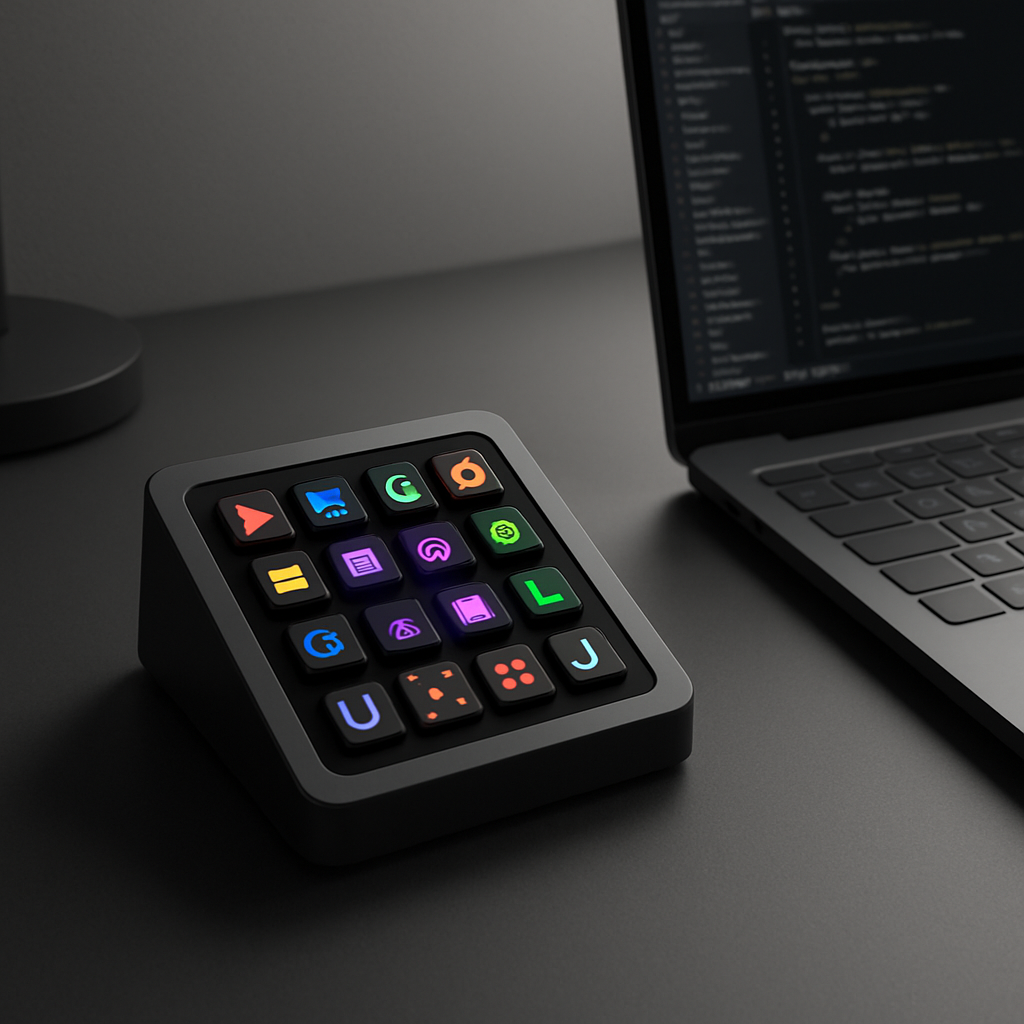
Logitech has introduced its MX Keypad, a dedicated $99.99 productivity tool built for developers, AI users, and power users seeking quicker access to commands, macros, and prompts. With nine full-color LCD keys housed in a compact frame, the MX Keypad aims to streamline repetitive workflows and free up your hands for more creative tasks.
Design and Customization
The MX Keypad comes in a size that’s easy to tuck beside your laptop or main keyboard—it measures about 3.6 by 3.1 inches and weighs in at 96 grams. It connects via USB-C and works with macOS 13 or later, or Windows 10 or later. Two color options—Graphite and Pale Grey—are available. Logitech has priced it at $99.99, half the cost of its Creative Console device that adds a separate dial controller.
Through the free Logi Options+ app, users can customize each of the nine keys with shortcuts, macros, prompts, or scripts. There are also “page” buttons that allow switching between layouts—offering up to 15 pages in total. Profiles can auto-switch depending on which app you open, so you could have one setup for VS Code, another for Slack, Chrome, or whatever tools you use most. Logitech also provides a marketplace filled with plugins, profiles, icon packs, and even an icon editor so you can personalize key visuals.
Integration with AI & Developer-Friendly Features
The MX Keypad was developed in collaboration with GitHub. As part of that partnership, Logitech is offering three free months of Copilot Pro+ for both new and existing users when redeeming through Logi Options+. Deeper integrations include GitHub Copilot in VS Code, plus support for community plugins that enable functionality with Claude Code, OpenAI Codex, and others—things like agent status displays and direct terminal control. For custom integrations, a software SDK is available in C# and Node.js.
One notable feature: the ability to use AI (such as Codex) to help configure the keypad itself—think automated setup of buttons based on how often you use specific tools or commands. It’s aimed to ensure the dedicated keys reflect actions you reach for most often in your daily workflows.
The keypad is shipping starting today, September 8, 2026, in Graphite and Pale Grey colorways. It’s designed to be small and useful—a physical controller for the digital tasks many users already perform through software.
What this means: For keyboard power users and developers who rely heavily on repetitive sequences—coding, AI prompting, or toggling tools—the MX Keypad isn’t just a luxury accessory. It’s a deliberate productivity tool. Its value will depend most on how rich the plugin ecosystem becomes and how seamless the app-aware profiles perform in practice. If Logitech nails those, this could become a must-have for serious users. Watch for long-term reliability of keys and software stability across Mac and Windows—as with any device that offloads complex workflows, the user experience will be king.