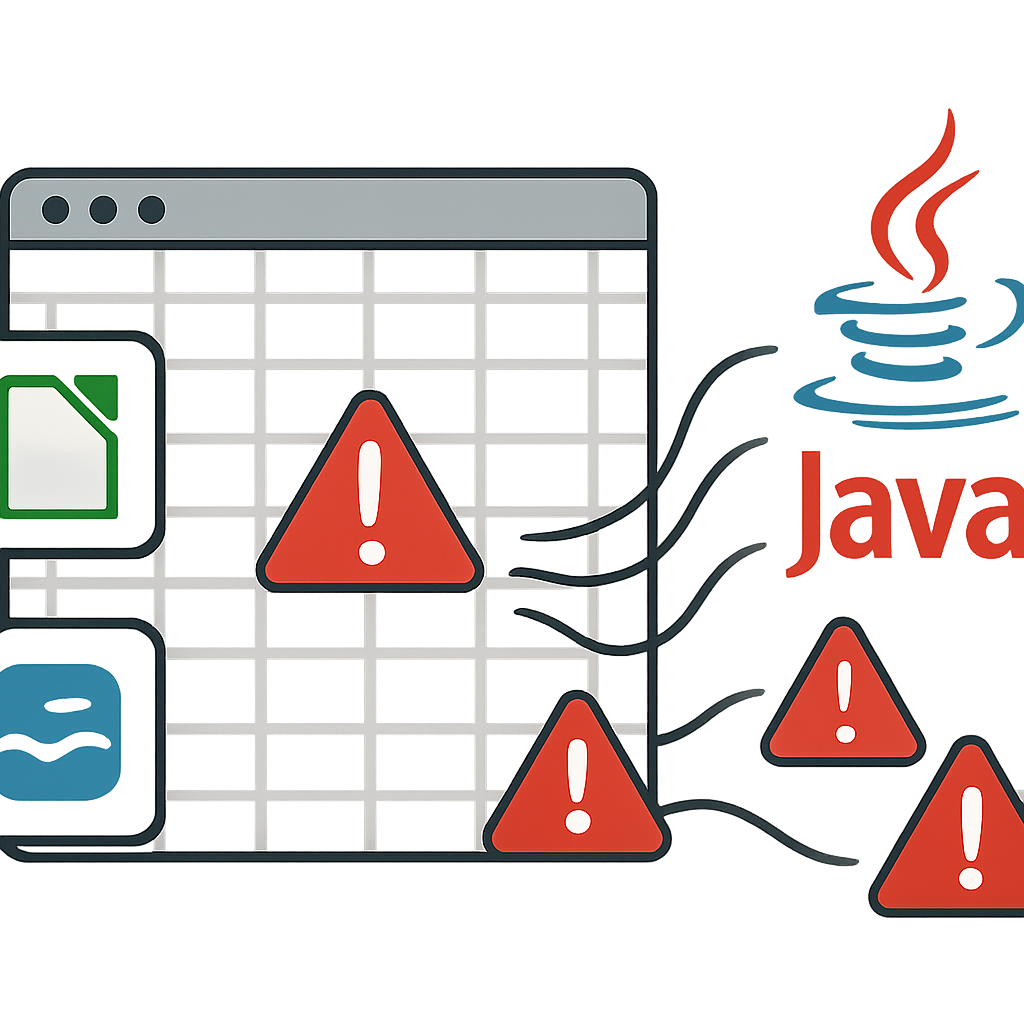
Major vulnerabilities have been found in both LibreOffice and Apache OpenOffice that let a spreadsheet execute attacker-supplied Java code silently, bypassing the usual macro warning. The flaw hinges on the programs’ Java support and their “database range” feature. Analysts demonstrated that, when enabled, a specially crafted Calc file can fetch external database files and Java drivers automatically upon opening. The result: arbitrary code execution without the user ever being alerted.
What’s affected—and what fixes are available
LibreOffice has patched this vulnerability (tracked as CVE-2026-63277). An update published on October 5 instructs users to update to version 26.2.5 or 26.8.0; earlier releases remain at risk.
Apache OpenOffice is not yet safe. The issue (CVE-2026-59265) affects every version through the current release, 4.1.16. A fix is underway for version 4.1.17, which is still undergoing testing. Until then, users are encouraged to disable Java support or avoid opening untrusted spreadsheets.
How the exploit works
The flaw leverages two legitimate features used in tandem. First, “database ranges” in Calc allow a block of cells to pull in data from external sources. The spreadsheet can reference an external database (an ODB file) via a URL. When refreshed or on opening, the ODB may point to a JDBC driver coded in Java—packaged in a JAR file hosted remotely.
If Java is enabled, the software downloads and runs that JAR file automatically. The proof of concept used a harmless task—launching the system calculator—but the path could lead to far more harmful payloads. Testers confirmed it works on both Windows and Linux. The only difference in a real attack would be that the malicious files would live on attacker-controlled servers.
Origins, discovery, and credit
The LibreOffice version of this weakness was independently discovered by the V12 security team (Rick de Jager) and Codean Labs (Thomas Rinsma and Edoardo Geraci). Apache credits Codean Labs for identifying the identical issue in OpenOffice. The fix for LibreOffice came from Caolán McNamara of Collabora Productivity.
This is still a proof of concept stage; no instances of real-world misuse have been documented so far.
Because of how easily this could be weaponized—particularly in enterprise environments—it’s a high-stakes issue. It bypasses the familiar macro prompts users expect, letting attackers operate stealthily under the radar. Disable Java, update LibreOffice where possible, and open only trusted files. LibreOffice’s fixes make it safe now depending on version; OpenOffice users should expect an imminent patch.
What this means:this vulnerability spotlights how layered functionality in software—each safe in isolation—can combine into something dangerous. It underlines the necessity for defensive defaults: warning on potentially dangerous features like macros isn’t enough. The attack path here exploits less familiar territory. Going forward, open-source suites need stricter controls around optional components like Java, and organizations must review what extensions are enabled in their offices. Expect more scrutiny on how open-source productivity tools manage code execution.