Kali Linux has officially rolled out version 2026.3, the third major release of the year. Dropping on October 26, it delivers six fresh penetration-testing tools, bumps the Linux kernel from 6.19 to 7.1.5, updates KDE Plasma to 6.7, revamps its image-building scripts, and introduces sweeping changes to its NetHunter mobile platform. This release also includes 126 package updates across the board.
New tools supercharge web, port, and SMB testing
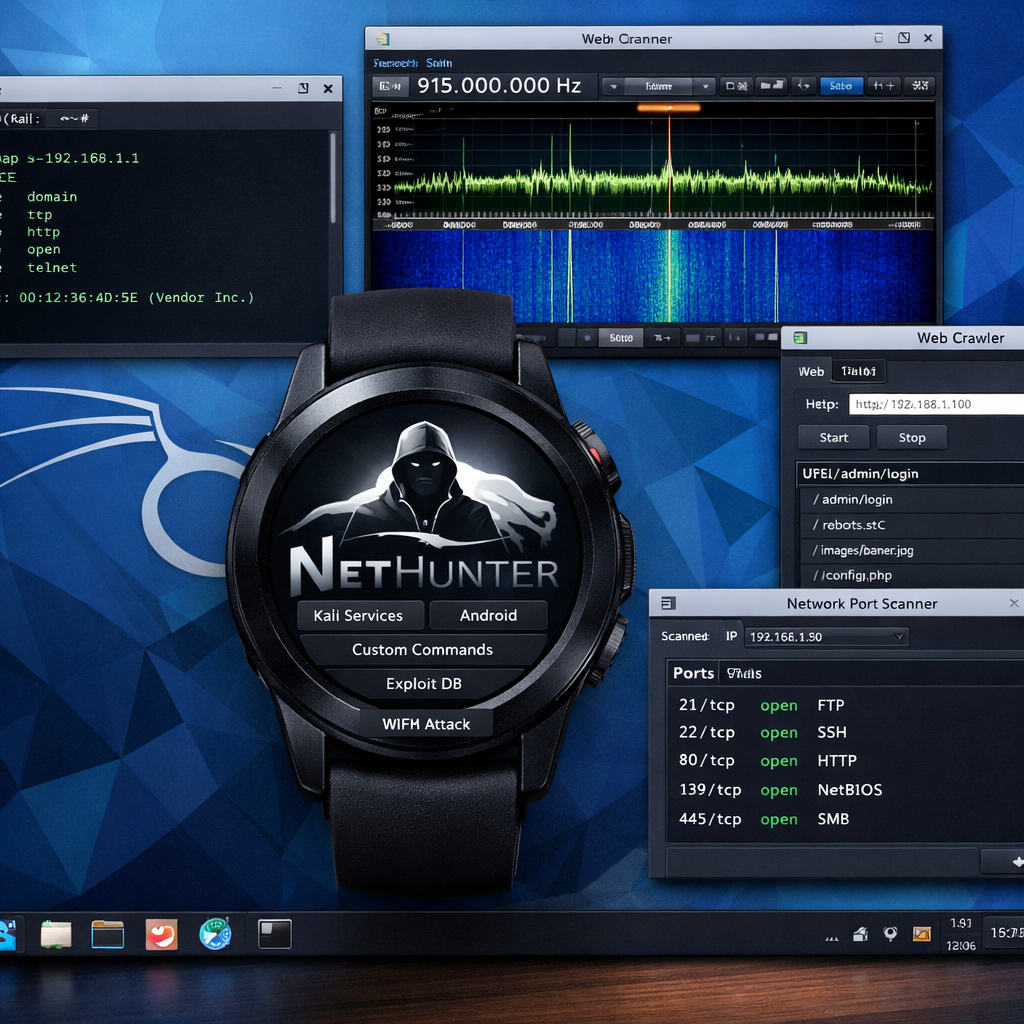
The new suite of six offensive security utilities spans a range of testing needs: Dalfox for automated cross-site scripting (XSS) checks; Katana, a web crawler and spidering framework to help map out web applications and endpoints; Qsreplace, which replaces query-string values in URLs to support repeatable web tests; Rustscan, a high-speed port scanner built in Rust that hands off discovered ports to Nmap for deeper inspection; SDRangel, a graphical front end supporting software-defined radio devices (RTL-SDR, BladeRF, HackRF); and Snaffler-ng, a tool to scan Windows SMB shares for exposed credentials or sensitive files. These tools enhance Kali’s capabilities in web discovery, wireless research, URL manipulation, and file-share auditing. Users are reminded these tools should only be used on systems they own or have explicit permission to test.
Kernel, desktop, and build system upgrades
The core of Kali now runs on Linux kernel version 7.1.5, advancing from 6.19. This upgrade enhances hardware compatibility, drivers, system calls, and essential security patches. As with any kernel bump, users working with wireless adapters, graphics chips, virtualization tools, or custom modules should validate compatibility before using it in production settings.
Kali’s build system receives a major overhaul. The image-building scripts have been reorganized with improved structure, layout, expanded command-line options, and more consistent output across platforms. A key addition, the “build-in-container.sh” script, allows Docker or Podman users to build Kali images inside isolated containers. This removes the old requirement to use Kali itself as a build host. ARM64 targets, custom package inclusion, hostname tweaks, and installer customizations are all supported via command-line options. Work on remaining scripts, documentation, and tooling continues toward the planned 2026.4 release. Teams using older CI pipelines should verify whether the new scripts have disrupted existing workflows.
The graphical desktop environment sees upgrades too: KDE Plasma jumps to version 6.7—bringing per‐screen virtual desktops, enhanced Wayland and portal support, better performance on Intel integrated graphics, and fresh theming options. Tools that previously lacked icons now have them, and older icons have been refreshed. Though KDE gets the spotlight, Xfce remains the default desktop environment.
NetHunter: watch support, Bluetooth, and more
Kali NetHunter, the mobile and wearable security suite, gets significant updates. Compatibility issues between modern systemd/udev and older device kernels have been addressed. Support for wardriving has expanded to TicWatch Pro 3 watches, allowing internal Wi-Fi monitor mode via an updated library; all Pro 3 variants (GPS, LTE, Ultra) are supported with installation involving bootloader updates and OS adjustments. A new experimental “WearHunter” feature enables control of a NetHunter watch from a phone via ADB over Wi-Fi or Bluetooth. NFC Arsenal’s capabilities are enhanced to allow reading, cloning, and editing Mifare Classic cards without an external adapter. KernelSU integration lets custom kernels enable installer ZIPs for supported devices. Other improvements include revival of Bluetooth Arsenal’s airplane mode, easier activation of EvilTwin and Wardriving routines, and eleven device kernels added for diverse hardware from Pixel (Android 15) to older models like Huawei P9 and Sony Xperia 10 V.
Documentation and mirror infrastructure also saw upgrades. The Kali tools page gains updated category layouts and icons, while guides covering topics like Live USB persistence, graphics troubleshooting, NetHunter on the TicWatch, and full-disk encryption were either added or refreshed. Four new European mirror servers were brought online, located in the Netherlands, Portugal, and Switzerland, improving download reliability.
Updating from prior versions is straightforward: new users can download vetted images—including installer, ARM, cloud, container, and NetHunter builds—from the official Kali site. Rolling-release users should verify their sources list points to the official kali-rolling repository (including non-free firmware), then run “sudo apt update” and “sudo apt full-upgrade -y”. After a reboot, system version and kernel can be confirmed via `/etc/os-release` and `uname -r` respectively. Users are advised to test needed tools post-upgrade, and avoid updating during active security work to prevent disruptions.
What this means: Kali Linux 2026.3 underscores how offensive security tooling continues to evolve—kernel stability, desktop polish, and mobile/wearable integration all advancing in one release. For security professionals and enthusiasts, the upgrades signal stronger support for diverse hardware and workflows, especially operating on the edge (IoT, wearables, wireless). What to watch next: how the build script overhaul plays out in real-world Continuous Integration environments, and whether NetHunter will close the gap with mainstream mobile security platforms in usability. If all goes well, the upcoming 2026.4 could be even more transformative.