At JNUC 2026, Apple and Jamf doubled down on what modern enterprise macOS management looks like. In the latest episode of Apple @ Work, host Bradley C is joined by Adam West to break down key takeaways including macOS Golden Gate’s impact — especially its Rosetta transition — and what admins should be preparing for. Golden Gate, Apple’s newest operating system (macOS 27), marks a major shift for Mac users, particularly in device compatibility and app support.
Golden Gate’s Big Moves
Golden Gate is the freshest macOS version available for Apple silicon Macs. It introduces “Siri AI,” powered by Apple Intelligence, a dedicated app to hold past conversations and handle follow-ups naturally. Visual Intelligence joins the mix, letting users ask questions about content on screen — whether through screenshots, within apps, or on selected images. Golden Gate also smooths out the Liquid Glass design from macOS Tahoe, adding a transparency slider and refining icons, sidebars, and system UI. Performance improvements are everywhere: search, AirDrop, file browsing, iCloud syncs, and more get notably faster.
Rosetta: Final Farewell and What Happens Next
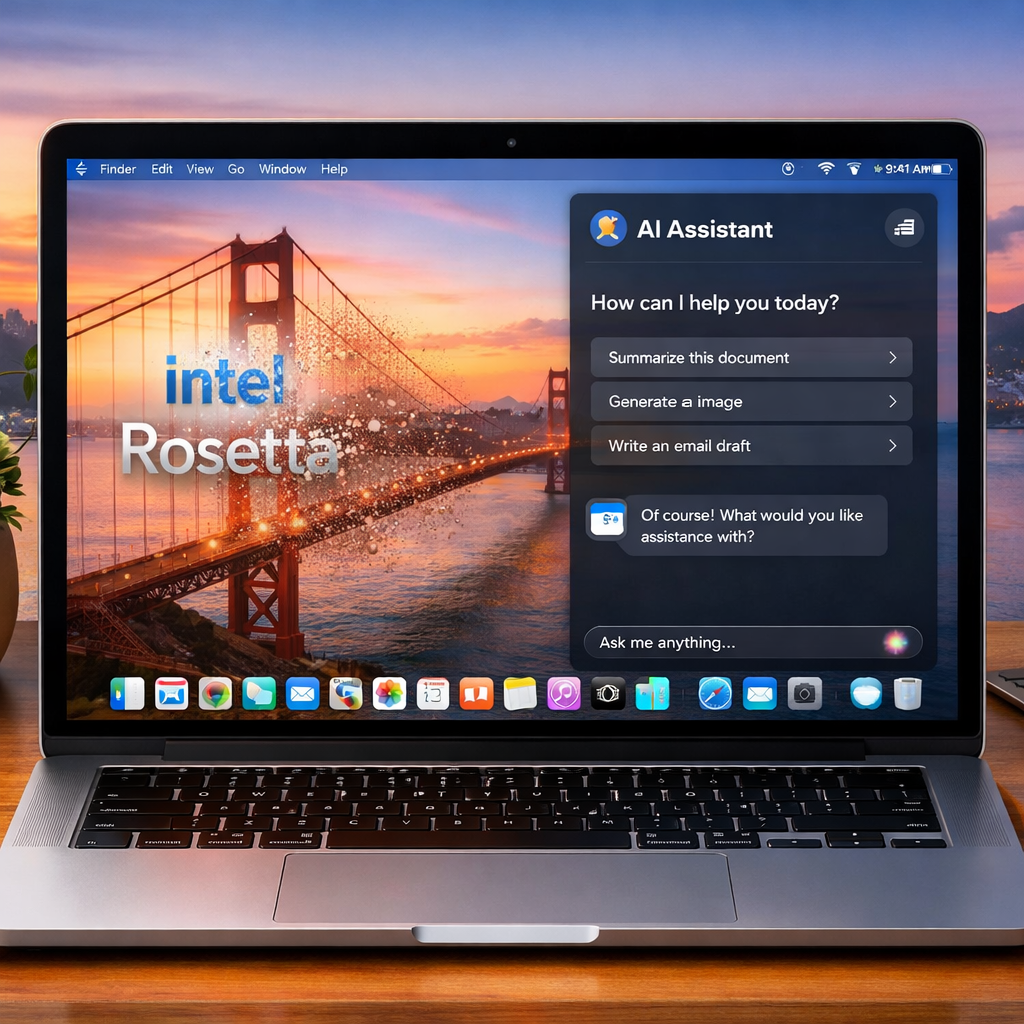
One of the most significant changes in Golden Gate is the handling of Rosetta 2, the compatibility layer that enables Intel-based Mac apps to run on Apple silicon machines. Golden Gate is the last version of macOS to support Rosetta broadly. Users upgrading to Golden Gate will lose Rosetta unless they reinstall it, and future updates (macOS 28 and beyond) will disable Rosetta-only apps altogether — with rare exceptions for legacy games.
Fortunately, Golden Gate still provides some visibility into which apps rely on Rosetta. In Settings → General → About, through an “Intel-Based Apps” detail view, admins and users can see which apps are impacted. That warning is especially timely, given that Golden Gate supports only Apple silicon Macs — all Intel Macs are left behind.
What Golden Gate Means for Enterprise & Admins
From an IT perspective, Golden Gate demands planning. Enterprises must audit their software fleet for Rosetta dependencies and ensure developers push out Apple silicon native or universal binaries. Given that future macOS releases will drop Rosetta entirely, this transition cannot wait.
On-device AI and Apple Intelligence features are now being managed more tightly. Device management tools can now restrict or configure access to Siri AI, Visual Intelligence, and natural-language tools. For admins, that adds another layer to their responsibility: not just rolling out OS updates, but governing AI usages, local model behavior, and user data privacy.
In sum, Golden Gate is less about introducing endless new features and more about hard lines: which Macs are supported, which apps will run, and what controls admins have as AI becomes a fundamental part of the system. Breaking changes are coming; Rosetta’s sunset is real.
Analytically, the shift here isn’t incremental — it’s foundational. Apple has drawn its compatibility boundary: drop Intel entirely. That forces a faster modernization of software in the ecosystem. Administrators who eased into Apple silicon support can no longer defer; they must audit, adjust, and align now. And as Siri AI and Visual Intelligence become core OS components, governance, privacy, and performance become enterprise risk vectors, not extras. What to watch: how tools emerge to help with Rosetta migrations, AI model management at the device level, and what macOS 28 drops next.