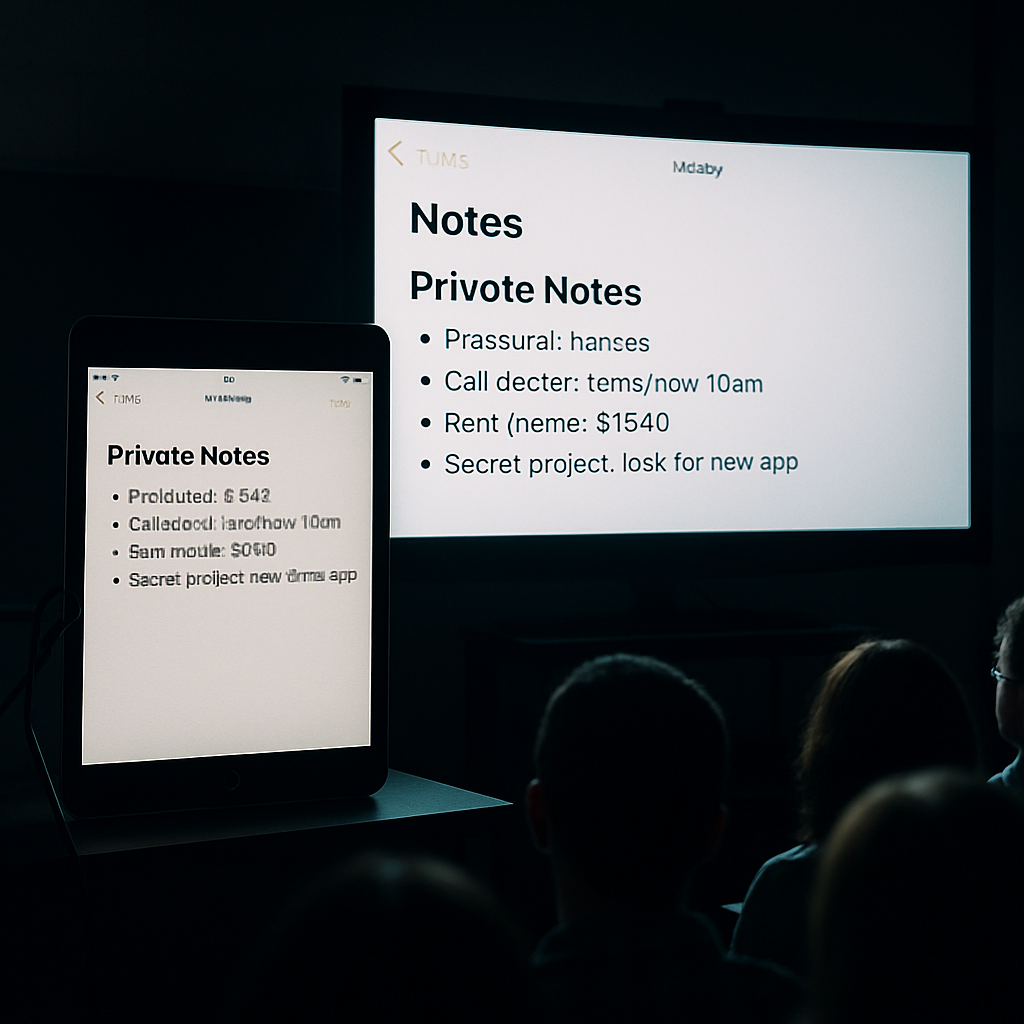
Presenting slideshows over AirPlay in iPadOS 27 can now expose private windows to the audience whenever switching apps, something that wasn’t an issue in the prior iPadOS 26. The updated behavior replaces what was shown on the external display with whatever window the user taps into—making it easy to unintentionally reveal notes or other sensitive content.
What’s changed
Under the previous version, presenters using iPadOS 26 could swipe up to access the Dock and select a supported app without disrupting the presentation. Now in iPadOS 27, tapping outside the active presentation app automatically shifts the external display to mirror the newly selected window. This holds true even when multiple windows are open, and regardless of whether Stage Manager is enabled.
User impact and recovery
Teachers, conference speakers, and anyone showing presentations have identified multiple problems. For example, instructors shared that students can suddenly see private polls or hidden notes. On some apps like GoodNotes, switching away and back restores the presenter view. With others—such as Keynote—the entire presentation stops. PowerPoint users must restart the presentation window entirely.
Because the behavior is consistent and not isolated to specific setups or apps, many believe it’s intentional rather than a bug. That said, it runs counter to how iPadOS has handled external presentations in the past.
For now, there’s no official fix, and no indication that Apple plans to restore the old behavior. Users who are affected are encouraged to report the issue through Apple’s standard feedback channels.
Why this matters: when using AirPlay to project content in professional or educational settings, maintaining a separation between what the audience sees and your private notes or controls is essential. Someone having complete control over what’s displayed—even by accident—can undermine that separation.
From this change in iPadOS 27, one key takeaway is that presentation workflows will need reevaluation. Users may need to avoid multitasking or ensure all sensitive content is hidden before shifting apps. It’ll be worth watching whether Apple updates this behavior in a patch or clarifies its design intent, and whether third-party apps adapt by offering built-in safeguards or alternate ways to maintain private views while presenting.