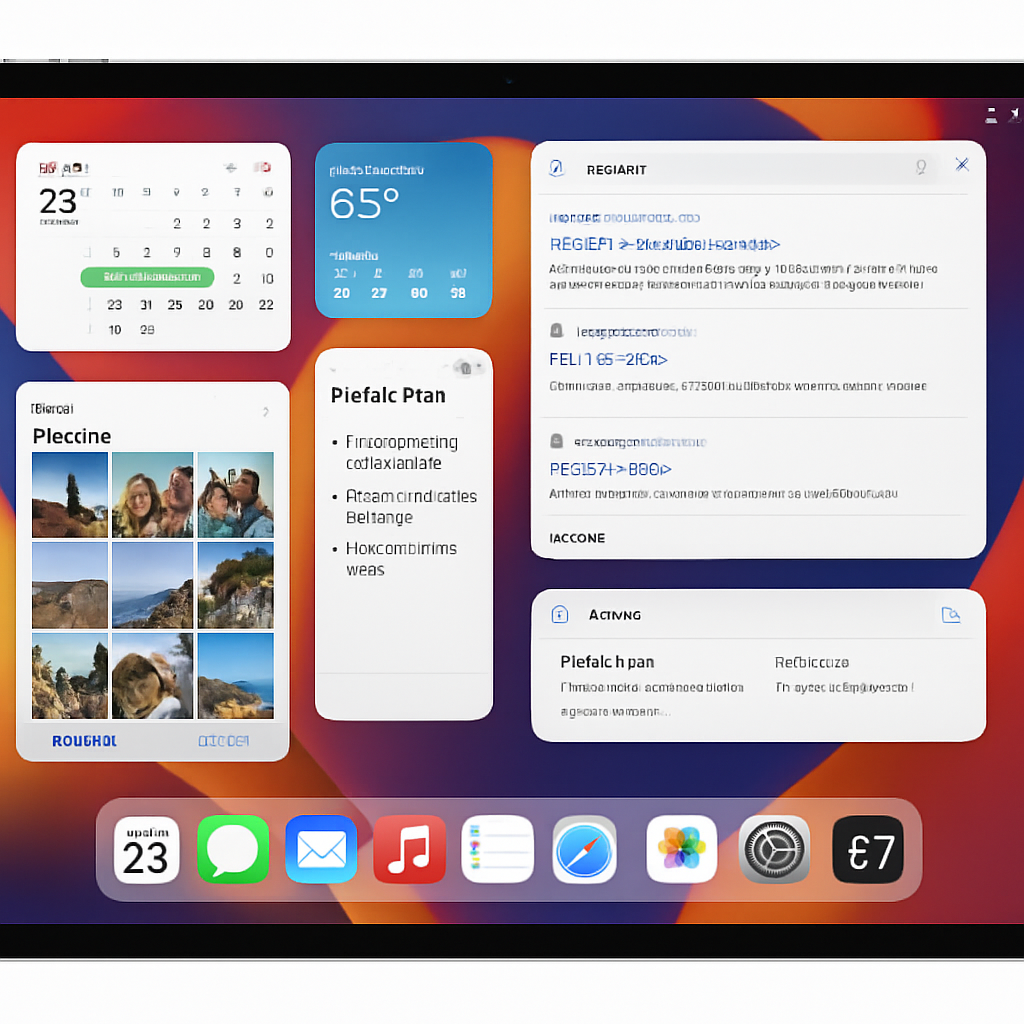
With the release of iPadOS 26, Apple introduced a comprehensive windowing system aimed at enhancing multitasking capabilities on the iPad. This overhaul replaced the traditional Split View and Slide Over features, which were later reinstated but only accessible within the new windowing framework. This integration has led to a more complex user experience, particularly for those who preferred the simplicity of the earlier multitasking methods.
The windowing system in iPadOS 26 offers advanced multitasking functionalities, especially beneficial for users of larger iPads like the 13-inch iPad Pro paired with the Magic Keyboard. However, on smaller iPad models, the system’s complexity can be less intuitive, making it challenging for users who favor straightforward multitasking.
In iPadOS 27, the situation remains unchanged. The only alternatives to the windowing system are using apps in full-screen mode without any multitasking flexibility. This limitation affects users who desire a more straightforward multitasking experience without the intricacies of the windowing system.
To address this, a proposed solution is to offer two distinct multitasking modes: ‘Classic’ and ‘Pro.’ The ‘Classic’ mode would allow users to open apps in full-screen while retaining the traditional Split View and Slide Over functionalities. In contrast, the ‘Pro’ mode would encompass the advanced windowing system introduced in iPadOS 26, with an option to enable or disable Stage Manager.
Implementing such a dual-mode system would cater to a broader range of user preferences, accommodating both those who seek a simple, intuitive multitasking experience and those who require advanced functionalities for professional use.
As Apple continues to evolve iPadOS, balancing advanced features with user-friendly design is crucial. Providing customizable multitasking options would enhance the iPad’s versatility, appealing to both casual users and professionals alike.