One year after the release of iPadOS 26, Apple has significantly enhanced the iPad’s productivity capabilities, aligning its software more closely with its powerful hardware. As a dedicated iPad Pro user, I’ve experienced both the strengths and shortcomings of this major update.
Advancements in Productivity
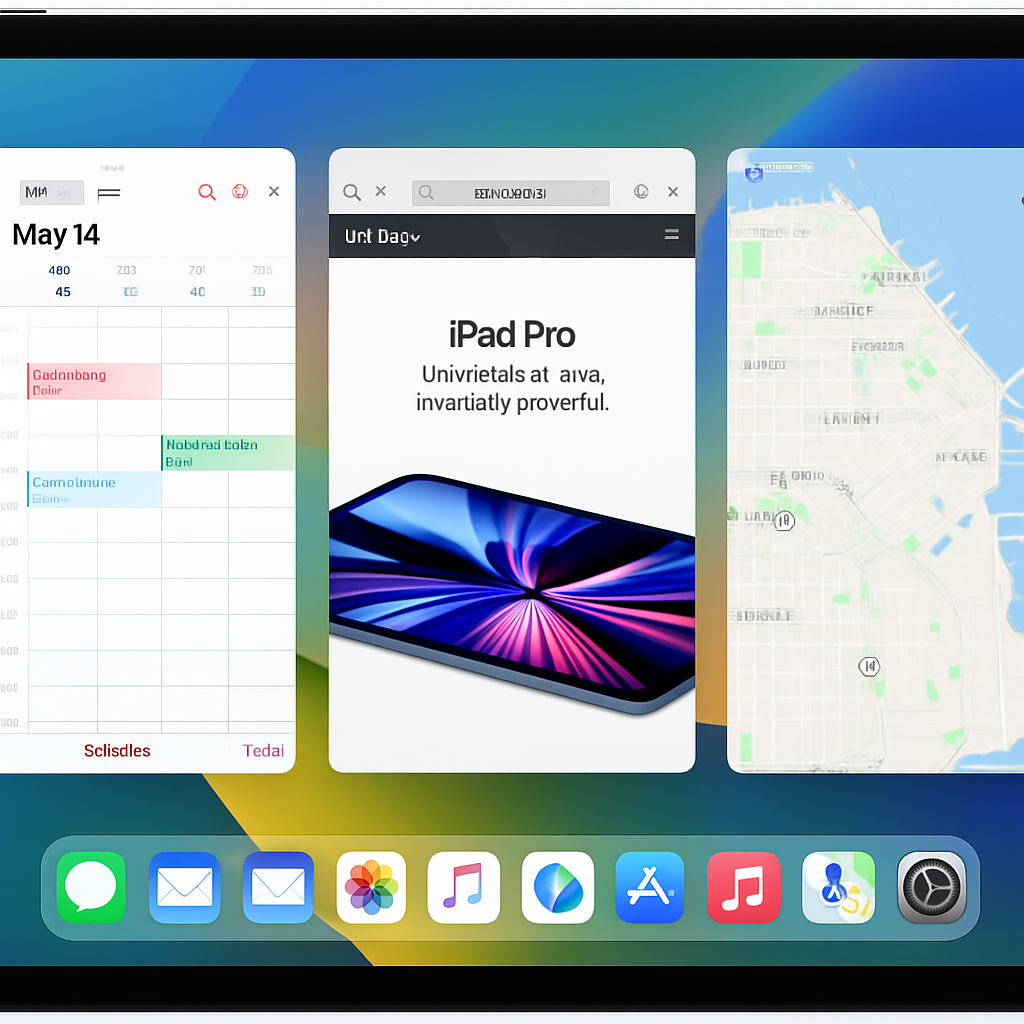
The introduction of a comprehensive app windowing system has been a game-changer. The ability to freely resize and position app windows has transformed my workflow, allowing for a more customized and efficient user experience. Additionally, the option to keep the dock visible at all times, reminiscent of macOS, has streamlined app access and organization. The enhanced Files app, now more akin to macOS’s Finder, coupled with the new Preview app, has significantly improved file management on the iPad.
Areas for Improvement
Despite these advancements, certain areas still require refinement. The ‘persistent size and placement’ feature, intended to maintain window configurations, occasionally fails, with apps reverting to fullscreen unexpectedly. This inconsistency disrupts workflow and is particularly noticeable given the iPad Pro’s robust hardware capabilities. Furthermore, while the reintroduction of Slide Over in iPadOS 26.1 is welcome, the inability to keep multiple apps in Slide Over simultaneously is a step back from previous versions. Additional issues include sluggish right-click responsiveness and challenges in precisely resizing app windows using a trackpad.
Overall, iPadOS 26 represents a significant leap forward in making the iPad a more viable primary computing device. However, addressing these lingering issues is essential for fully realizing the iPad’s potential as a comprehensive productivity tool.
Source: 9to5Mac