Apple has released iPadOS 26.6, an update that, while light on visible features, plays a crucial role in preparing iPads for the forthcoming iPadOS 27 and its enhanced Siri capabilities. This update includes security patches, bug fixes, and reliability improvements, with a significant focus on under-the-hood optimizations.
Early Siri Indexing for Seamless Transition
A key aspect of iPadOS 26.6 is its initiation of data indexing required for the new Siri AI features set to debut in iPadOS 27. This background process organizes information stored on the device, such as photos, messages, emails, notes, and files, enabling Siri to access relevant data swiftly when responding to user requests. By starting this indexing ahead of the iPadOS 27 release, Apple aims to minimize delays and ensure users can immediately benefit from Siri’s enhanced personal-context features upon upgrading.
Users may notice temporary increases in battery usage, device warmth, or system activity during this indexing process, especially if they have extensive data libraries. However, Apple has not specified the duration of this process, and it is designed to run unobtrusively in the background.
Enhanced Security Measures in Apple Maps
In addition to preparing for Siri AI, iPadOS 26.6 introduces stronger security protections for Apple Maps. The update includes a framework known as Maps Blastdoor, which extends sandboxing protections to the Maps app. This framework processes potentially untrusted data within a restricted environment before passing it to the main app, thereby preventing malicious code from accessing personal information or other parts of the operating system.
Originally introduced in iOS 14 for the Messages app, the Blastdoor service restricts file-system access, network communication, hardware interaction, and connections to most other system processes. While Apple has not detailed the specific inputs handled by the Maps implementation, it is likely to process information from servers, shared locations, links, place listings, images, and routing services, adding an extra layer of security to the Maps app.
Importance of Installing iPadOS 26.6
Although iPadOS 26.6 may not introduce many visible features, its focus on security enhancements and early Siri indexing makes it a significant update. By installing this update promptly, users can benefit from improved security measures and ensure a smoother transition to iPadOS 27, especially for those with large photo libraries, mailboxes, and file collections.
Apple conducted an extended beta cycle for iPadOS 26.6, testing five beta builds before releasing the final version with build number 23G71. This thorough testing process aimed to address stability and compatibility issues, ensuring a reliable update for all users.
Device Compatibility and Installation
iPadOS 26.6 is compatible with all iPads that support iPadOS 26, including:
- iPad Pro with M4 and later
- 12.9-inch iPad Pro, third generation and later
- 11-inch iPad Pro, first generation and later
- iPad Air with M2 and later
- iPad Air, third generation and later
- iPad, eighth generation and later
- iPad mini, fifth generation and later
To install iPadOS 26.6, follow these steps:
- Open Settings.
- Tap General.
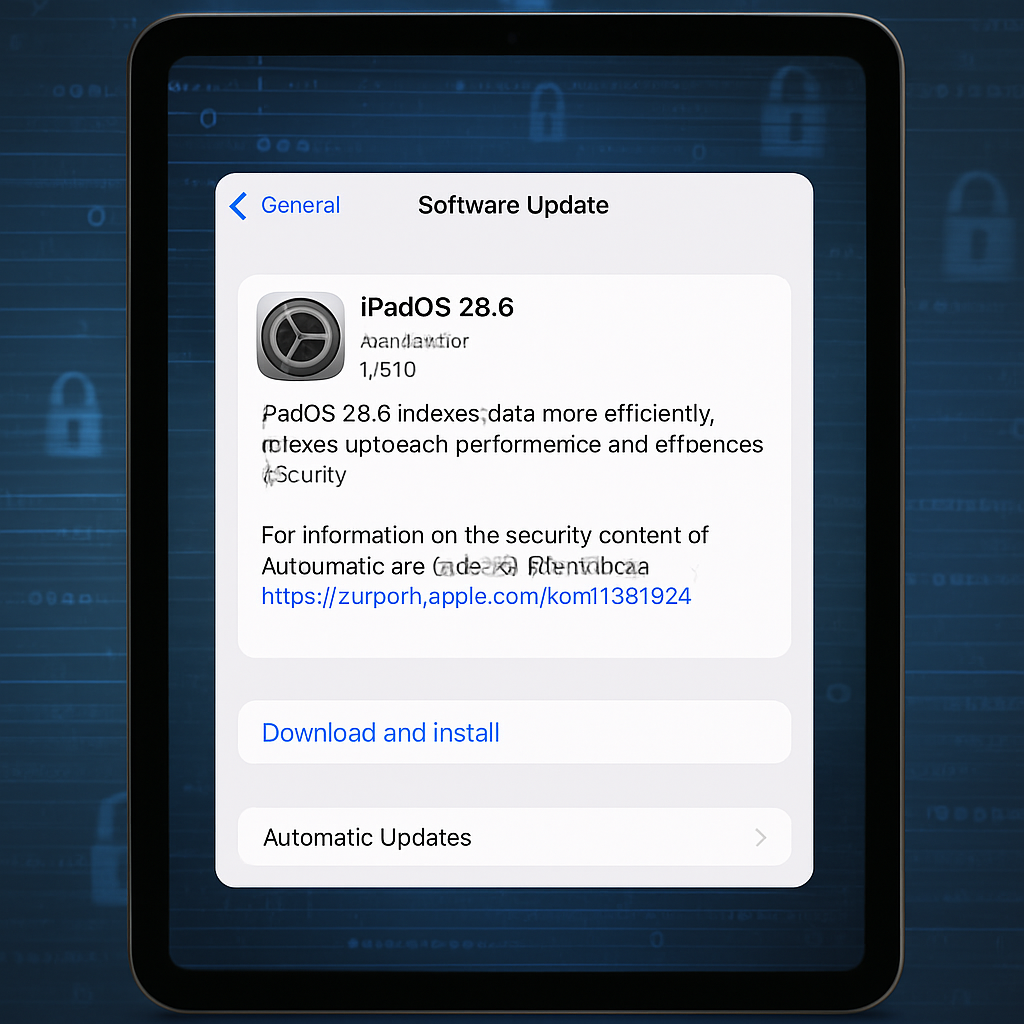
- Select Software Update.
- Tap Update Now or Update Tonight.
Ensure your iPad has sufficient storage space and is connected to a reliable Wi-Fi network and power source to prevent interruptions during the installation process. Note that software updates are rolled out gradually, so iPadOS 26.6 may not appear on all eligible devices immediately after release.
By proactively addressing security concerns and initiating the necessary preparations for upcoming features, iPadOS 26.6 exemplifies Apple’s commitment to enhancing user experience and device performance. Users are encouraged to install this update to benefit from these improvements and ensure a seamless transition to future software versions.