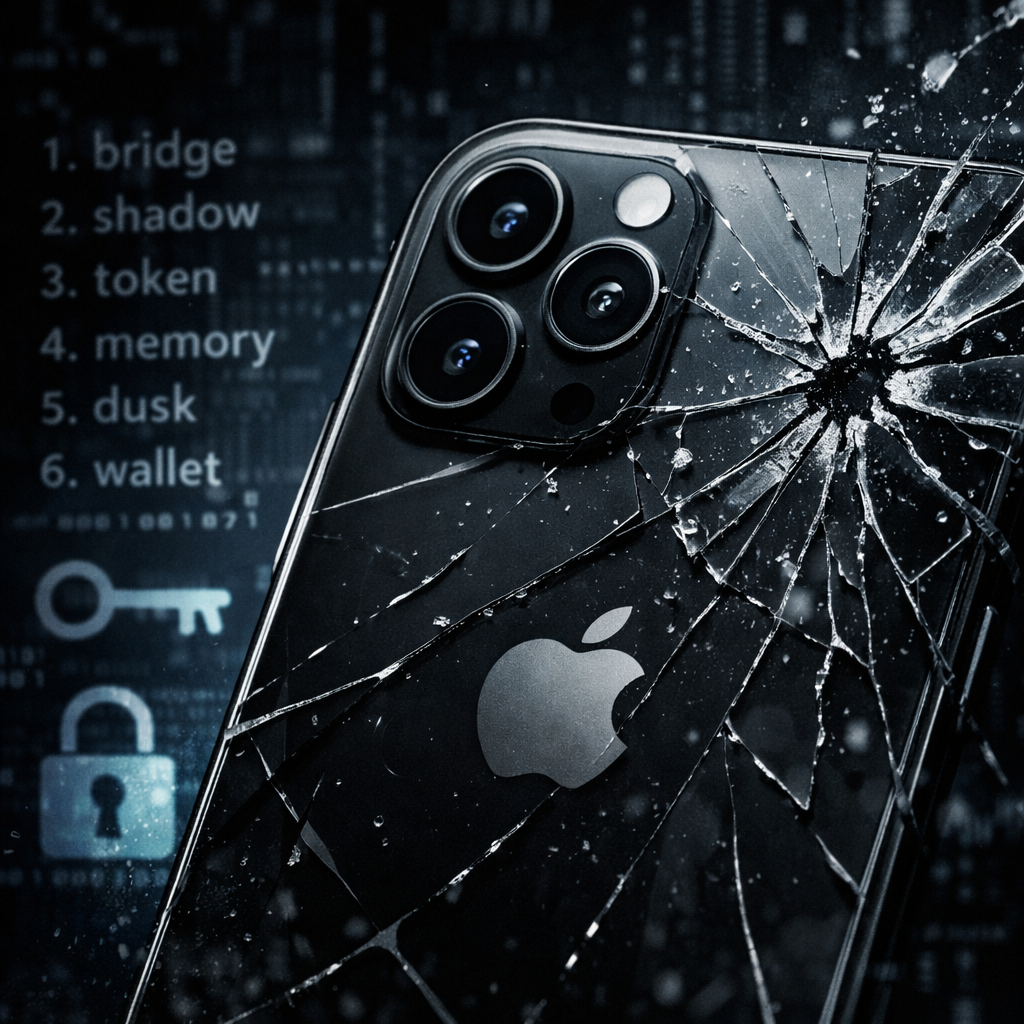
Binance has issued an alert that could send chills through crypto holders on iPhones. A flaw dubbed “worse_query” allegedly allows malicious apps to breach iOS’ sandbox protections and access files belonging to other apps—think seed phrases, private keys, and login data. The vulnerability impacts a broad set of systems, including iOS 26.7.1, 27.0.1, and 27.2.
What’s Going On
The issue stems from a sandbox escape vulnerability in iOS versions 26.0 through 26.7.2, plus 27.2. Its proof-of-concept work by researcher “forcequitOS” reveals that some apps can access folders they shouldn’t—like application data directories, shared App Group containers, and even parts of the system file structure. This isn’t just about Binance or any specific wallet; the flaw is baked into the operating system itself.
That said, having access to an app’s files doesn’t always translate to stolen private keys or drained wallets. Whether danger turns real depends entirely on how apps store and encrypt their sensitive information. Researchers warn that some untrusted or sideloaded apps could still read recovery phrases or browser cache data if those files aren’t properly protected.
What You Should Actually Do
Binance recommends removing any apps installed from outside the App Store or those signed manually via IPA files. Also, make sure iOS and your apps are updated. Apple rolled out updates on November 9—namely iOS 27.2.1 and 26.7.3—but it’s still unclear whether those updates definitively close this specific hole.
If you suspect your wallet was exposed, move your crypto funds to a new wallet created on a clean device. Resetting all login sessions and starting fresh might be your best bet.
Why this matters: Wallets and recovery phrases are digital gold in crypto. App isolation has been a bedrock security feature for years; a vulnerability like this undercuts that trust. For now, it’s a reminder that the weakest link may not be hackers, but how data is stored and updated.
Analytical take: This flaw highlights a tension in mobile OS design—between granting apps enough functionality to offer rich features, and locking them down strictly to protect user data. Developers need to assume that anything stored locally may be accessed maliciously, and build encryption by default. On the platform side, expect scrutiny of Apple’s update timeline—and whether fixes fully restore sandbox protections. For everyday users, it’s time to audit what you install, check your iOS version, and assume nothing worth protecting should go unencrypted.