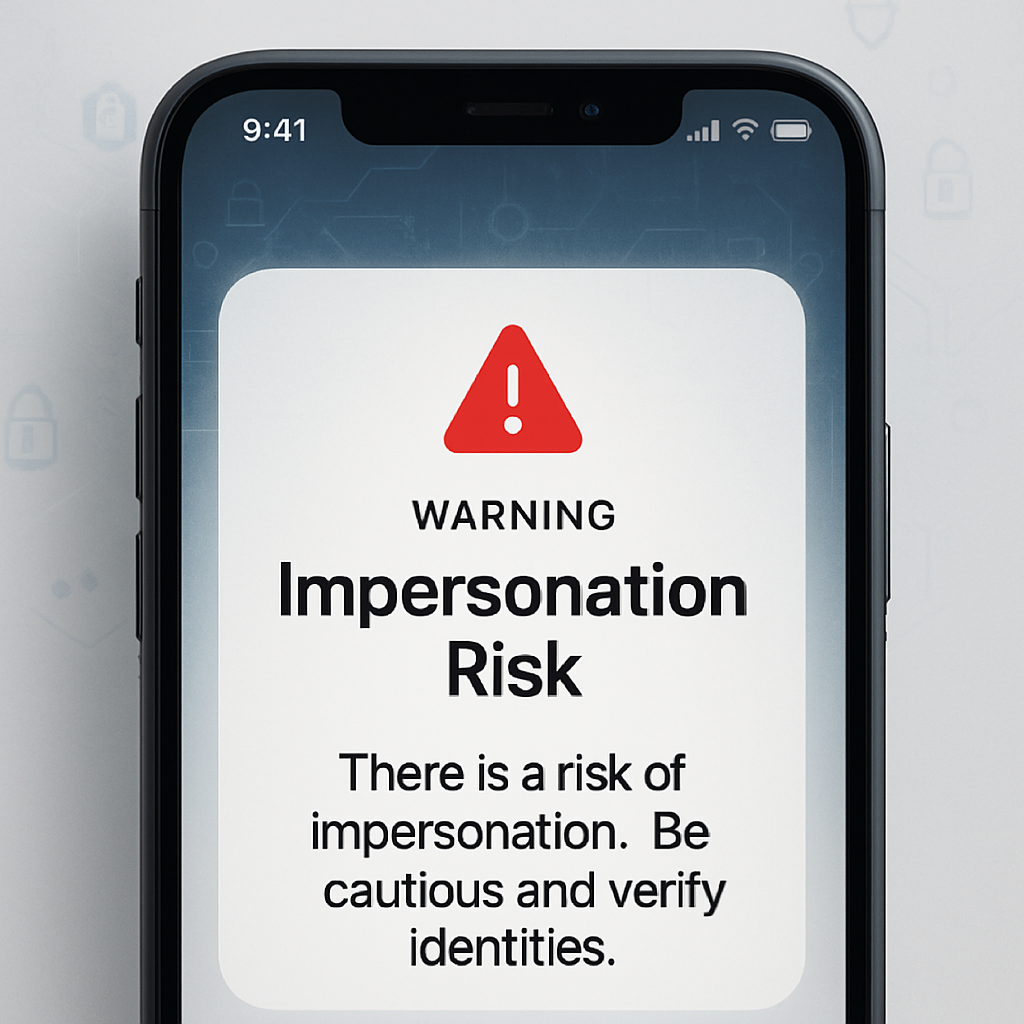
With the rollout of iOS 27, iPhones have gained a new tool aimed at curbing scams in real time. The feature, called Impersonation Risk Detection, is designed to identify when someone may be pretending to be a trusted entity—like a bank, government body, or personal contact—in order to dupe users into sharing sensitive information or making harmful changes.
What Impersonation Risk Detection Actually Does
Traditional defenses—such as two-factor authentication or spam call and message filters—often fail when social engineering is involved. That is, when the scammer convinces you to take action. Impersonation Risk Detection seeks to plug that gap. It assesses data from your device and Apple Account to spot indicators of an active scam. Though apps receive only a risk level—not the raw data—the detection system can alert you if there are medium or high risk signs, prompting additional authentication, displaying warnings, or possibly introducing delays.
Turning It On & What to Expect
The new setting is off by default. To enable it, go to Settings > Privacy & Security > Impersonation Risk Detection, then toggle on “Share with App Developers.” Once active, supported apps can ask Apple for a risk rating tied to your activity and respond accordingly—showing warnings, requesting verification, or otherwise intervening.
Risk levels come in three kinds: “Unknown” means no red flags, “Medium” indicates some signs of suspicious behavior, and “High” signals significant indicators that something may be off. Apple is only now beginning to roll out this integration—apps must be updated or built to work with the system, and there’s no public list yet of whom those apps are.
Importantly, while the system examines internal account data and device signals to calculate risk, developers don’t get to see these details. They receive only the risk level (unknown, medium, or high), enabling privacy-preserving detection.
Alongside Impersonation Risk Detection, iOS 27 includes other scam prevention tools, building on Apple’s previous work in fight-spam, fraud-calls, and security overhauls.
It’s wise to enable this setting immediately, especially for anyone who receives messages or calls regularly from unfamiliar numbers or organizations. Once apps support it, this protection could make a real difference.
What to Watch For: The effectiveness of this feature will depend heavily on which apps adopt it—and how they use the risk levels. Users will need to judge whether warnings or extra steps are helpful or overly cautious. Also worth monitoring will be how well the system balances identifying real threats without generating false positives.