With iOS 27 due out this September, Apple is rolling out several new Lock Screen features that go beyond the headline Siri update. These enhancements aim to give iPhone users far more control over how their phones greet them—without altering what’s under the hood. Here are five of the most notable changes coming to the Lock Screen.
Wallpaper That Grows, Clock That Shrinks
The new wallpaper extension feature lets you expand photos so they fill the Lock Screen more seamlessly, even if the original image leaves gaps or doesn’t match the screen’s aspect ratio. Apple Intelligence fills in the edges, generating matching background content to avoid excessive cropping. This “Extend” option will also appear inside the Photos app. ([macrumors.com](https://www.macrumors.com/2026/08/21/ios-27-five-new-features-iphone-lock-screen/))
If you’d rather the clock take a back seat so your wallpaper shines, iOS 27 adds a “Tiny Clock” layout. Found in the Font & Color settings, this option shifts the time off-center—top right—and makes it far smaller, nesting it beside the date and widgets. It’s a sharp contrast to last year’s design, where the time dominated the Lock Screen. ([macrumors.com](https://www.macrumors.com/2026/08/21/ios-27-five-new-features-iphone-lock-screen/))
AI Wallpapers, Liquid Glass, and Siri That Doesn’t Take Over
Apple has also expanded its Image Playground tool with AI-generated wallpapers. Users can now type in a description—style, subject, whatever—and iOS 27 will generate a unique background tailored to those preferences. Once generated, the new image can go straight onto the Lock Screen without extra steps. ([macrumors.com](https://www.macrumors.com/2026/08/21/ios-27-five-new-features-iphone-lock-screen/))
Aesthetic tweaks continue with Liquid Glass customization. Rather than a one-size-fits-all translucent effect, iOS 27 introduces a full opacity slider in Settings ➝ Appearance ➝ Liquid Glass. You can adjust fluid effects that overlay widgets, notifications, and the clock—to make them clearer, more subtle, or somewhere in between. While not exclusive to the Lock Screen, these changes directly influence its look and legibility. ([macrumors.com](https://www.macrumors.com/2026/08/21/ios-27-five-new-features-iphone-lock-screen/))
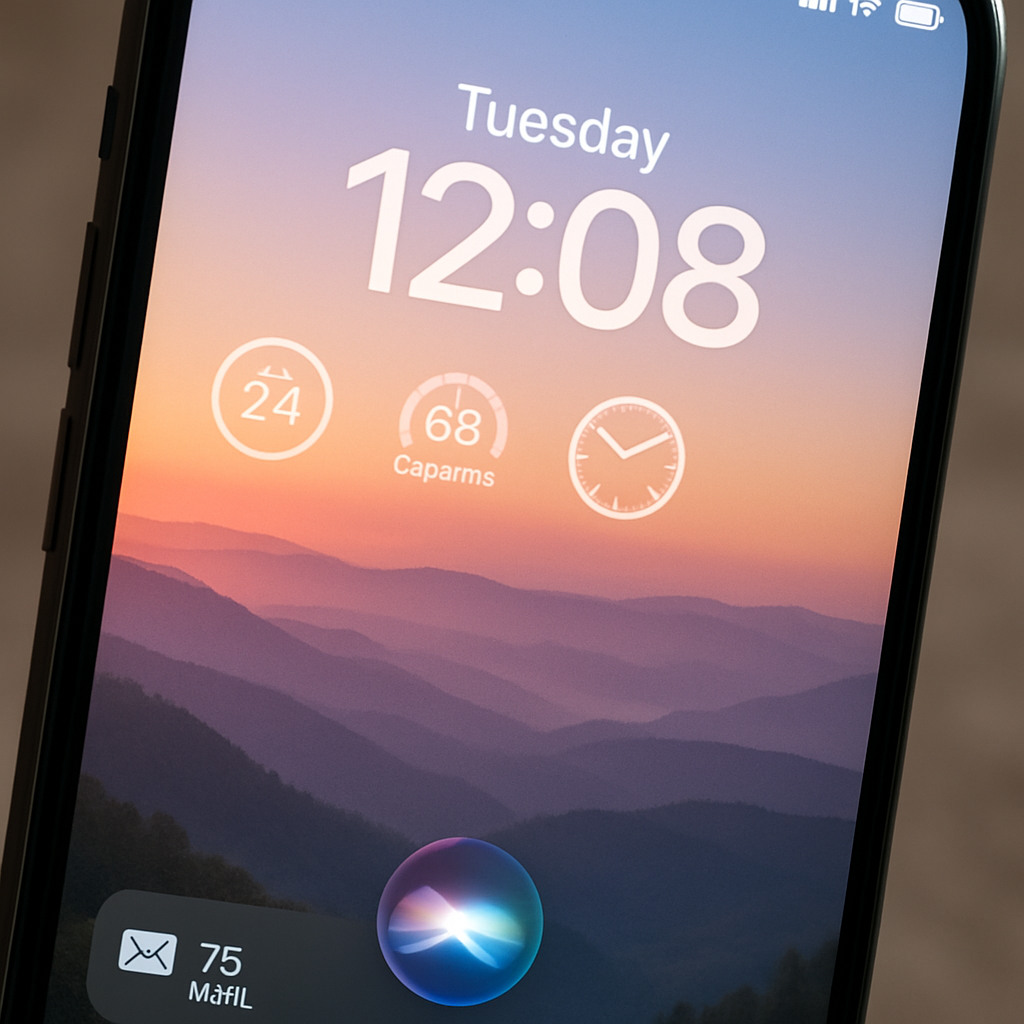
Finally, the redesigned Siri interface offers a more integrated experience when sleep mode or idle screen is active. The prior glowing border is gone. Instead, a dynamic swirling orb appears in and around the Dynamic Island. Siri prompts and responses now occupy a compact, focused overlay rather than dominating the full Lock Screen. ([macrumors.com](https://www.macrumors.com/2026/08/21/ios-27-five-new-features-iphone-lock-screen/))
All these features are available in the current iOS 27 public beta ahead of the full rollout in September. ([macrumors.com](https://www.macrumors.com/2026/08/21/ios-27-five-new-features-iphone-lock-screen/))
These refinements reflect Apple’s broader push to let users control style and context without sacrificing usability. Allowing the clock to shrink, adding AI-generated wallpapers, and giving opacity control to Liquid Glass means the Lock Screen becomes a creative canvas—not just a notification hub. As these new tools arrive, it will be interesting to see how developers and users experiment with what one of the first things we see every day looks like. What designs will emerge when Apple makes the entrance this customizable?