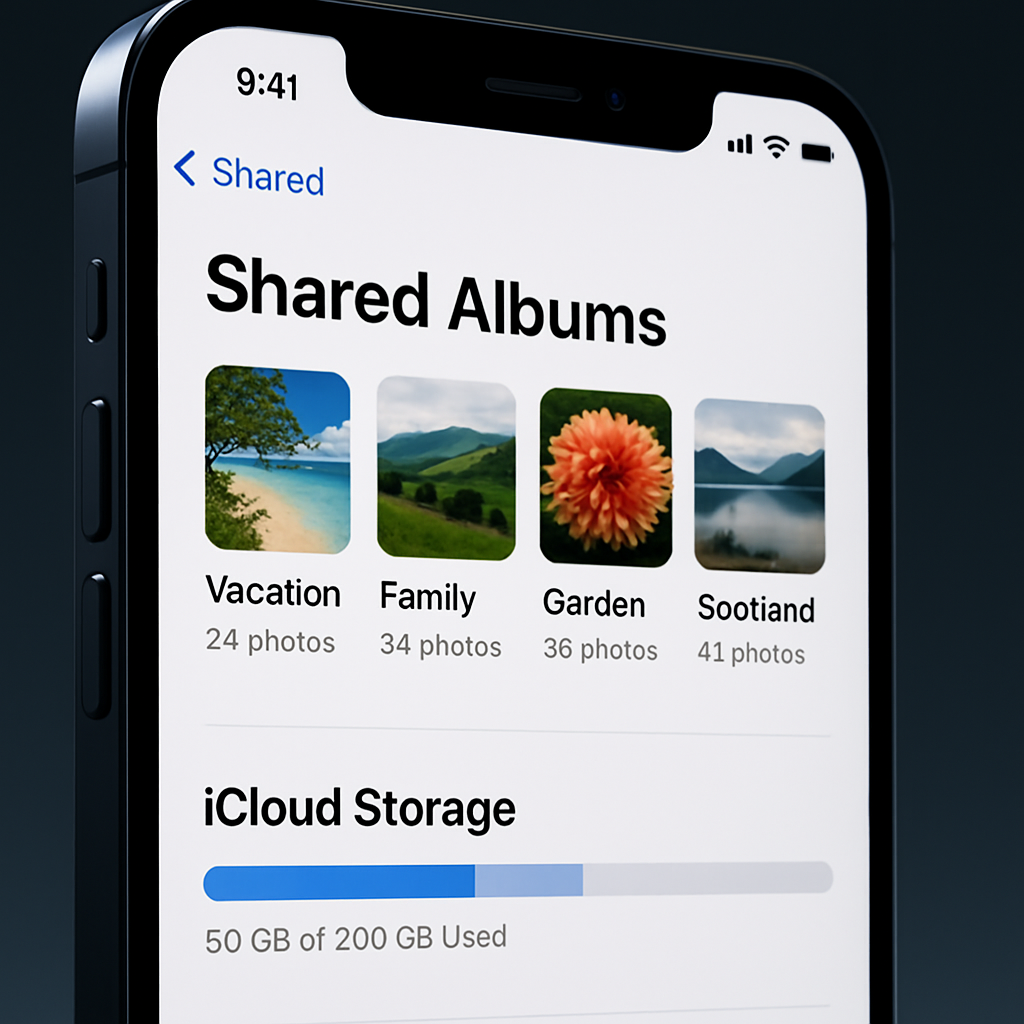
With iOS 27, Apple has overhauled how Shared Albums work in the Photos app. The biggest shift: photos and videos added to new Shared Albums will be stored at full resolution—and yes, they’ll now consume your iCloud storage, including any media others contribute when you invite them.([macrumors.com](https://www.macrumors.com/2026/08/20/ios-27-shared-albums-eat-into-icloud-storage/))
What’s Changing
Under older iOS versions, Shared Albums used to automatically downscale images to a maximum of 2,048 pixels along the long edge (with panoramas allowed up to 5,400 pixels in width). Shared Album content didn’t count against your iCloud storage quota, even if up to 5,000 items were stored.([macrumors.com](https://www.macrumors.com/2026/08/20/ios-27-shared-albums-eat-into-icloud-storage/))
iOS 27 ends both of those exceptions. New Shared Albums will now retain full resolution for all media. All items—regardless of origin—added to Shared Albums will contribute to the owner’s iCloud storage usage. That includes photos/videos added by people you’ve invited.([macrumors.com](https://www.macrumors.com/2026/08/20/ios-27-shared-albums-eat-into-icloud-storage/))
Additional Changes & User Options
One of the more user-friendly updates: people without Apple devices or Apple IDs can now participate. Friends on Android or Windows can view and even contribute to Shared Albums via iCloud.com. This broadens the potential scale of contributions—and hence the impact on storage usage.([macrumors.com](https://www.macrumors.com/2026/08/20/ios-27-shared-albums-eat-into-icloud-storage/))
Existing Shared Albums are unaffected by the changes unless you decide to “Upgrade Shared Album” in Photos. Upgrading will convert older albums to full resolution, but you’ll pay for that upgrade in iCloud storage.([macrumors.com](https://www.macrumors.com/2026/08/20/ios-27-shared-albums-eat-into-icloud-storage/))
As of this report, documentation from Apple has not yet caught up with these changes in its support pages. Also worth noting: iOS 27 is currently in public beta, with full release expected in September.([macrumors.com](https://www.macrumors.com/2026/08/20/ios-27-shared-albums-eat-into-icloud-storage/))
Why It Matters
This shift breaks a long-standing feature distinction. Shared Albums were once a popular way to share media without sacrificing iCloud storage. Now, anyone using Shared Albums at scale—or collaborating with others—may see their storage fill up much faster. If your iCloud plan is minimal, this could lead to unexpected upgrades—or more selective sharing.
Users should double-check how many Shared Albums they actively use, especially if collaborative, and how often photos/videos are contributed by others. For those clutching the free 5 GB storage—set to continue with new iPhone models—this change is especially painful.([macrumors.com](https://www.macrumors.com/2026/08/20/ios-27-shared-albums-eat-into-icloud-storage/))
For most users, this change underlines an ongoing tension between preserving image quality and managing storage costs. Apple seems to be pushing users toward higher-tier storage plans—particularly as high-resolution media becomes standard.